
Cuboid Sandbox Guide: Getting started in your build area
About
OverviewCuboid Sandbox is a free-form building game where you place blocks to create whatever you can imagine, with no rules and no time pressure. You can build alone or with friends, and everything you make is saved automatically so you can pick up right where you left off.
What is on this page
Contents
Getting started in your build area
Step
When you join, you get your own build area ready to go. Before you start on anything big, take a moment to look around and test the basic controls.
- Look around walk around your area to get a feel for how much space you have to work with.
- Try placing a block place one block somewhere, then remove it, so you know both controls before you need them.
- Change the color pick a color for a block to see how the color picker works.
MetaNew Player Survey
The next survey is being prepared.
Building with blocks
Tips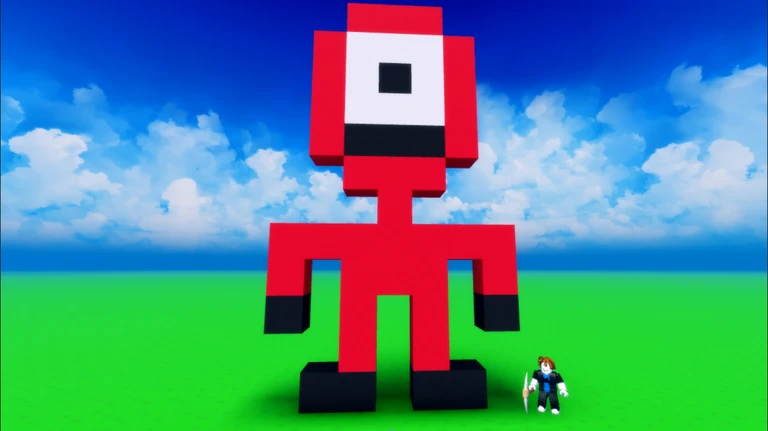
Blocks come in a range of colors and can be placed, moved, or deleted at any time, so there is no penalty for experimenting.
- Color changes the look of a build dramatically even when the shape stays exactly the same.
- Add lighting to your build to make it look more three-dimensional.
- Because you can delete and replace blocks freely, treat early attempts as drafts rather than mistakes.
Vehicles — hoverboard, car, and rocket
Summary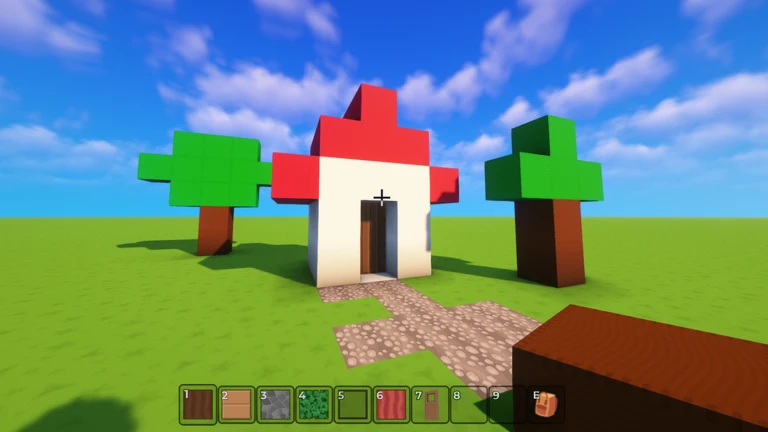
Three vehicles are available: hoverboard, car, and rocket. They bring your builds to life.
- Hoverboard suited to smooth gliding courses with a floating feel.
- Car the natural fit for race tracks and roads.
- Rocket adds vertical action when your build goes upward.
Doors and realistic entrances
Check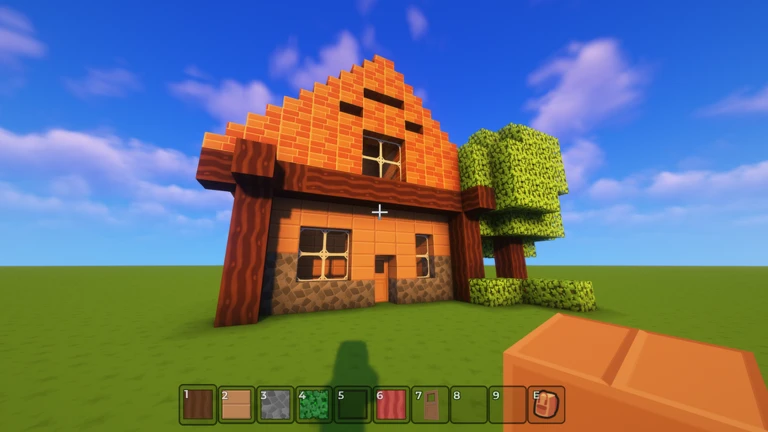
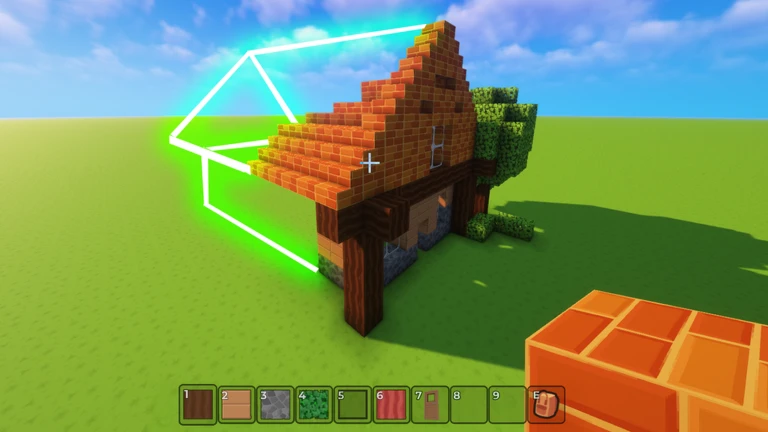
Doors were added to the game so that houses, shops, halls, and any other enclosed building can have a real entrance. They can be customized in color and size.
- Use a door wherever a build needs a way in and out.
- In multiplayer, doors work well as dividers between areas that different players are responsible for.
Saving and returning to your build
Warn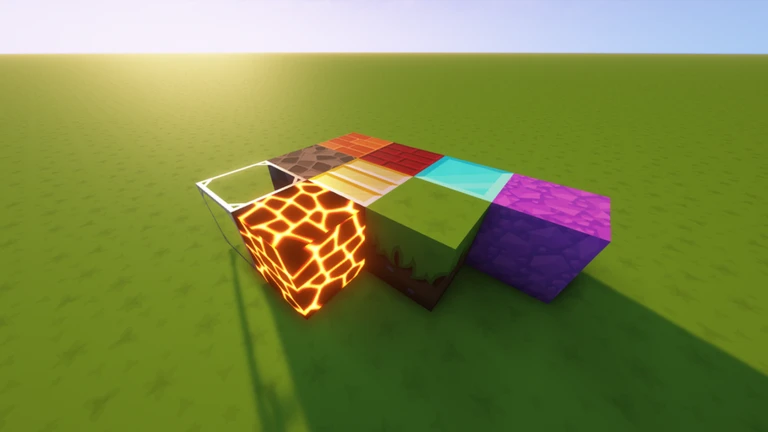
Everything you place is stored on a private server tied to your game. Logging out does not erase your progress.
Glossary
Glossary- Private server
- A separate server space where your build is saved automatically, so your progress is never lost on logout.
- Hoverboard
- A vehicle that glides smoothly, suited to ramps and courses where a floating feel fits.
- Multiplayer mode
- A mode where you and friends enter the same shared world and build at the same time.
- Today's top build
- A daily feature where the best screenshot submitted to the communications server gets displayed at the in-game spawn point.
Common questions
FAQDoes my build disappear when I log out?
No. Every build is saved automatically to a private server. The next time you log in, everything will be exactly where you left it.
Do I need to spend Robux to unlock blocks or vehicles?
No. All blocks, vehicles, and doors are available at no cost.
How does the daily top build feature work?
Take a screenshot of your finished build and submit it on the game's communications server. Each day one build is chosen and displayed at the spawn point where every player can see it.
Game updates can change what is on this page. If you spot something, get in touch and let us know.
