
Avatar Outfit Creator Guide: First steps when you join
About
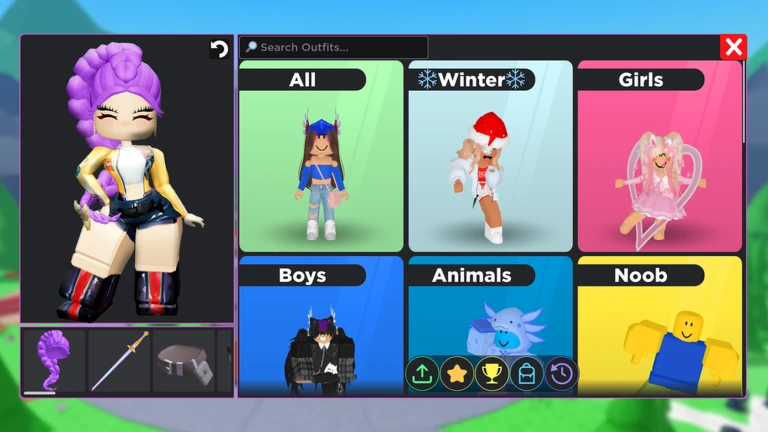
OverviewAvatar Outfit Creator lets you browse thousands of Roblox catalog items, try them on your avatar for free, and buy what you want — all without leaving the game. Anything you purchase lands in your Roblox inventory immediately and works in every other Roblox game. This guide walks you through shopping, Photo Studio, the weekly leaderboard, and how to get the most out of the game whether you spend Robux or not.
What is on this page
Contents
First steps when you join
Step
The game hands you a tutorial the moment you open Photo Studio for the first time; finishing it unlocks the Photo Studio: Tutorial badge and sets you up to use every feature. Before you dive into shopping, walk around the map until you spot the Medal Building, which earns you the Medal Sightseer badge. Buying any item — free ones count — gets you the Buy an Item badge right away.
- Open Photo Studio the tutorial starts automatically and teaches the core tools.
- Explore the map locate the Medal Building to earn the Medal Sightseer badge.
- Try on anything you like previewing is always free and never charges Robux.
- Buy one item even a free item triggers the badge and locks in the purchase to your Roblox inventory.
- Upload a photo to the Feed this earns you the My First Photo badge and gets your work in front of the community.
How Photo Studio works
Step
Photo Studio lets you pose your avatar with detailed animations, set up a background, and then share the finished image directly with friends or the wider community. The tutorial walks you through each of these steps in order. Once you are comfortable, try building a cinematic scene — the game is designed to produce professional-looking shots, not just quick selfies.
- Open Photo Studio to enter the mode.
- Complete the tutorial it covers every tool and awards the Photo Studio: Tutorial badge.
- Choose a pose pick from the detailed animation library to get your avatar into position.
- Set the scene adjust the background to create the mood you want.
- Share to the Feed uploading earns the My First Photo badge and enters your work into the community.
The weekly leaderboard and UGC rewards
Summary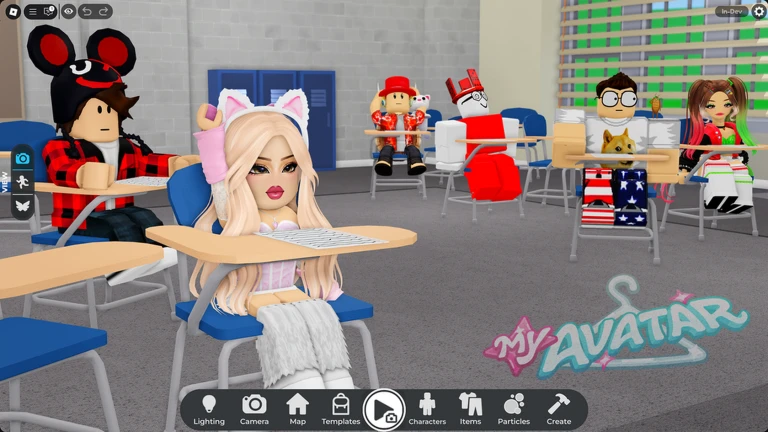
Each week the leaderboard ranks outfits by how highly the community rates them. Reaching the top earns exclusive user-generated content items. Because the competition resets weekly, you can keep entering new looks without a single previous result counting against you.
- Entry cost free; you do not need to spend Robux to compete.
- Reset schedule the leaderboard clears and restarts every week.
- Ranking mechanic community ratings from other players move your outfit up or down.
- Top reward exclusive UGC items for the highest-rated outfits.
What costs Robux and what does not
Check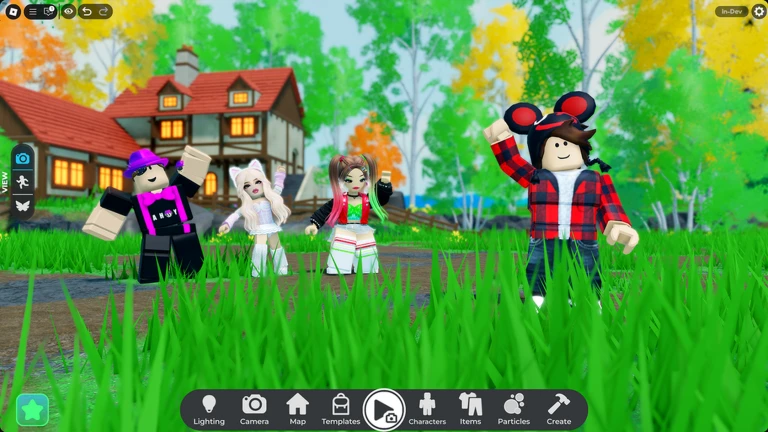
Understanding where Robux is and is not needed helps you enjoy the game without surprises. The free features cover a lot of ground, so you can spend a long session in the game without opening your wallet.
- Trying on any catalog item free, no limit.
- Using Photo Studio, including all poses and scene tools free.
- Sharing photos to the Feed free.
- Competing on the weekly leaderboard free.
- VIP servers free.
- Purchasing catalog items to keep in your Roblox inventory requires Robux.
Keeping purchases safe
Warn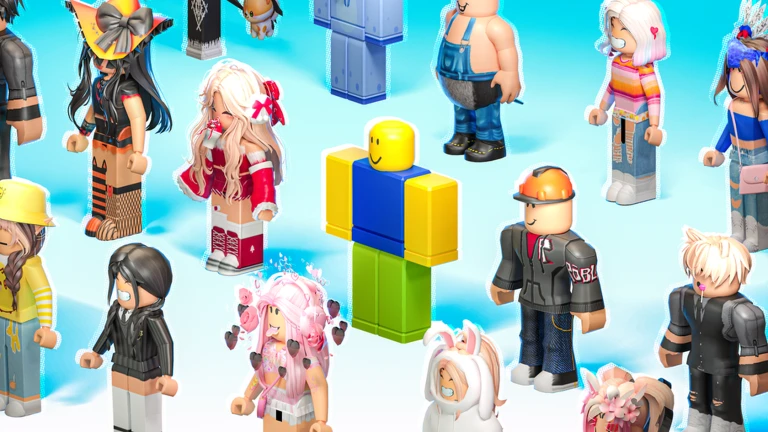
Because purchased items appear in your Roblox inventory immediately and carry over to every other Roblox game, an accidental buy is hard to undo. The try-on feature exists exactly to prevent this — use it every time.
Glossary
Glossary- UGC
- User-generated content — items designed by other players that you can earn as rewards from the weekly leaderboard.
- Robux
- Roblox's paid currency, used to purchase catalog items in-game.
- Catalog
- The full list of items available to try on or buy, searchable by category.
- Try-on
- A free preview that puts an item on your avatar so you can see how it looks before spending Robux.
- Photo Studio
- The scene-building mode where you pose your avatar, set a background, and take shareable photos.
- Feed
- The in-game community board where players post and browse photos.
- Leaderboard
- A weekly ranking of outfits rated by the community, with exclusive UGC items awarded to top finishers.
- Inventory
- Your personal Roblox collection of owned items — anything you buy here appears there instantly.
Common questions
FAQDo items I buy here work in other Roblox games?
Yes. Every item you purchase appears in your Roblox inventory immediately and can be worn in any other Roblox game.
Can I compete on the leaderboard without spending Robux?
Yes. Entering the weekly leaderboard is free, and your ranking depends on how the community rates your outfit. Top-rated outfits earn exclusive UGC rewards.
What does the Photo Studio tutorial actually teach me?
It walks you through opening Photo Studio, posing your avatar with the animation tools, setting up a scene, and sharing a photo. Finishing it earns the Photo Studio: Tutorial badge.
Game updates can change what is on this page. If you spot something, get in touch and let us know.
