

 Live now
–
Live now
–
Game guide
Anime Ability Arena Guide: Basic controls on every device
Is this game fun?2 votes
Fun 50%1Average 50%1Not fun 0%0
About
OverviewAnime Ability Arena is a fast-paced Roblox battle game where you fight other players on an island using anime-inspired abilities and earn Yen to unlock new ones. This guide covers the controls, how to earn Yen, how to pick and use abilities, and what to do when you keep losing.
What is on this page
Contents
01
Basic controls on every device
Table
02
Getting started without getting wrecked
Step
03
Live and upcoming events
Events
04
Earning Yen
Tips
05
Picking and learning a new ability
Step
06
Attack chains and positioning
Tips
07
Fixing a losing streak
Check
08
Mobile and tablet comfort
Warn
09
Rules and account safety
Warn
10
Glossary
Words
11
Common questions
FAQ
01
Basic controls on every device
Table
In short
Four inputs form the foundation of every fight, and they stay the same no matter which ability you are using.
On PC, four keys cover everything you need in a fight. Mobile and tablet players use an on-screen virtual stick on the left side to move and buttons on the right side to attack and aim. Xbox and PlayStation show their own button prompts. The exact button layout can shift after an update, so always check what is currently shown on your screen.
| M1 (left click) | basic attack |
| E | light attack |
| R | heavy attack, high impact but easy to miss if the opponent is moving |
| Q | dash, moves you a short distance quickly for closing in or escaping |
02
Getting started without getting wrecked
StepIn short
Checking for Beginner Servers and setting a simple first goal gets you comfortable with the controls before the pressure mounts.
When you first load in, look in the lobby for a Beginner Servers entrance and use it if it is available. Your first goal should not be winning; it should be landing one hit and then dashing away. Repeat that loop until the four controls feel natural.
- Check for Beginner Servers look in the lobby before joining a main match
- Learn the four keys get M1, E, R, and Q into muscle memory
- Set a small goal aim to land one hit then dash out
- Check the Yen counter if it ticks up after your attack, you landed it; if not, you probably missed
03 Live and upcoming events
Events
Events running now or coming soon. They have fixed dates, so check them first.
Live now
–
04
Earning Yen
Tips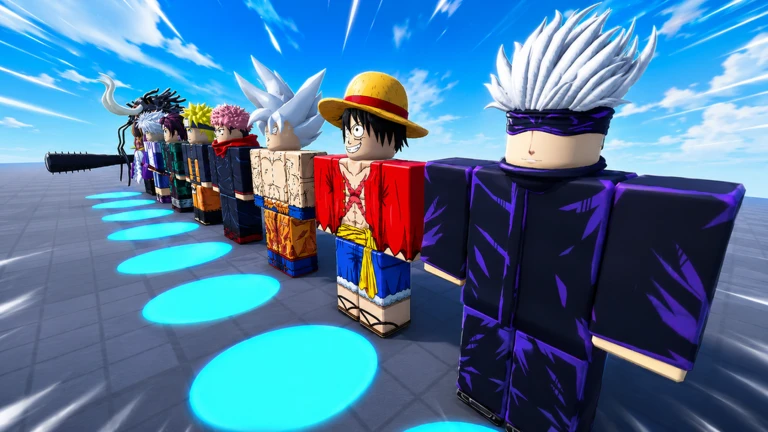
In short
Spreading hits across multiple opponents is safer and earns Yen faster than chasing a single player across the map.
Yen goes up when you land hits and when you defeat opponents. Once your cumulative Yen reaches the threshold for an ability, that ability unlocks automatically. Always check the ability screen in the current game for the exact unlock conditions, since they can change with updates.
Tips worth knowing
- Only attack opponents within comfortable range so your hits actually connect
- Dip into nearby fights from the outside rather than chasing one person across the whole island
- Reposition after every exchange
- Check the in-game ability list for current Yen thresholds
05
Picking and learning a new ability
Step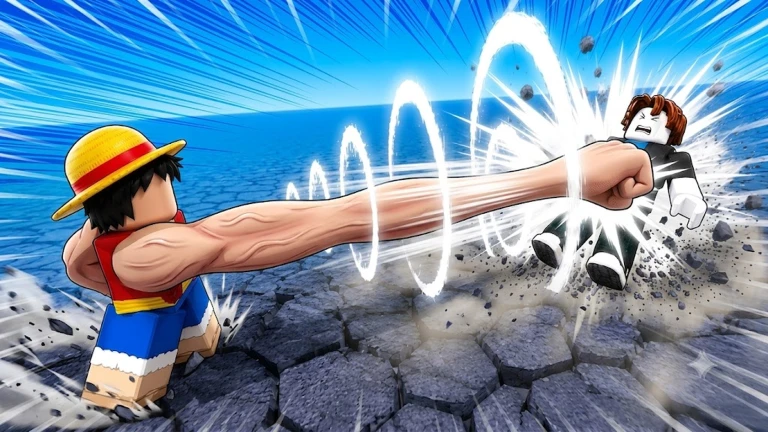
In short
Testing an ability's range and movement before committing to a fight stops you from getting caught off guard by how it actually behaves.
Switching abilities does not change which buttons you press, but it does change how far your attacks reach, how fast they come out, how much they push opponents, and how far Q moves you.
- Try M1 and E first get a feel for the range before you touch anything else
- Test R find out how fast it comes out and when opponents are still enough to actually get hit by it
- Check Q note how far and in what direction you travel, and whether it works as an escape as well as a chase tool
- Close-range abilities always pair them with a way to get back out before committing
- Long-range abilities practise aiming at where the opponent is going, not where they are right now
- Push abilities be aware that heavy knockback near the edge can send you off too if you follow through too far
06
Attack chains and positioning
Tips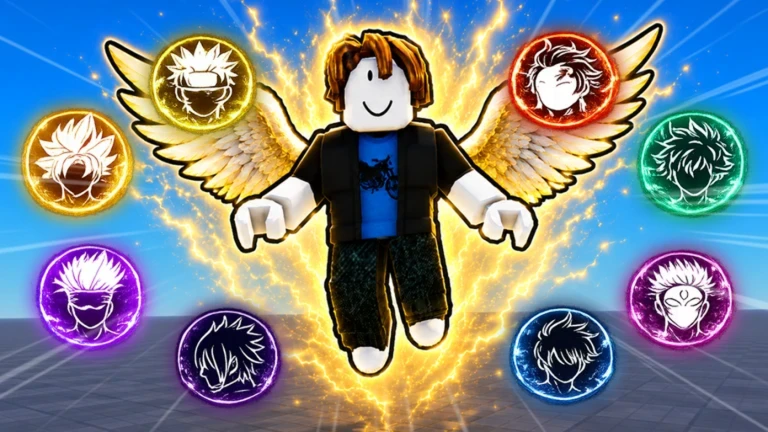
In short
A short reliable chain beats a long flashy one that falls apart the moment the first hit misses.
Confirm that M1 or E connected before committing to R, and keep Q in reserve for getting out rather than spending it before the fight starts. After you knock someone out, move immediately.
Tips worth knowing
- Only use R after you have confirmed M1 or E actually hit
- If your first attack misses, stop the chain, step sideways, and wait for your attacks to come back off cooldown
- Keep at least one use of Q available for escaping, not just for chasing
- Move away from the spot where you got a knockout
- Watch for opponents who have just used their dash or a big attack, since that is the easiest moment to land your own hits
- With any new ability, find a safe corner first and check how far forward you travel after your attacks so you do not walk off the edge by accident
07
Fixing a losing streak
CheckIn short
Isolating one mistake per session and sticking with the same ability long enough to see whether the fix worked is the fastest way to improve.
When you keep losing, changing ability every match hides the real problem. Stick with the same one for several games so you can actually spot what is going wrong.
- Yen is not going up your attacks are probably missing; close the gap or wait for a cleaner moment to strike
- Falling off the island repeatedly check whether you still have Q before fighting near the edge
- Getting focused by two or more players stop fighting and dash to the outside of the island instead of trying to hold your ground
- Back facing the edge reposition so the open island is behind you, not the drop
- Switching ability every match pick one and run several matches with it so you can identify what to fix
- Using R from too far away save it for moments when the opponent is not moving freely
Stuck? Try a video
Noob to Master in Anime Ability Arena Noob to Pro!
Anime Ability Arena Roblox All Abilities - Showcase
How To GET YEN FAST in Anime Ability Arena! (BEST METHOD) Roblox
08
Mobile and tablet comfort
Warn
In short
Pointing the camera at your target before tapping an attack button removes most of the misdirection that trips up touch players.
The left virtual stick handles movement and the right side of the screen handles both the camera and the attack buttons. If the game starts to stutter, lowering the graphics quality in the Roblox settings helps.
Worth watching out for
Aim the camera at your opponent before tapping any attack button
Double-check the position of dash and heavy attack on screen
they are close together and easy to mix up under pressure
Drop graphics quality in Roblox settings if the screen is lagging
Play on a stable connection
Rest the device if it gets hot
09
Rules and account safety
WarnIn short
Exploits and external scripts risk a permanent ban, and fake Robux or ability sites are after your account password.
The game bans exploiting, cheating, using alternate accounts to farm Yen, and abusing bugs. A violation can result in a permanent ban from the game. Younger players should go through any Robux purchase with a parent or guardian before confirming it.
Worth watching out for
Do not use external scripts, auto-aim tools, or any program that plays for you
Do not use a second account to farm Yen
Do not abuse glitches to affect the outcome of a match or a reward
Never enter your password or verification code into any outside website offering free Robux or free abilities
If someone is harassing you, mute, block, and report them rather than responding
Check any Robux purchase with a parent or guardian before confirming
Glossary
Glossary- Yen
- The in-game currency you earn by landing hits and defeating opponents; reaching cumulative thresholds unlocks new abilities.
- M1
- The basic attack, performed with left click on PC.
- Light attack (E)
- A quick attack mapped to E on PC.
- Heavy attack (R)
- A powerful attack on R that is easy to miss if the opponent is moving, and leaves you open to a counter if it whiffs.
- Dash (Q)
- A short burst of movement on Q used both to close in on opponents and to escape dangerous situations.
- Cooldown
- The waiting period after using an attack before you can use it again.
- FFA (free-for-all)
- The match format where every player fights every other player, meaning threats can come from any direction.
- Ring-out
- Being knocked or falling off the island edge, ending your involvement in that exchange.
- Ability / moveset
- The full set of attacks tied to a character; switching character changes how M1, E, R, and Q behave.
- Beginner Servers
- Separate matches for players still learning the controls, accessible from the lobby when the option is shown.
Common questions
FAQDoes spending Yen remove it from my total?
Abilities unlock automatically when your cumulative Yen reaches the required threshold. Check the current ability screen in the game for exact thresholds, as they can change after updates.
Do I need to buy anything to be competitive?
There are paid options in the game, but several abilities unlock for free as you earn Yen. Try everything available for free before considering a purchase.
Can I play with a friend?
The standard matches are free-for-all, so a friend who joins the same server becomes an opponent. If the lobby shows a duel option, read the current rules shown in-game before entering. Using a second account to farm Yen for your main account is against the rules and can result in a permanent ban.
Is the game playable on mobile without being at a big disadvantage?
The game supports PC, mobile, tablet, Xbox, and PlayStation, and the core gameplay is the same on all of them. Turning down graphics quality helps if the game feels slow on your device.
What do I do if I keep falling off the island?
Make sure Q is available before you engage anyone near the edge, and try to keep the open island behind you rather than the drop. Some abilities push you forward after the attack animation, so test yours in a safe spot first so you know how much ground you cover.
Updated Sep 6, 2026
Game updates can change what is on this page. If you spot something, get in touch and let us know.
Game updates can change what is on this page. If you spot something, get in touch and let us know.
