
Drift 36 Guide: First steps when you load in
About
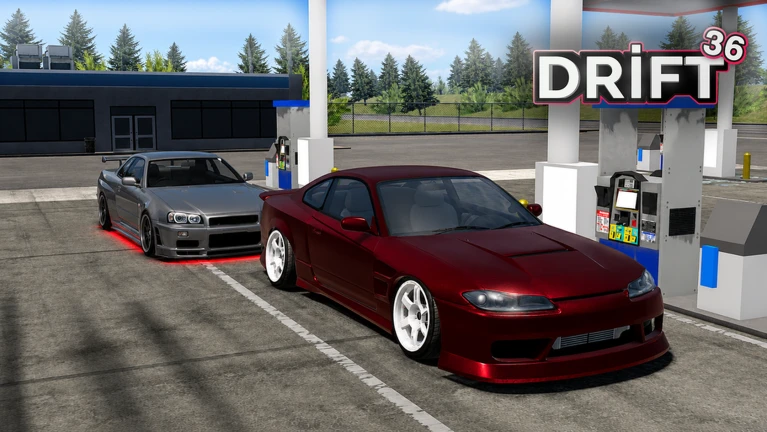
OverviewDrift 36 is a Roblox racing game where you collect over 80 cars, customize them with more than 30 modifications, and compete against friends in drift races across an open world. This guide covers how to get started, earn cash, choose the right car, and improve your ranking without spending Robux.
What is on this page
Contents
First steps when you load in
Step
The very first thing to do is work through the tutorial, which teaches you the basic controls for racing and drifting. Once that is done, head to the code input field in the menu and enter any active codes. Joining the official Drift 36 group earns you a Group Member tag. With your starting cash topped up by code rewards, you are ready to buy your first car and start earning.
- Complete the tutorial learn the core racing and drift controls before anything else.
- Open the menu's code input field enter every active code to boost your starting cash.
- Join the official group unlock the Group Member tag and connect with the community.
- Buy your first car pick something affordable and easy to handle.
Building your garage without spending Robux
CheckDrift 36 is designed so that free-to-play progress is real and steady. Winning races is the main way to earn cash. Daily login bonuses should never be skipped.
- Have you collected today's login bonus?
- Have you redeemed every active code?
- Do you have at least two or three cars so you can switch for different track layouts?
Picking the right car for the job
Table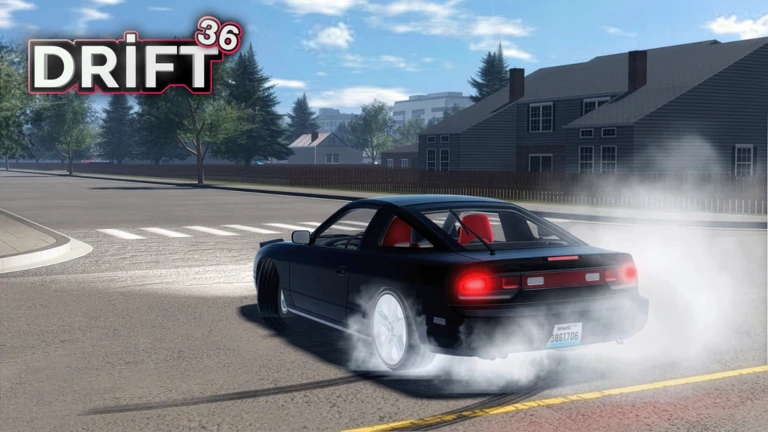
With over 80 cars available, the lineup splits into a few clear roles. Two well-chosen vehicles with solid customization will serve you well across different tracks.
| High-speed car | best on long straights; prioritize top speed and acceleration. |
| Handling car | best on tight, corner-heavy tracks; prioritize steering response and control. |
| All-rounder | sits between both extremes; a good choice when you only have one car and need to race anything. |
Tuning and drift technique when you stop winning
Tips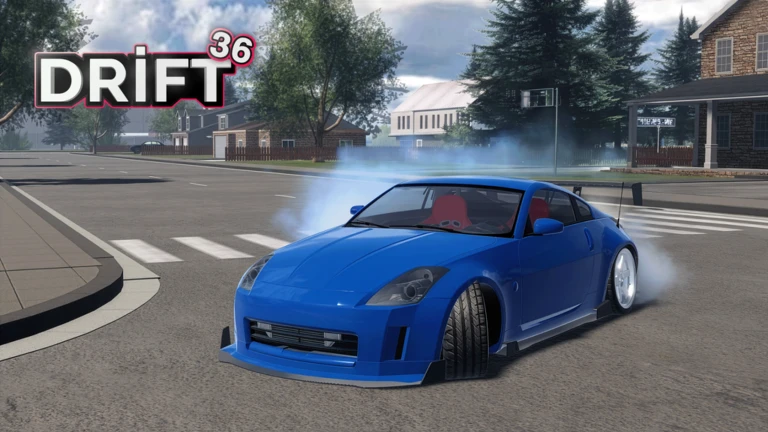
Drift 36 lets you apply over 30 different modifications, so there is almost always a tuning option you have not used yet.
- Check whether your car still has modification slots you have not filled.
- Balance acceleration, top speed, and handling rather than maxing out just one stat.
- Swap to a different car for a few races — sometimes a fresh vehicle reveals that your main car needs more upgrades.
Redeem codes — how they work
WarnThe code input field is inside the game's menu. When you enter a valid code, the reward — usually cash — lands in your account immediately with no need to relog. Codes are tied to your account, meaning each one can only be redeemed a single time. They also carry expiry dates, so a code that worked last week may already be dead.
 HALLOWENUPDATE
$35.000
650KMEMBER
NEWBODYKITS
95KLIKES
$15,000
HALLOWENUPDATE
$35.000
650KMEMBER
NEWBODYKITS
95KLIKES
$15,000
Playing on different devices
Summary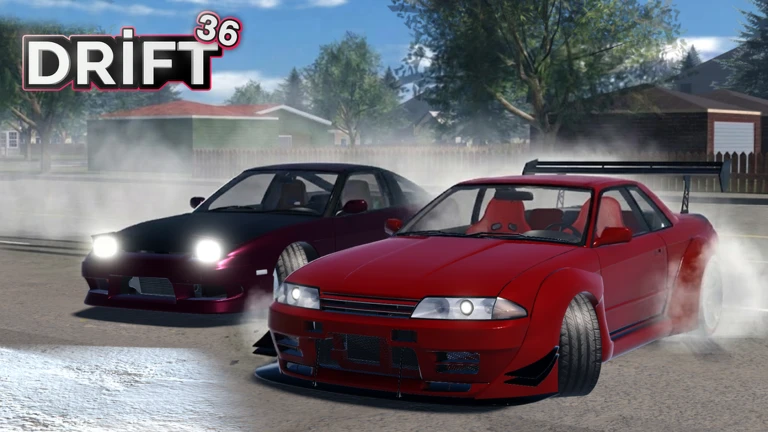
The game is available on desktop, phones, tablets, Xbox, and PlayStation 5. The core gameplay is the same everywhere.
- Flashing lights warning the game itself flags that it is not recommended for players sensitive to flashing effects, regardless of device.
Glossary
Glossary- Drift
- A technique where you intentionally slide the rear tires through a corner to maintain speed — the core skill this game is built around.
- Garage
- The collection of all the cars you own; you pick which one to race from here before each event.
- Customization
- Applying any of the 30+ available modifications to a car to improve its acceleration, top speed, handling, or other stats.
- Leaderboard
- The ranked list of players ordered by race results and earnings, which you climb by winning races consistently.
- Group Member tag
- A label shown on your profile after you join the official Drift 36 Roblox group.
- Redeem code
- A string of characters released by the developers that you type into the in-game menu to receive cash or other rewards.
Common questions
FAQCan I race directly against my friends?
Yes — Drift 36 lets you compete against friends in races and climb the leaderboards together.
Does playing on a phone put me at a disadvantage in races?
The game supports phones and tablets fully. The game is also available on desktop, Xbox, and PlayStation 5.
Game updates can change what is on this page. If you spot something, get in touch and let us know.
