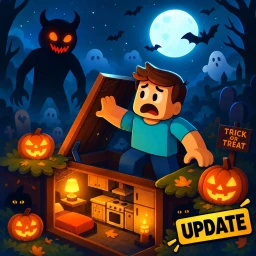
 Live now
–
Halloween Update
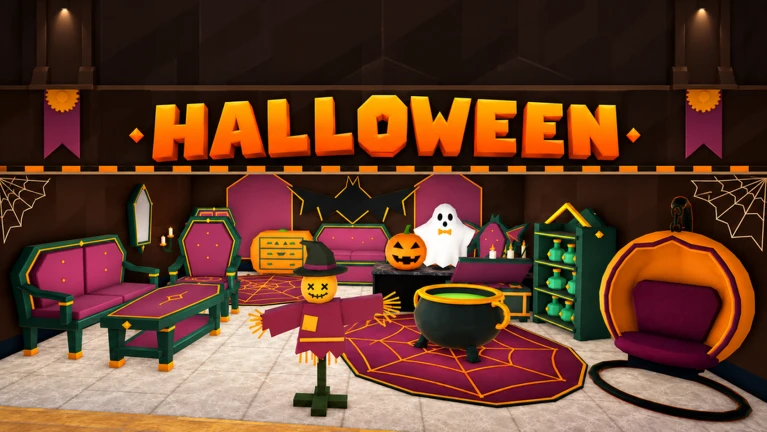
Give your bunker a spooky makeover! Discover Halloween furniture and decorations, from pumpkin chairs and bubbling caul…

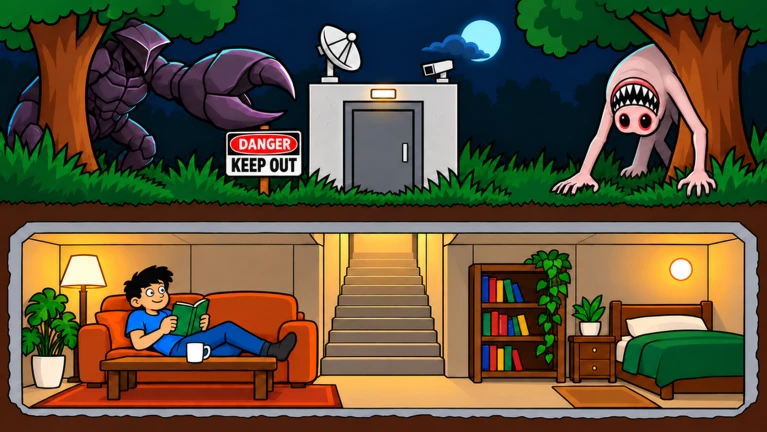
Dangerous Night drops you into an underground bunker with one job: survive. During the day you head out to the furniture market to collect items and build up your shelter; when night falls, monsters come for you. This guide walks you through the day-night cycle, bunker decoration, scavenging, co-op, and the Night Crystal Exchange so you can last as many nights as possible.
Found a useful trick? Share it with everyone! Notes with screenshots are welcome!
DANGEROUS NIGHT [FURNISH THE BUNKER]
The game splits every round into a daytime phase and a nighttime phase. Daytime is your window to leave the bunker, visit the furniture market, gather supplies, and bring them back. Once night arrives, monsters roam outside and you need to be sealed inside your shelter. Repeat the cycle, strengthening your bunker a little more each time.
head out to the furniture market as soon as the day phase starts.
pick up furniture and supplies while conditions are safe.
Get back to the bunker before nightfall.
stay inside your prepared shelter until the night phase ends.
use each new day to improve what you built the night before.

The next survey is being prepared.
When you first load in, take the daytime slowly. Walk around the map to get a feel for the layout and practice picking up items. The badge called First Furniture unlocks simply from picking up your first piece of furniture. Reaching 5 comfort earns the New Home badge and signals that your bunker is genuinely becoming a shelter.
Events running now or coming soon. They have fixed dates, so check them first.
Live now
–
Give your bunker a spooky makeover! Discover Halloween furniture and decorations, from pumpkin chairs and bubbling caul…
 Upcoming
–
Give your bunker a festive makeover! Discover Christmas decorations, from sparkling trees and colorful lights to cheerf…
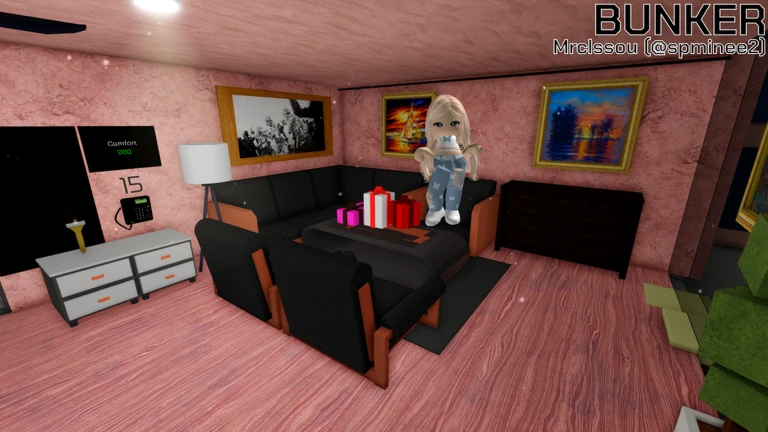
Furnishing your bunker raises your comfort level, which is tracked by the game — 50 comfort earns the Cozy Haven badge, showing the shelter genuinely feels like home. The Paintbrush tool lets you recolour any furniture you own, so you can make the space feel personal without needing new items.
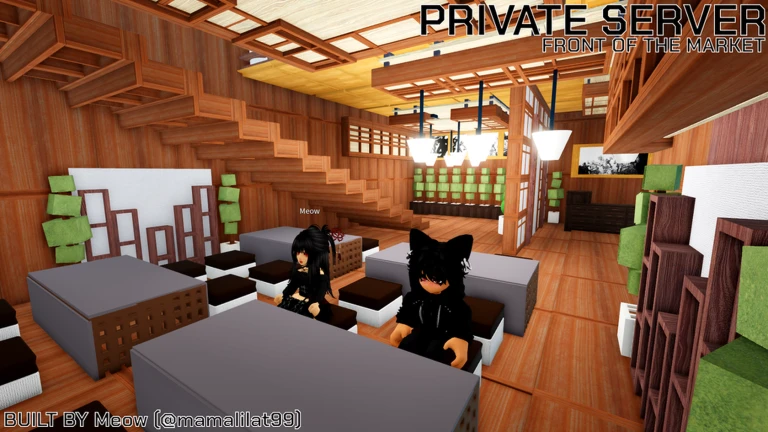
Night Crystals are a special in-game currency you collect during play. You can trade them at the Night Crystal Exchange for items that upgrade your bunker. The End of Winter update added new items to the exchange, so the pool of things you can unlock grows over time. You do not need to spend real money to collect Night Crystals.
in-game currency earned through play, no purchase required.
the shop where you trade crystals for shelter items.
added to the exchange with game updates, so check back after each one.
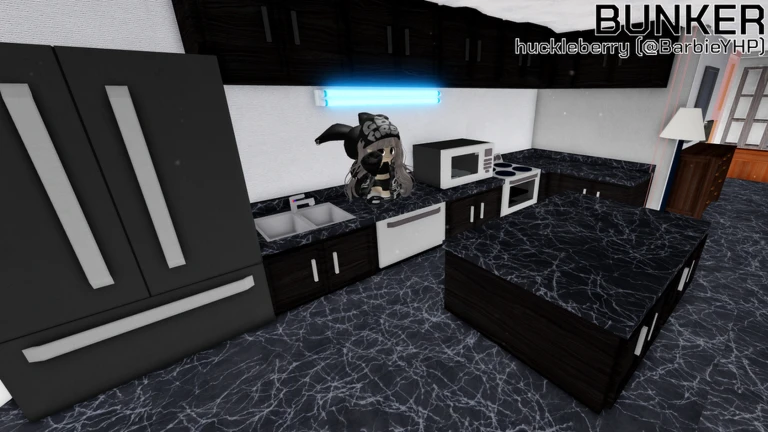
The game supports multiplayer co-op, and teaming up directly improves your odds. During the day, multiple players can cover more of the furniture market simultaneously. At night, teammates can watch different parts of the bunker and help each other out. The goal is for the whole group to survive, so keep an eye on where everyone is.
| Co-op scavenging | teammates split up and collect supplies across the whole market faster. |
| Co-op night phase | players can cover different areas of the bunker and support each other. |
| Bunker decoration | co-op means you can plan the layout together. |
You can collect Night Crystals and exchange them for items without spending real money. Furnishing your bunker with items from the furniture market is also free, so the core loop is fully available to everyone.
Comfort goes up as you place furniture inside your bunker. Pick up items from the furniture market during the day, bring them back, and place them — each piece contributes to your total. Reaching 5 comfort and then 50 comfort are the two big milestones the game tracks.
Before you start
Please check the following before using MetaNew.
* You can change your email preference any time from your profile.
