
My Family — First steps after loading in

About
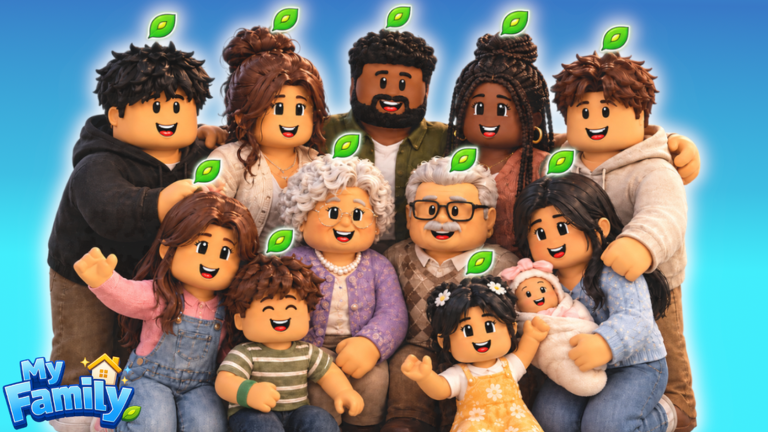
OverviewMy Family is a life-simulation game where you build a household of up to 12 members, decorate a home, and watch your family eat, sleep, work, and grow old — or take direct control yourself. This guide walks you through getting started, earning money, growing your family, and hitting the game's biggest milestones.
What is on this page
Contents
First steps after loading in
Step
The game's first milestone — Welcome Home! — asks you to find a job, grow your family, adopt a pet, and start learning a skill.
- Create a family member open the character creator, set their look and name, then assign a skill; you can restyle them any time later.
- Find a job send that member into one of the 20 available careers.
- Visit the pet shop adopt your first pet to unlock Pet Parent.
- Start a skill set a family member to learn a new skill.
Building and decorating your home
Check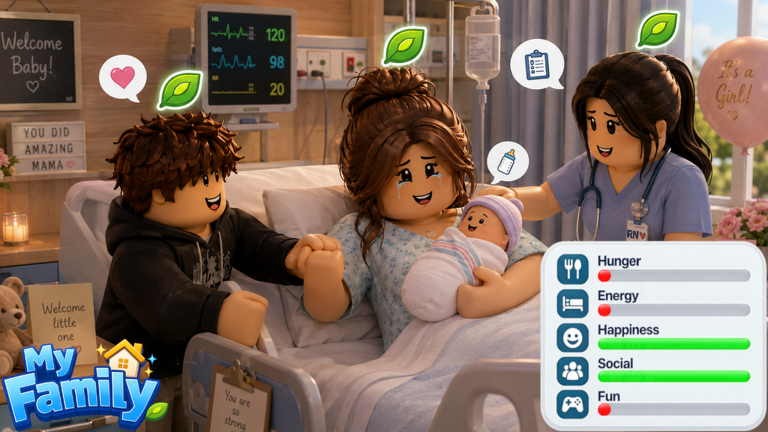
Your family lives in a home you furnish and maintain. You can place, move, and recolor furniture freely, so the layout can always be rearranged. Cleanliness is tracked — if it drops, you need to clean until it reads 100% again, which earns the Spotless! badge. Placing more than 100 pieces of furniture earns Interior Designer. When your family grows large enough, you can buy a bigger house entirely.
- Place furniture and move pieces around until the layout suits you.
- Recolor furniture to match the look you want.
- Clean whenever cleanliness falls below 100%.
- Count toward 100 total furniture pieces to unlock Interior Designer.
- Buy a new, larger home once your family outgrows the current one.
Careers and the path to $1,000,000
Tips
There are 20 careers to choose from, and each one pays out cash that goes into the family's shared savings. Promotions increase how much a member earns. Reaching the very top of any career earns Top of the Ladder. The long-term goal is pushing combined family savings to $1,000,000 for the Millionaire! badge.
- Choose from 20 available careers for each family member.
- Promotions raise how much a member earns.
- Reaching the top of a career earns Top of the Ladder.
- Family savings reaching $1,000,000 unlocks the Millionaire! badge.
How your family lives and ages on their own
Summary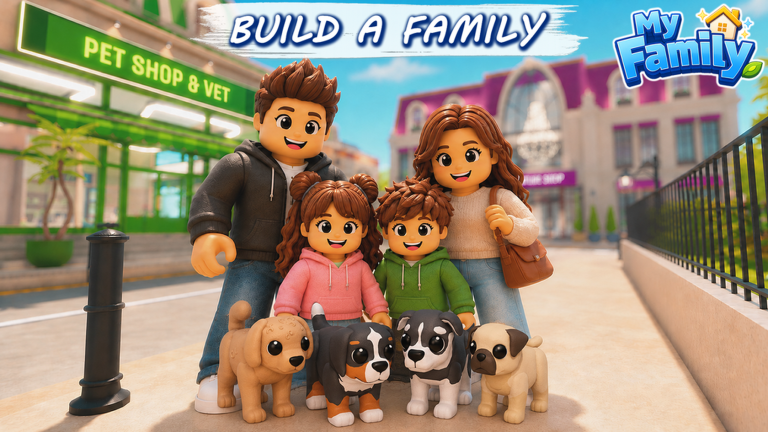
Family members eat, sleep, go to work, chat, argue, and make friends without you touching anything. You can watch it unfold or take direct control of any member at any time. Two members who bond closely enough become best friends, unlocking Best Friends. Every member ages over time, and one reaching 80 years old earns the Golden Years badge.
- Automatic life members handle eating, sleeping, and working on their own schedule.
- Manual control switch to direct control whenever you want to guide a specific member.
- Friendship members form bonds passively; two reaching best-friend status unlocks Best Friends.
- Aging family members grow older continuously until they reach 80.
- Full House getting five members under one roof unlocks its own milestone.
Pets, vehicles, and town exploration
Step
The pet shop lets you adopt a pet using cash earned from careers. Once you have a vehicle, you can explore the town beyond your home lot. Both purchases have their own badges.
- Adopt a pet from the pet shop this unlocks Pet Parent.
- Buy a vehicle this unlocks Road Trip! and opens town exploration.
Glossary
Glossary- Career
- One of 20 jobs a family member can hold; working earns cash and promotions increase the payout.
- Promotion
- Moving up a rank within a career, which raises how much that member earns.
- Recolor
- Changing the color of a piece of furniture to match your preferred style.
- Beta
- My Family is still in active development, meaning new features and content are added on an ongoing basis.
- Cash
- The in-game currency earned through careers, used to buy pets, vehicles, furniture, and new homes.
Common questions
FAQHow many family members can I have?
You can create up to 12 members. Each one can be customized with a unique look, name, and skill set, and you can restyle any of them at any time.
Do family members actually do things on their own?
Yes — they eat, sleep, work, chat, and make friends automatically. You can also take direct control of any member whenever you want to guide them yourself.
How do I get a pet?
Visit the pet shop and adopt one using cash earned from careers.
Do family members age?
Family members age over time and can reach 80 years old, which unlocks the Golden Years badge.
Can I play without spending real money?
Everything — pets, vehicles, new homes, and furniture — can be bought with cash earned through the in-game careers.
Game updates can change what is on this page. If you spot something, get in touch and let us know.
