
Semi Truck Obby Guide: Basic controls
About
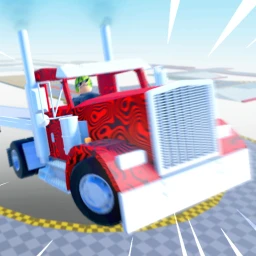
OverviewSemi Truck Obby puts you behind the wheel of a big rig and sends you through a full obstacle course of tight turns, red zones, and icy patches. This guide covers the controls, how to push through tough spots, and what to aim for as you rack up badges and unlock new content.
What is on this page
Contents
Basic controls
Check
The truck moves with WASD — that covers forward, reverse, and side-to-side adjustments. When you fall or get stuck, R snaps you back to the last checkpoint you passed so you do not restart from the beginning. H blasts the horn, which is fun but does nothing for your run.
- WASD steers the truck in all directions
- R resets to your last checkpoint
- H sounds the horn (no effect on progress)
MetaNew Player Survey
The next survey is being prepared.
Hazards to watch for
Warn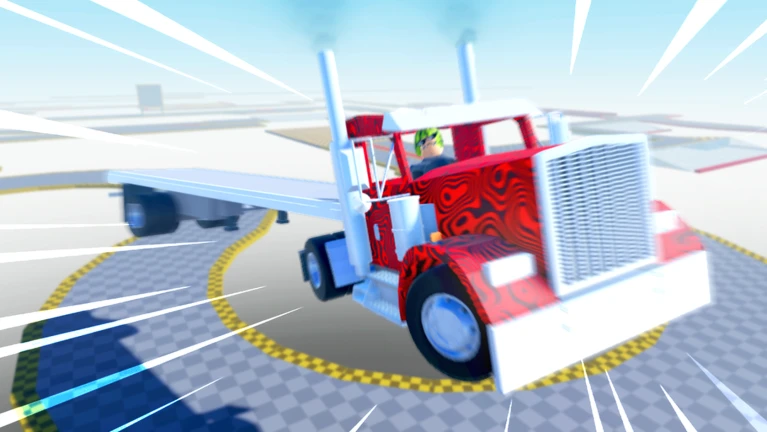
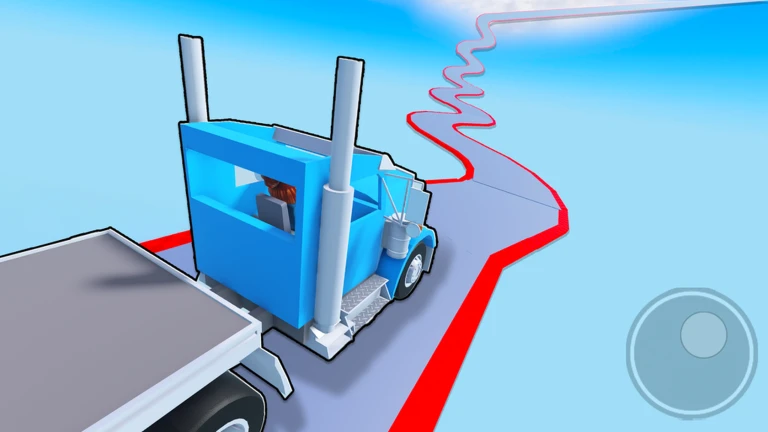
The course throws two main threats at you. Red zones fail the section the moment you touch them, so learn their layout before you commit to a move. Icy sections make the truck slide, meaning inputs that work on dry ground will overshoot on ice.
Stage milestones and badges
Step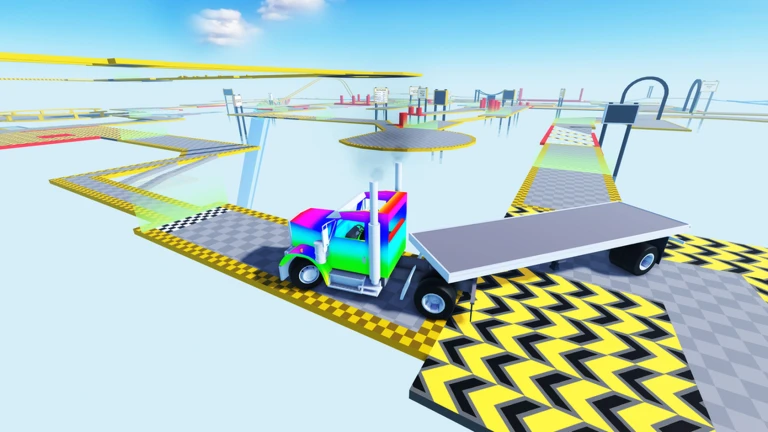
The game tracks four earned milestones as official badges.
- Reach stage 5 earns the Amateur Driver badge
- Reach stage 15 earns the Top Student badge
- Finish the full course earns Certified Semi-Truck Driver
- Finish the full course five times earns Master at Work
Skins, horns, and prestige
Tips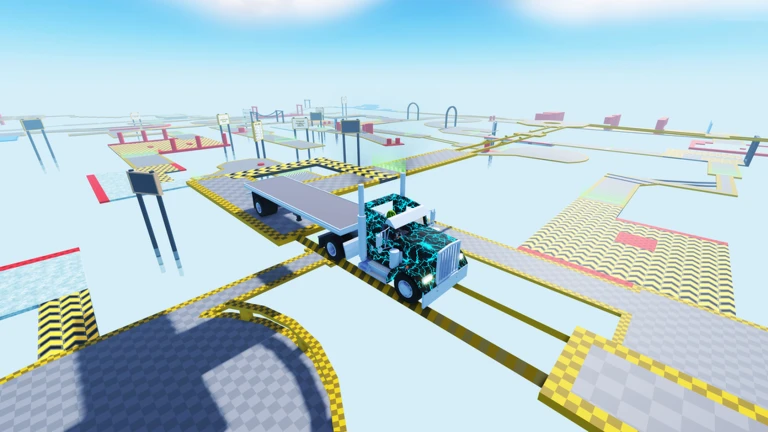
As you advance through the course, you unlock truck skins and horns. Each unlock also opens up new stages, so cosmetics and progress are directly tied together. Prestige — available after clearing the obby — grants access to exclusive skins and horns you cannot get any other way.
- Unlocking skins and horns is what opens new stages
- Prestige becomes available after you complete the obby and gives you exclusive skins and horns
Getting unstuck
Tips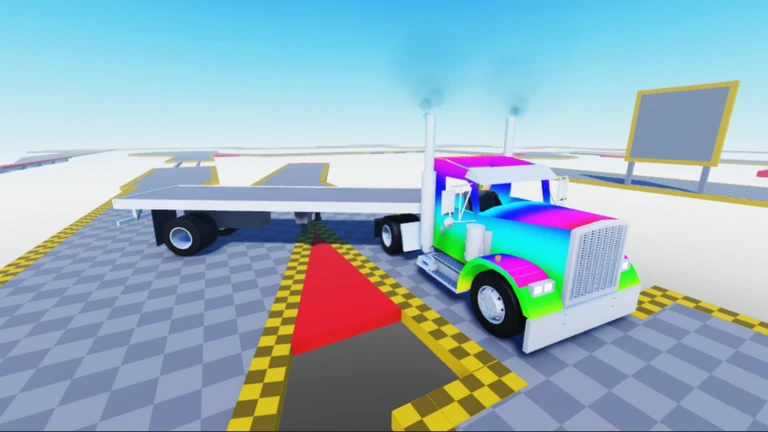
Most failed attempts come down to speed or positioning. Resetting with R costs nothing and lets you try the same section again.
- On ice, reduce your movement input and take it slow
- If a red zone keeps catching you, study its layout before your next attempt
- Use R freely — checkpoints mean you never lose more than a section's worth of progress
Community strategy ideas
CommunityThese ideas and tips come from people playing the game. Share your discoveries too!
No strategy ideas yet. Share a tip you discovered.
Share a strategy idea
🚛 Semi Truck Obby
Glossary
Glossary- Checkpoint
- A position saved automatically as you progress; pressing R returns you to the most recent one.
- Red zone
- A marked area on the course that ends your current attempt if you drive into it.
- Skin
- A visual style for your truck, unlocked by progressing through the game.
- Horn
- A cosmetic unlockable triggered with H; it makes noise but has no effect on gameplay.
- Prestige
- A mode that becomes available after you finish the obby, rewarding you with exclusive skins and horns.
- Obby
- Short for obstacle course — a Roblox game type where you navigate a character or vehicle through a series of challenges.
Common questions
FAQWhat happens when I touch a red zone?
You fail that section of the course. Press R to reset to your last checkpoint.
When does Prestige become available?
Prestige unlocks after you complete the full obby. Using it gives you access to exclusive skins and horns not available any other way.
How do I get the Master at Work badge?
Complete the entire obby five times.
Game updates can change what is on this page. If you spot something, get in touch and let us know.
