
Streamer Tycoon Guide: How the game works
About
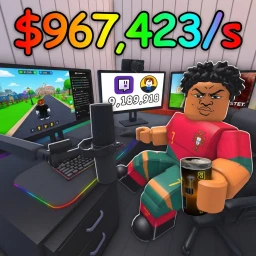
OverviewStreamer Tycoon is a Roblox tycoon game where you start livestreaming from a garage and work your way up to becoming the biggest streamer in the world. You earn money from your streams, spend it on upgrades, and grow your subscriber count until you reach legendary status.
What is on this page
Contents
Player notes and tips
Found a useful trick? Share it with everyone! Notes with screenshots are welcome!
Write a guide note
Streamer Tycoon
How the game works
Summary
Everything in Streamer Tycoon comes down to two actions: streaming to earn money, and spending that money to strengthen your channel. A stronger channel earns faster, which gets you to the next upgrade sooner. Keep pushing that loop and your subscriber count climbs, moving you closer to legendary status.
- Starting point your garage is where every stream begins
- Income source streams bring in the money you need to upgrade
- Goal growing your subscriber count toward legendary status
- Offline income your earnings continue at full rate even when you close the game
MetaNew Player Survey

The next survey is being prepared.
Getting started
Step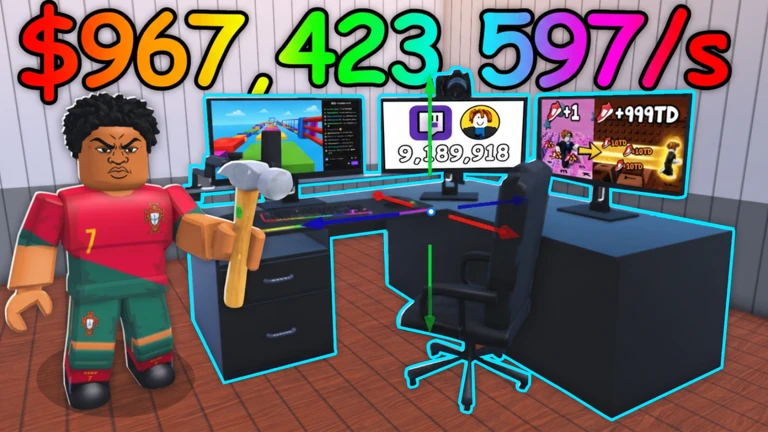
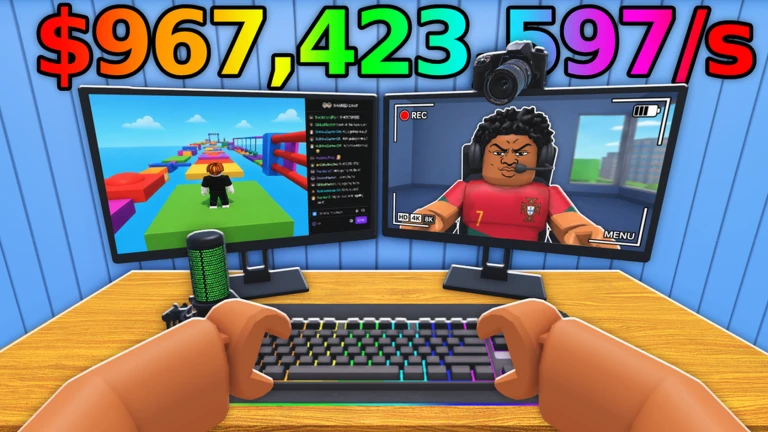
When you first load in, head to the garage and start your stream. From that point, money begins accumulating on its own. Once you have enough saved up, open the upgrade screen and put it to work.
- Find the garage this is your starting broadcast location
- Start your stream go live
- Wait for income to build money comes in automatically over time
- Open the upgrade screen this is where you spend what you have earned
Offline income
Check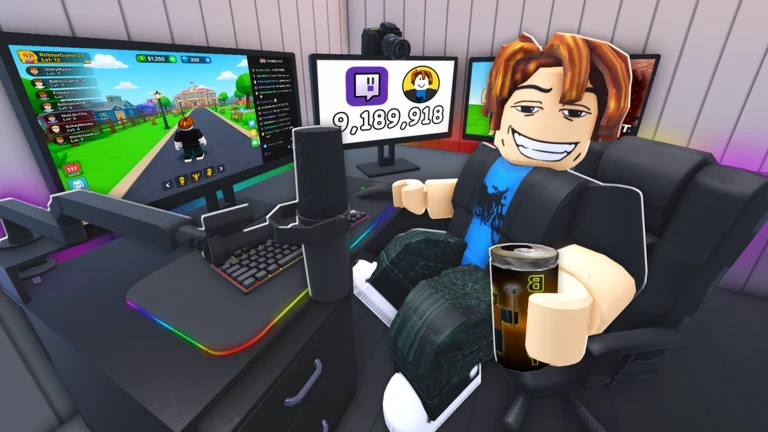
One of the biggest advantages in Streamer Tycoon is that closing the game does not pause your earnings. Your stream keeps running and your money keeps building at the full rate.
- Expect 100% of normal income to have accumulated when you return
- Log in regularly to convert accumulated money into upgrades
Growing your subscriber count
Tips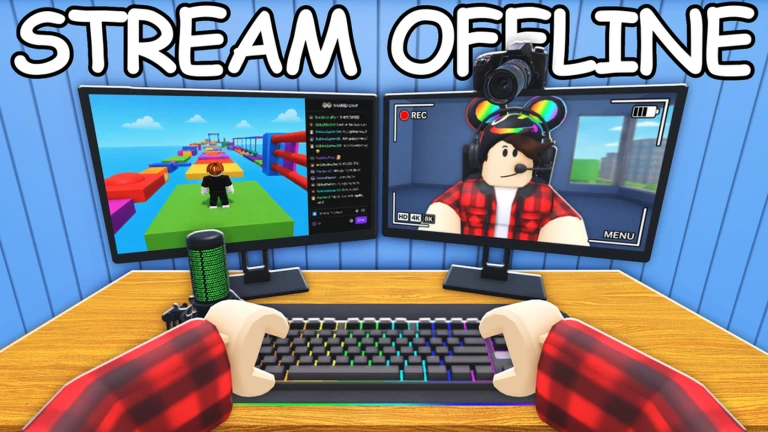
Subscribers are the main measure of your progress toward becoming a legend. Several upgrade paths affect how quickly they grow.
- Upgrades that raise your stream's popularity are a good first move for subscriber growth
- A higher viewer count gives subscribers more room to accumulate naturally
- Later in the game, upgrades that increase your subscriber conversion rate add up quickly
Glossary
Glossary- Garage
- The starting location where you launch your first stream.
- Subscriber
- A regular follower of your channel; growing this number is the main measure of your progress.
- Legendary status
- The ultimate goal of the game, reached by building up your subscribers and stream popularity.
- Upgrade
- A purchase made with stream income that improves your channel's features or studio.
- Offline income
- The money your stream continues to earn at full rate while the game is closed.
Common questions
FAQDoes my income drop when I go offline?
No. Your stream keeps running and you receive 100% of normal income the entire time the game is closed. Nothing is deducted for being away.
How do I grow subscribers faster?
Work on upgrades that raise stream popularity alongside upgrades that increase your viewer count. Adding subscriber-conversion upgrades later accelerates the process further.
Game updates can change what is on this page. If you spot something, get in touch and let us know.
