
Push a Lucky Block — The core loop from your first login

About
OverviewPush a Lucky Block is a Roblox training simulator where you build strength, push Lucky Blocks to collect Brainrots, and use those Brainrots to generate cash while you're offline. This guide walks you through the core loop, how to spend your cash wisely, and what to do when progress slows down.
What is on this page
Contents
The core loop from your first login
Step
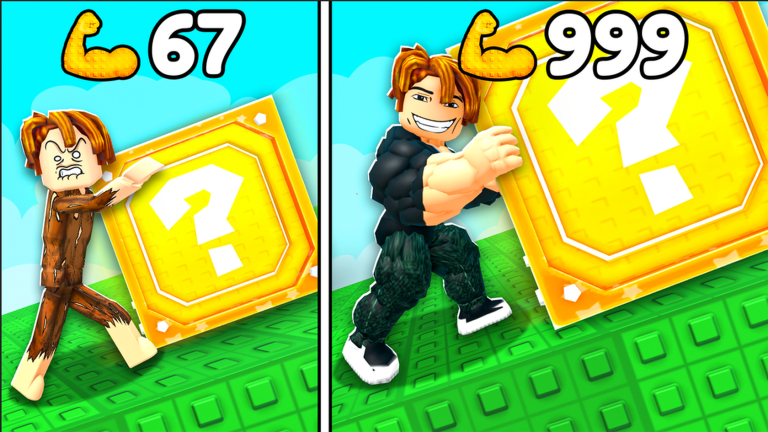
Everything in this game connects in a short cycle. You train to build strength, use that strength to push Lucky Blocks, collect what comes out, and spend the cash on better Weights so the cycle gets faster. Running through it once is the quickest way to get your bearings.
- Hit Train tap the Train button and watch your strength number climb.
- Push the block head to the Lucky Block and push it to see how far your current strength gets you.
- Collect press the Collect! button to grab your rewards before moving on.
- Open Weights go into the Weights menu and spend your cash on the next upgrade you can afford.
- Repeat return to training with your stronger setup and notice how much easier the block feels to push.
Offline cash and why Brainrots matter
Summary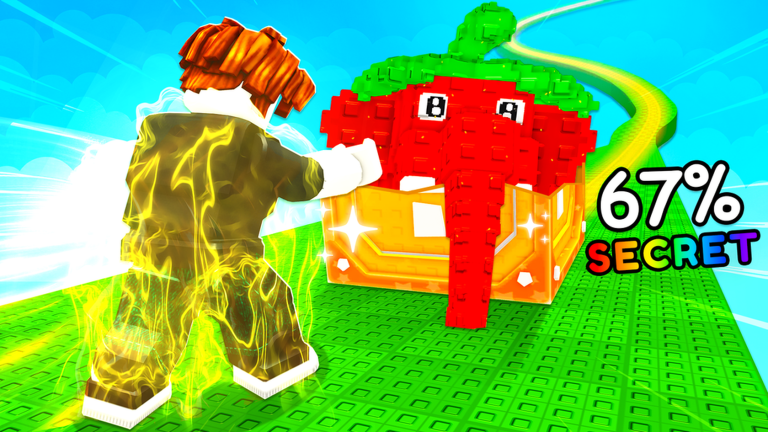
Your Brainrots keep generating cash even after you close Roblox, so every login is a chance to scoop up earnings you made while doing other things. The bigger your Brainrot collection, the bigger that idle income. Before you log off, check the price of the next Weight upgrade so you know exactly what you are saving toward.
- Idle income Brainrots produce cash even while the game is closed.
- Log-in routine check your cash total first thing and put it straight into Weights.
- Collection size matters more Brainrots means a higher income rate while offline.
- Log-off goal note the next Weight's price before quitting so you have a clear target.
What to do when the Lucky Block stops moving
TipsIf the block barely budges, that is a signal to step back and strengthen your setup rather than grind the same push over and over.
- Press Collect! and take what you have instead of abandoning the run empty-handed.
- If your strength is rising but your cash is low, focus on collecting more Brainrots to boost your income before buying the next Weight.
- After upgrading, return to the Lucky Block and compare how far it moves now versus before.
When cash runs short
Check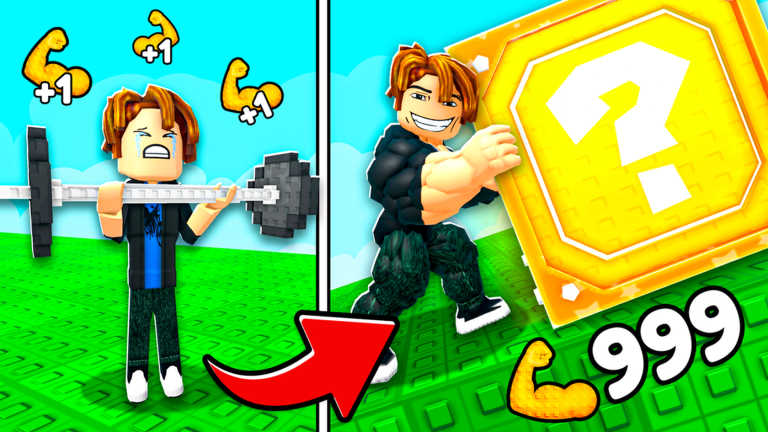
Running out of cash before you can afford the next Weight is one of the most common sticking points. The fix is almost always to grow your Brainrot collection so your idle income rises to meet the cost.
- Open the Weights menu and read the exact price of the next upgrade you want.
- Separate the two questions is your strength too low, or is your cash income too low?
- Prioritise Brainrot collection when cash is the problem, then return to Weight upgrades once you have enough.
VIP servers and lag
SummaryAll training, block pushing, and Weight upgrades are fully available on free public servers. If the game feels sluggish during busy periods, a private VIP server can reduce lag, but nothing about the core gameplay requires one.
- Free play every upgrade and mechanic works on a standard public server.
- VIP server purpose reduces lag for players who find public servers too slow.
Glossary
Glossary- Brainrot
- A character you collect from Lucky Blocks; each one adds to your idle cash income while the game is closed.
- Lucky Block
- The main object you push in the game; it drops random rewards including Brainrots when you collect from it.
- Weights
- Equipment you buy from the Weights menu to increase how fast your strength grows during training.
- Cash
- The in-game currency earned from Brainrots, used to purchase and upgrade Weights.
- Collect!
- The button you press during a Lucky Block run to take your rewards and return to the upgrade cycle.
- VIP Server
- A paid private server option that reduces lag; it has no effect on gameplay progression.
Common questions
FAQDo I earn cash when the game is closed?
Yes. Your Brainrots generate cash automatically even after you close Roblox. When you log back in, collect whatever built up and put it toward your next Weight upgrade.
Why is the Lucky Block barely moving no matter how much I push?
Your strength or your Weight level needs to go up before the block will move noticeably further. Hit Collect!, upgrade what you can in the Weights menu, do more training, then try again.
Can I play the whole game without spending Robux?
Yes. Training, pushing Lucky Blocks, collecting Brainrots, and buying Weights are all free. The only paid option is a VIP server, which only affects lag, not progress.
What should I do right after upgrading a Weight?
Go straight back to training so you can feel the difference in how quickly your strength grows. Once your strength has climbed, push the Lucky Block again and compare how far it travels.
Game updates can change what is on this page. If you spot something, get in touch and let us know.
