
Word Bridge — How a round works
About
OverviewWord Bridge is a multiplayer word puzzle game where you race other players to come up with the longest words you can for each question. The game has over 300 questions, so rounds stay fresh across many sessions.
What is on this page
Contents
How a round works
Step
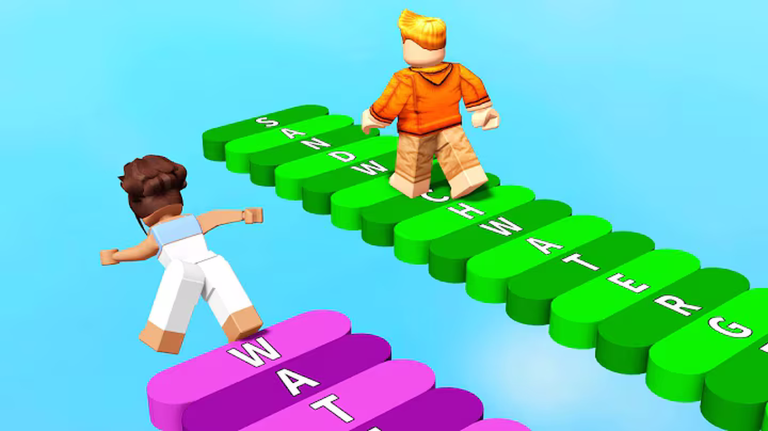
Every round follows the same pattern. A question appears on screen, you type your answer into the input box, and you submit it. You are competing with everyone else in the lobby at the same time, so speed matters as much as the answer itself.
- Read the question take a moment to read the full question before you start typing.
- Type your answer enter the word or phrase you have thought of into the input box.
- Submit press Enter or the submit button to lock in your answer.
How scoring and winning work
Summary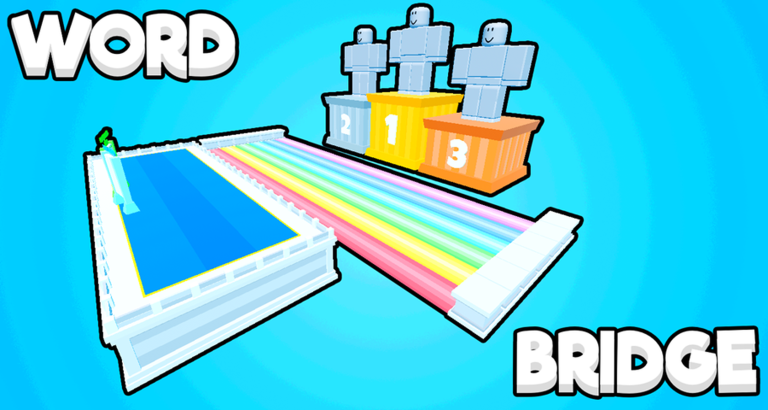
Your score grows each time you submit a valid answer. Longer words earn more points, and submitting quickly can add a speed bonus on top. The overall leaderboard ranks players by total score across multiple rounds, so one bad round does not knock you out of contention.
Getting answers accepted
CheckIf your answer is not accepted, work through these checks before your next attempt. Questions sometimes carry specific conditions such as a required starting letter or a theme, and missing any one of them makes the answer invalid no matter how long it is.
- Re-read the question in full conditions like a required starting letter are easy to miss at speed.
- Check for typos and extra spaces even a single stray character will get your answer rejected.
- Watch the timer if time has run out, the answer will not register even if it was correct.
Free coins and codes
StepThe game hands out codes that you redeem for free coins. Coins buy cosmetic items and do not affect your score or leaderboard position. Liking the game on its Roblox page also unlocks more codes.
- Find the code box look for the code input field inside the game.
- Get a code check the game's group wall, where codes are posted.
- Paste and confirm enter the code and press Enter to receive your coins.
- Use coins for cosmetics spend coins on appearance items; they do not change how the game plays.
- Like the game liking the Roblox page unlocks access to additional codes.
Glossary
Glossary- Round
- A single match inside Word Bridge, during which multiple questions are posed and every player submits answers until the round ends.
- Score
- The points you earn by submitting valid answers; determined by how long your word is and how quickly you submit it.
- Leaderboard
- A ranking of all players by total score accumulated across rounds.
- Coins
- In-game currency earned through code redemption that can be exchanged for cosmetic items.
- Group wall
- The official game group's message board, where players and developers post codes and where players can submit questions and answers.
- Speed bonus
- Extra points awarded when you submit a correct answer quickly.
Common questions
FAQWill I see the same question twice?
Yes, with over 300 questions in the pool, repeated questions are possible across longer sessions. When one comes up again, try to think of a longer or different word than you used before to earn more points.
Does losing a round hurt my progress?
No. There is no penalty for losing a round — your score from that round is simply recorded as-is. Because the leaderboard runs on total score across many rounds, you can always make up ground in the next one.
Do I need to spend money to reach the top of the leaderboard?
No. Every question and round is free to play, and leaderboard position is decided purely by your score. Coins, which can be earned free through codes, only buy cosmetic items that have no effect on gameplay.
How do I get new codes?
Codes are posted on the game's group wall. Liking the game on its Roblox page also unlocks additional codes. Each code can only be used once per account.
Game updates can change what is on this page. If you spot something, get in touch and let us know.
