
NPC Combat Playground — First steps after loading in
About
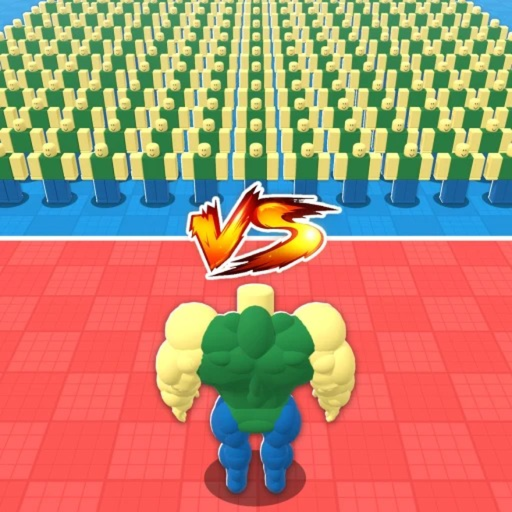
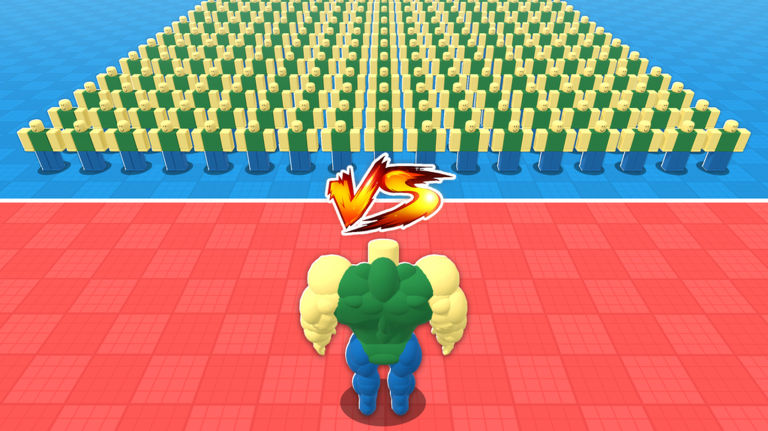
OverviewNPC Combat Playground is a sandbox war simulator where you place NPC units on red and blue teams and watch them fight it out. You unlock more powerful units over time, experiment with different formations, and build battles as big or as chaotic as you like.
What is on this page
Contents
First steps after loading in
Step
When you first open the game, you can see which NPCs are available to you. The core loop is simple: place units on each team, then hit the battle start button and watch what happens. Starting with weaker units is fine — the goal at this stage is to get comfortable with the controls and learn how placement works.
- Check your units browse everything available before placing anyone.
- Set up both sides put at least a few NPCs on the red team and a few on the blue team.
- Start the battle press the start button and let the fight run on its own.
- Read the result note which team won and which NPCs were active.
Unlocking and upgrading NPCs
SummaryEvery time your side wins a battle, you earn in-game currency. Spend that currency in the shop to unlock units you do not have yet. Buying the same NPC more than once levels that unit up, making it stronger in future battles. Rarer units called Legendaries exist and are noticeably more powerful than standard ones.
- Currency source winning battles.
- New units purchased from the shop with earned currency.
- Leveling up buying a unit you already own upgrades it.
- Legendaries a rare, high-power tier above regular NPCs.
Formation tips that change outcomes
TipsPlacement strategy can shift a battle even when both sides use the same units. Look at what the enemy team is running before you lock in your own lineup, then position units that counter their strengths toward the front. Repeating the same matchup a few times teaches you which pairings actually work.
- Check the opposing team's units before finalizing your own placement.
- Avoid placing everyone in a single straight line — varying depth and position changes how fights unfold.
- Put units that counter the enemy's strongest NPCs at the front.
- Test both focused rosters (one powerful unit type) and mixed rosters to find which suits the matchup.
- Replay the same setup more than once, since learning unit matchups takes repetition.
Sandbox and custom battle mode
TipsOutside of standard matches, a free-placement sandbox mode lets you ignore normal restrictions and arrange as many NPCs as you want from your collection. Use it to test wild combinations, answer 'what if' questions, or simply enjoy a massive, chaotic fight.
- Select the free-placement mode before setting up your battle.
- Use more units than a typical match would allow to create large-scale fights.
- Try combinations you would never risk in a competitive match.
Playing without spending Robux
CheckThe game can be played entirely without purchasing anything. Keep battling with what you have and your collection will grow steadily.
- You are not required to own every NPC before you can win battles.
- Currency accumulates across both PvP and solo sessions, so play whichever you enjoy more.
- Decide early whether you want to focus on unlocking new units or leveling up ones you already have.
Glossary
Glossary- NPC
- A unit that fights automatically on your behalf — you place it, and it acts on its own during battle.
- Legendary
- A rare category of NPC that is significantly more powerful than standard units.
- Sandbox mode
- A free-placement battle mode where normal restrictions are removed and you can arrange any units you own however you like.
- Unlock
- Using earned in-game currency to add a new NPC to your available roster.
- Level up
- Purchasing a unit you already own a second time to increase its strength.
Common questions
FAQHow do I get new NPCs?
Win battles to earn in-game currency, then visit the shop and buy units you do not own yet. Each purchase of an NPC you already have levels that unit up instead of duplicating it.
What is the difference between PvP and solo play?
In PvP you are competing against another player's team setup, while in solo play you design both sides yourself. Both modes reward currency, so you can stick with whichever you find more fun.
Do I need to spend Robux to unlock strong units?
No — all unlocks can be earned through the in-game currency you get from winning battles.
Game updates can change what is on this page. If you spot something, get in touch and let us know.
