
Project Driver: Trucks — Three things to do when you first join
About
OverviewProject Driver: Trucks is a sandbox vehicle simulator where you drive, tune, and customize semis, heavy-duty trucks, and buses using realistic physics. This guide covers how to get started, which vehicles to try, how to tune them, and what controls to use.
What is on this page
Contents
Three things to do when you first join
Step
When you jump in for the first time, three activities open up straight away.
- Scrap Yard sell scrap metal here to earn in-game cash.
- Truck Contest browse other players' builds and vote for the one you think is best.
- Vehicle Tuning head to the tuning screen on any truck you own, adjust it to your liking, and take it out for a test drive.
Vehicle types
Tips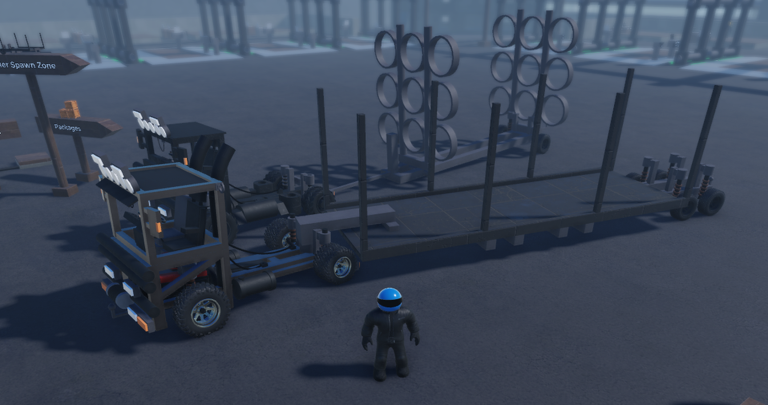
The game gives you three categories of vehicle to work with. Their suspension setups and physical behavior are distinct.
- Semi Trucks
- Heavy Duty Trucks
- Buses
Getting the most out of tuning
Tips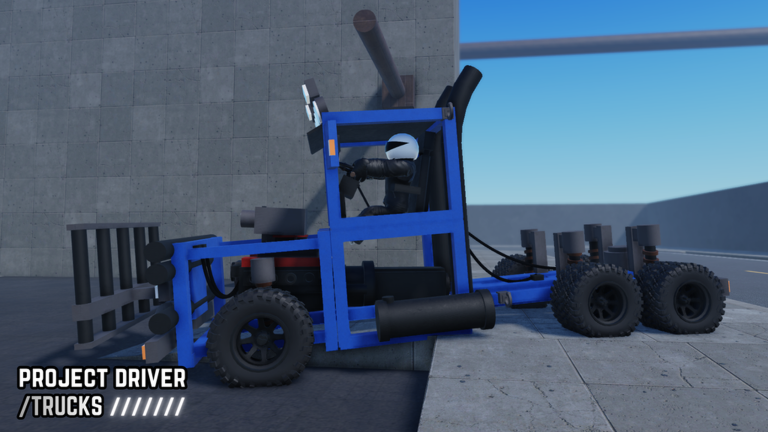
The tuning screen lets you dig into your vehicle's setup. Because the physics simulation is always running, adjustments you make in the tuning menu show up when you drive.
- Suspension tuning controls ride feel and how the truck responds.
- Additional customization options beyond suspension have been added, giving you a wider range of adjustments.
- High-end devices are recommended for the best physics simulation.
Controls and input options
Check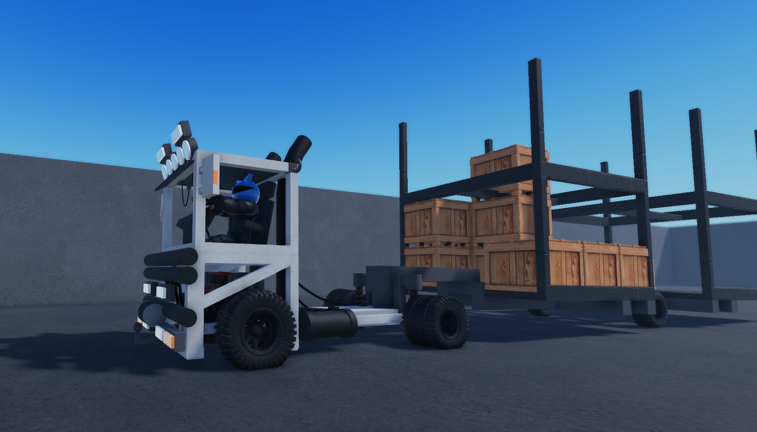
Keyboard, controller, mobile touch, and steering wheel all work.
- Keyboard
- Controller
- Mobile touch controls
- Steering wheel
- Up to 16 players can share the same server.
Glossary
Glossary- Scrap Yard
- A location in the game where you sell scrap metal in exchange for in-game cash.
- Suspension
- The part of a vehicle's setup that controls ride feel and how it reacts to the road, adjustable through the tuning screen.
- Truck Contest
- A game mode where players vote for the best vehicle build from entries around the world.
- Tuning
- The in-game system for adjusting a vehicle's performance and setup before and between drives.
Common questions
FAQHow many players can be on the same server?
A single server holds up to 16 players at once.
What devices and controllers does the game support?
The game supports keyboard, controller, mobile touch, and steering wheels.
Game updates can change what is on this page. If you spot something, get in touch and let us know.
