
Catalog Avatar Editor — Getting started with the editor
About
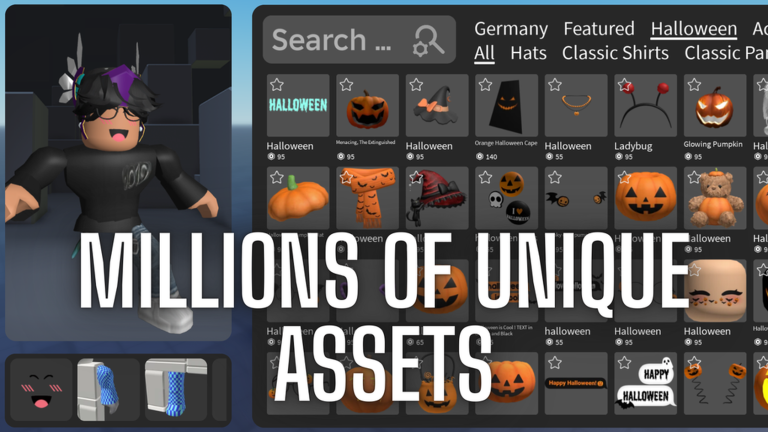
OverviewCatalog Avatar Editor lets you try on millions of Roblox items — hats, accessories, clothing, bundles, animations, and limiteds — and build any look you want, completely free. This guide walks you through getting started, making the most of the try-on system, and understanding how purchases carry over to the rest of Roblox.
What is on this page
Contents
Getting started with the editor
Step
When you join the game your avatar appears on screen and the catalog is ready to browse. Pick a category from the menu — clothing, hats, accessories, animations, and more are all there — then click any item to put it on. Stack as many pieces as you like to build a full outfit before you decide what, if anything, to buy.
- Pick a category choose from clothing, hats, accessories, animations, or bundles in the on-screen menu.
- Click an item tap any listing to try it on your avatar instantly.
- Layer pieces add more items on top to see how the whole outfit comes together.
Free try-on and what it means
Check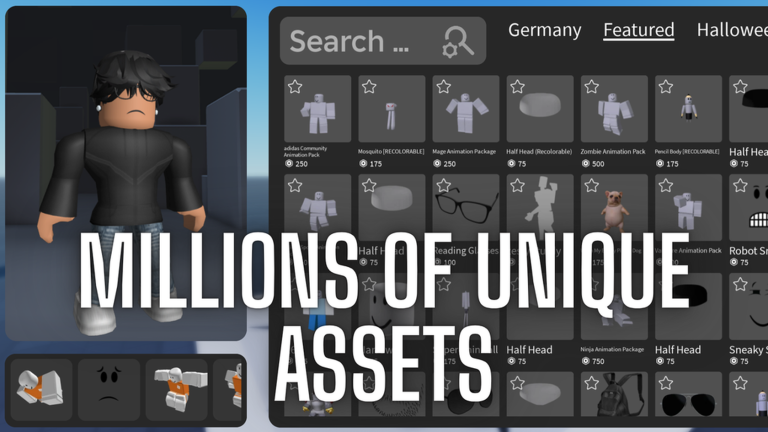
The core feature of the game is that trying on any item is always free. Limiteds, rare bundles, and ordinary clothing all work the same way — you can put them on, mix them with other pieces, and take them off without paying anything. Only when you decide to buy does Robux come into it.
- Trying on any catalog item, including limiteds, costs nothing at all.
- You can run through unlimited outfit combinations without buying a single thing.
- Purchasing an item is only necessary when you want to keep it permanently.
- Items you do buy are added to your Roblox inventory automatically.
- Everything purchased here works in every other Roblox game, not just this one.
Private server for gear try-on
Tips
Every player can grab a free private server directly from the game. This is the place to test gears.
- Private servers are free for every player, not a paid perk.
- Use the private server specifically to try on gear items.
How purchases carry across Roblox
Summary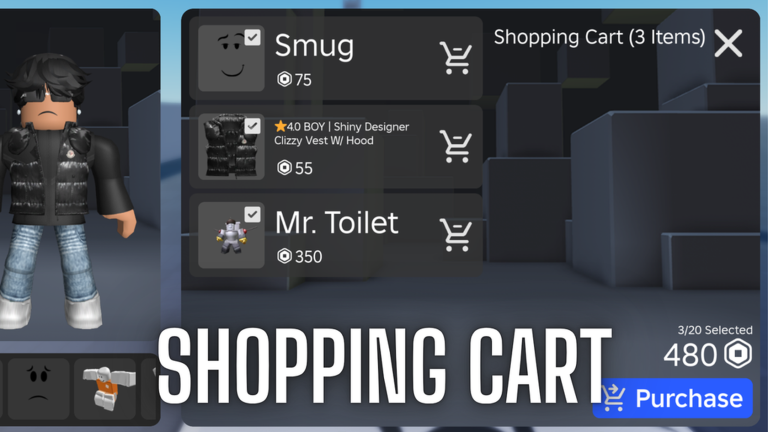
Because this game is built on Roblox's real catalog, every purchase you make is a real Roblox transaction. The item lands in your inventory the moment you buy it, and you can equip it in any Roblox game from that point on. You are not buying something that only works inside Catalog Avatar Editor.
- Purchase scope items bought here apply to your whole Roblox account, not just this game.
- Inventory purchased items appear in your Roblox inventory automatically.
- Cross-game use any item you own can be equipped in every other Roblox game.
Glossary
Glossary- Catalog
- The full library of items sold across Roblox, including clothing, hats, accessories, animations, and bundles.
- Inventory
- Your personal collection of purchased items that follows you across every Roblox game.
- Gear
- Functional equipment items such as weapons that can be tried on in the private server.
Common questions
FAQWill the outfit I build here show up in other Roblox games?
Items you purchase here go straight into your Roblox inventory, so you can equip them in any game. Your appearance in each game also depends on that game's own avatar settings, but the items themselves are yours across all of Roblox.
Can I try on limiteds without buying them?
Yes. Limiteds are part of the catalog and the try-on is free like everything else. Whether you can actually purchase a specific limited depends on whether it is currently available for sale.
What is the private server actually for?
It is specifically set up for trying on gear items. Every player can get one for free directly through the game.
Do I need Robux to use this game?
No. Trying on any item in the catalog is completely free, and you can mix and preview outfits as many times as you want. Robux is only required if you decide to buy an item and add it to your inventory permanently.
Game updates can change what is on this page. If you spot something, get in touch and let us know.
