
Mini City Tycoon Guide: Getting started from a blank map
About
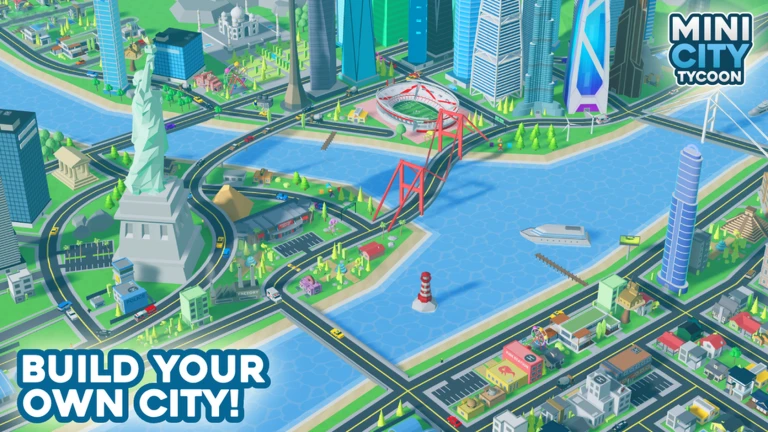
OverviewMini City Tycoon is a Roblox building game where you grow an empty plot of land into a full metropolis, one road and building at a time. This guide covers how to get started, level up efficiently, fix common stuck points, and get the most out of every feature the game offers.
What is on this page
Contents
Player notes and tips
Found a useful trick? Share it with everyone! Notes with screenshots are welcome!
Write a guide note
🏙️ Mini City Tycoon
Getting started from a blank map
Step
When you first load in, you choose which map to build on — pick one whose size and style appeal to you. Once you are in, the first real task is placing roads, because buildings go alongside them. After that, buildings start generating income and pushing your level up, which unlocks more buildings to place.
- Pick a map
choose based on size and look.
- Lay your first roads
start with a simple layout.
- Place buildings along the roads
houses and stores come first and immediately start earning income.
- Watch your level
every building you place and action you take pushes it higher.
- Unlock new buildings
each level gained opens up more options, including larger structures.
MetaNew Player Survey

The next survey is being prepared.
Common problems and how to fix them
Check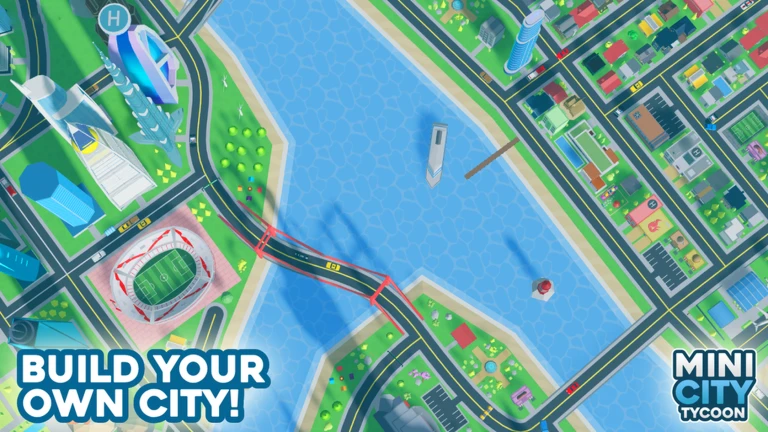
As your city grows, the cost of new buildings rises and income can struggle to keep up. Before spending anything, check whether your existing buildings are actually earning as much as they should. Road connectivity is a separate issue — AI cars and NPCs only move correctly when roads are properly connected, so a broken route shows up fast.
- Income feels too slow check which buildings are earning the least and replace them with higher-income ones.
- Can't place a new building remove smaller buildings to clear space for a larger one.
- Level isn't climbing try diversifying the types of buildings you place rather than repeating the same one.
- AI cars and NPCs aren't moving verify that your roads are fully connected with no dead ends blocking the route.
Driving and visiting other cities
TipsThe game lets you get behind the wheel and drive through the city you built. You can also travel to other players' cities in the same server to look around — you cannot change anything there.
- Drive through your city after a building session to spot road gaps or odd placements from street level.
- Watch AI cars and NPCs move through your streets to confirm roads are connected and traffic flows properly.
- Use the visit feature to explore other players' cities and study how they arrange roads and buildings.
Glossary
Glossary- Cash Boost
- A 10% bonus to income earned in-game, granted automatically when you join the game's Roblox group.
- AI Cars and NPCs
- Vehicles and pedestrian characters the game controls automatically; they navigate your roads without any input from you.
- Level
- A progress counter that rises as you place buildings and take actions, unlocking new building types as it increases.
- Skyscraper
- A large, high-level building that generates more income than smaller structures and is unlocked at a higher level.
- Map
- The plot of land you build your city on; multiple maps are available.
- Tycoon
- A game genre built around earning income, reinvesting it, and growing from a small start into something much larger.
Common questions
FAQCan you unlock every building without spending Robux?
Yes. Leveling up only requires placing buildings and playing the game, with no purchase necessary. New buildings unlock steadily as your level climbs.
What does joining the group actually do?
It gives you a 10% cash boost on income earned in the game.
What can you do when visiting another player's city?
You can look around freely and study their road layout and buildings. You cannot move or remove anything in their city.
What should you do when money runs out mid-game?
Check what your current buildings are earning and identify the weakest ones. Removing low-income buildings and replacing them with higher-earning ones is an option to consider.
Do different maps affect how the game plays?
Each map has its own size and look. Multiple maps are available to build on.
Game updates can change what is on this page. If you spot something, get in touch and let us know.
