
My Zombie Zoo Guide: Getting started

About
OverviewMy Zombie Zoo is a Roblox game where you hatch zombie animals from eggs, collect money from them, and build out your own zoo. This guide walks you through pulling levers, earning money, spending it on upgrades, and playing with friends.
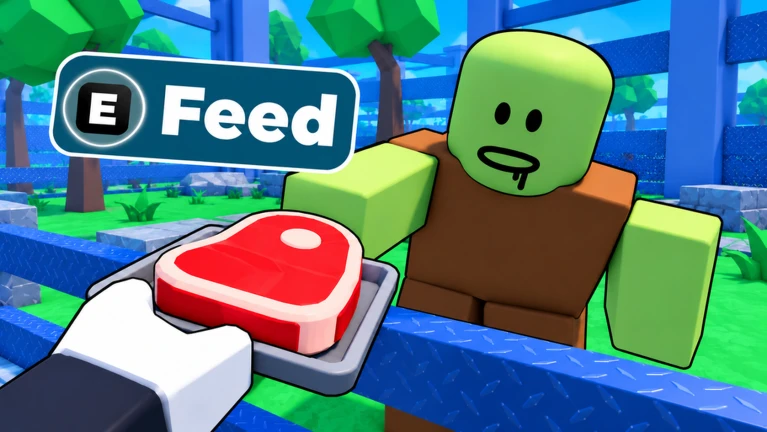
What is on this page
Contents
Player notes and tips
Found a useful trick? Share it with everyone! Notes with screenshots are welcome!
Write a guide note
[UPD] My Zombie Zoo
Getting started — the lever and your first eggs
Step
When you first load in, you will find a lever inside the room. Pulling it hatches eggs and adds zombie animals to your zoo. Each animal that comes out has its own rarity, so keep pulling to see what you get.
- Find the lever
it is inside the room when you spawn in.
- Pull the lever
this triggers the egg hatch and produces a zombie animal.
- Repeat
every pull can give you a different rarity, so more pulls mean more chances at rare animals.
MetaNew Player Survey

The next survey is being prepared.
How zombie animals earn you money
Tips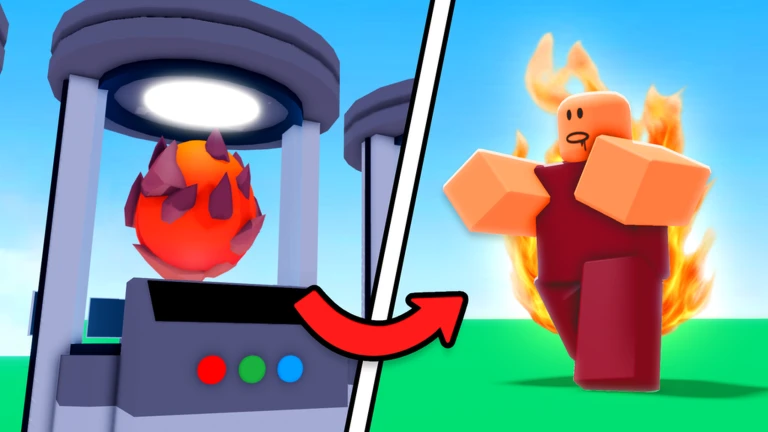
Every zombie animal in your zoo produces money. You collect that money by tapping the animal directly.
- Tap each zombie animal to collect the money it has built up.
- Come back to your zoo regularly to collect money from your animals.
Spending money on upgrades and enclosures
Check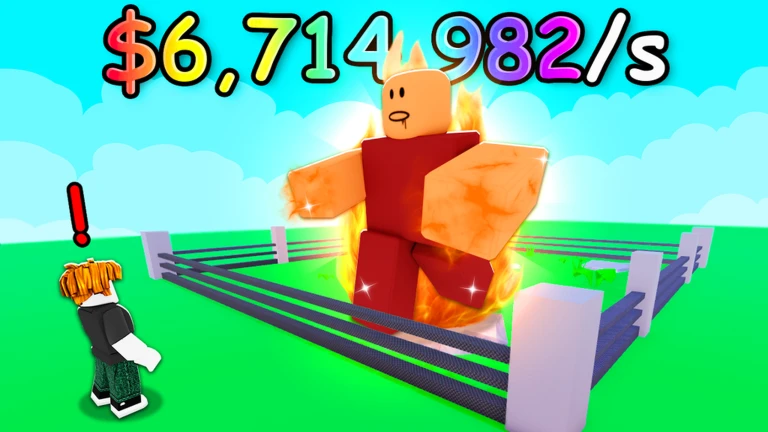
Once you have collected money from your zombie animals, you can use it to upgrade the zoo's overall functions or customize the layout and design of individual enclosures.
- Customize each zombie animal's enclosure you can change its placement and design.
- Use collected money to upgrade zoo functions or enclosure customisation.
Playing with up to six people
Summary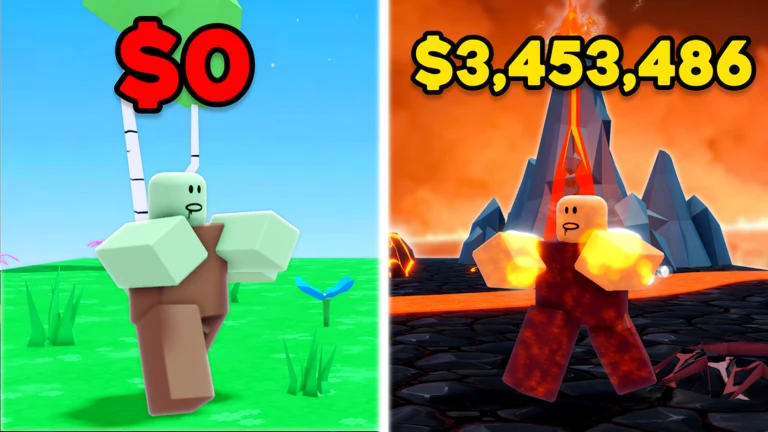
The game supports up to six players in the same room at once. Everyone can pull levers, hatch eggs, and collect money together, and you can browse each other's zoos as you play.
- Max players
six in one room at the same time.
- Levers
every player in the room can pull them.
Glossary
Glossary- Lever
- A device inside the room that you pull to hatch eggs and produce zombie animals.
- Zombie animal
- A zombified creature that hatches from an egg, earns money for you, and can be placed in an enclosure.
- Rarity
- A rating that shows how rare a zombie animal is.
- Enclosure
- The space inside your zoo where a zombie animal lives, which you can customise in terms of layout and design.
- Upgrade
- An improvement you buy with collected money to strengthen zoo functions or customise enclosures.
Common questions
FAQHow do I hatch more eggs quickly?
Pull the lever in the room — each pull hatches an egg and adds a zombie animal to your zoo. If you are playing with friends, everyone can pull levers at the same time.
How do I get rarer zombie animals?
Rarity is determined randomly each time you hatch an egg. Hatch as many eggs as possible, since every pull gives you another chance.
What can I spend money on?
You can improve the overall functions of your zoo or customise individual enclosures using the upgrade menu.
Game updates can change what is on this page. If you spot something, get in touch and let us know.
