
Trails Guide: Getting started in Trails
About
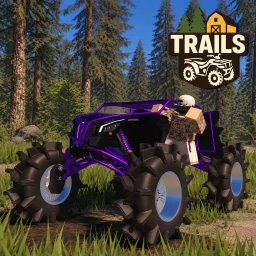
OverviewTrails is a Roblox off-road driving game where you explore a large open world of mud, hills, water crossings, and winding paths in ATVs, UTVs, and other off-road vehicles.
What is on this page
Contents
Getting started in Trails
Step
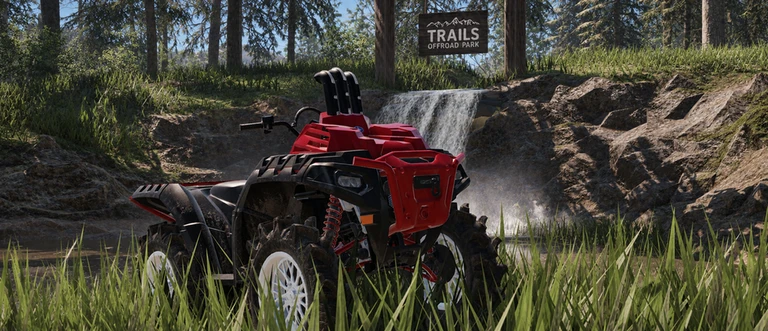
When you first join, you choose an off-road vehicle from the available lineup before you do anything else. Once you are in, the map opens up and you can drive wherever you like. Riding around helps you spot where trails are laid out and what kinds of terrain to expect.
- Pick your vehicle choose any ATV, UTV, or other off-road vehicle from the selection screen.
- Head out onto the map the world is large, so start driving and get a feel for how it is laid out.
- Find the trails courses are placed throughout the map, so keep an eye out for them as you explore.
MetaNew Player Survey
The next survey is being prepared.
Vehicle customization and chassis tuning
Table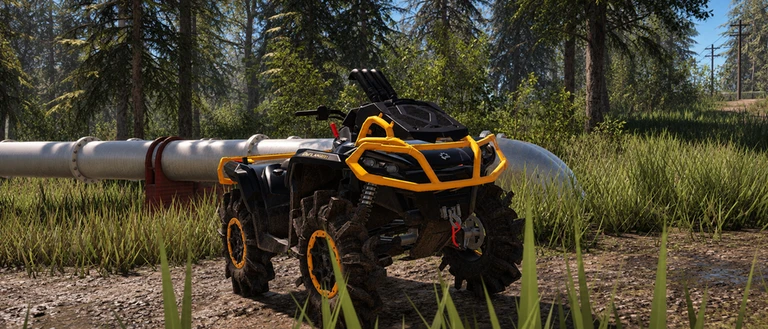
Two separate sides of customization are available. One side touches performance through parts and chassis settings; the other changes the look of your vehicle.
| Parts | swap components to change your vehicle's handling and overall performance on tough terrain. |
| Chassis tuning | adjust stability and handling to get the ride feel you want. |
| Visual options | a wide range of appearance customizations let you style your vehicle. |
| Ongoing additions | new vehicles, parts, and customization options are continuously added through updates. |
Playing with others
Summary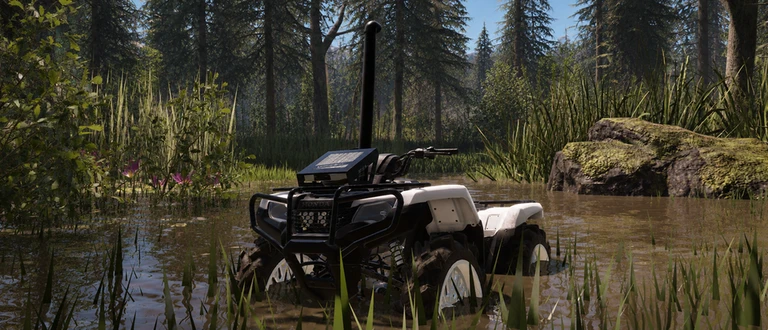
Each server holds up to thirteen players at once. You can ride alongside friends, explore at your own pace, or just share the map with whoever is in the session.
- Server size up to thirteen players in one map at a time.
- Shared world all players drive on the same map simultaneously.
Glossary
Glossary- Chassis tuning
- An in-game setting that lets you adjust how your vehicle handles, covering stability and handling response.
- ATV
- An all-terrain vehicle, one of the off-road vehicle types available to drive in Trails.
- UTV
- A utility task vehicle, a larger off-road vehicle type available alongside ATVs in the game's lineup.
- Freecam
- A camera mode that lets you move the viewpoint freely around the map, separate from your vehicle, useful for taking screenshots.
Common questions
FAQHow many players can join the same map?
Up to thirteen players can be in one server at the same time. You can ride with friends or simply share the map with other players who happen to be in the session.
What does chassis tuning actually change?
Chassis tuning adjusts your vehicle's handling and stability. Parts customization and chassis tuning can be set alongside visual customization options.
How often does new content get added?
The game is updated on an ongoing basis with new vehicles, parts, customization options, and trails.
Game updates can change what is on this page. If you spot something, get in touch and let us know.
