
Build with Commands — Two ways to run a command
About
OverviewBuild with Commands is a Roblox building game where you construct whatever you want on your own plot using chat commands or a menu. This guide walks you through the two ways to run commands, how to build with friends, and how saving works so you never lose your progress.
What is on this page
Contents
Two ways to run a command
Table
Every building action in this game goes through a command. You can enter commands by typing in chat or by clicking the menu button at the top-left of the screen. Neither method unlocks anything the other one doesn't, so the choice is purely about comfort.
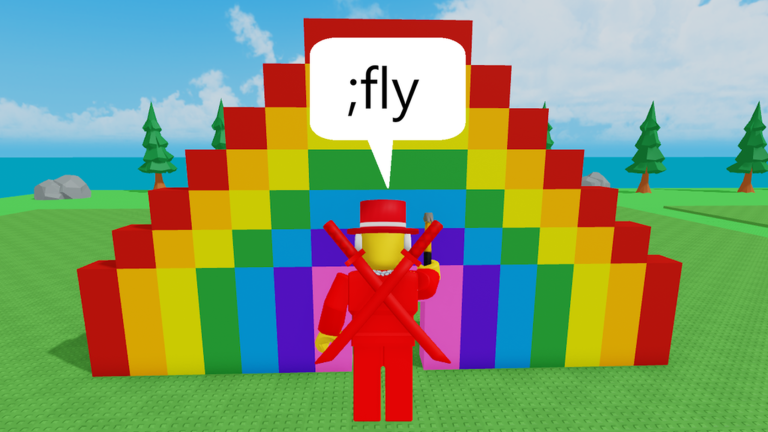
| Chat input | type a semicolon (;) followed by the command name in the chat box |
| Menu button | click the button at the top-left of the screen to open the commands menu |
| Command count | more than 16 commands are available across both methods |
Building with friends
Step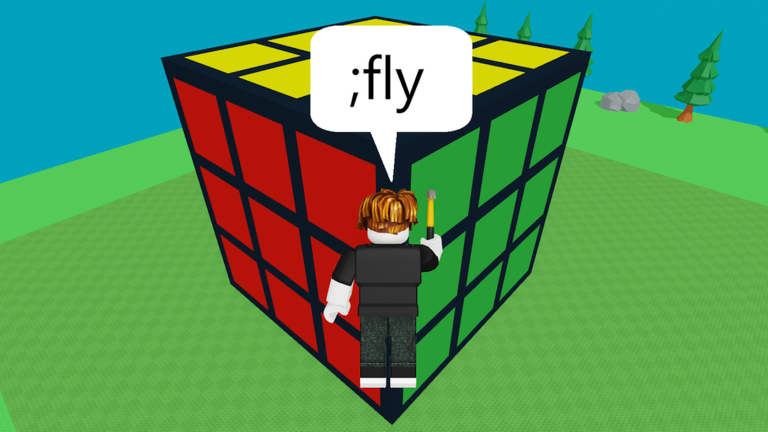
Invite friends to your plot and you can both work on the same build at the same time, each using commands to add to the project.
- Invite a friend bring them to your plot so you share the same building space.
- Use commands together both players can run commands on the plot at the same time.
- Visit other plots head over to another player's plot to see how they've built.
Automatic saving
CheckYou never have to manually save in Build with Commands. Everything you build is stored automatically, which means closing the game doesn't cost you any progress. When you return, your plot looks exactly as you left it.
- No manual save step required the game handles it for you.
- Your build is waiting where you left it the next time you log in.
Glossary
Glossary- Plot
- Your personal building area in the game — a large space where you construct things and can invite friends to help.
- Command
- An instruction that performs a building action, entered either by typing in chat or selecting from the menu.
- Semicolon prefix
- The ; symbol you type at the start of a chat message to tell the game you are entering a command rather than chatting.
Common questions
FAQCan my friend build on my plot at the same time as me?
Yes — invite them to your plot and you can both run commands there simultaneously.
Will my build disappear if I close the game?
No. Builds save automatically, so everything stays exactly as you left it. You can return in a later session and carry on from the same point.
Game updates can change what is on this page. If you spot something, get in touch and let us know.
