
Four Square Guide: Basic controls
About
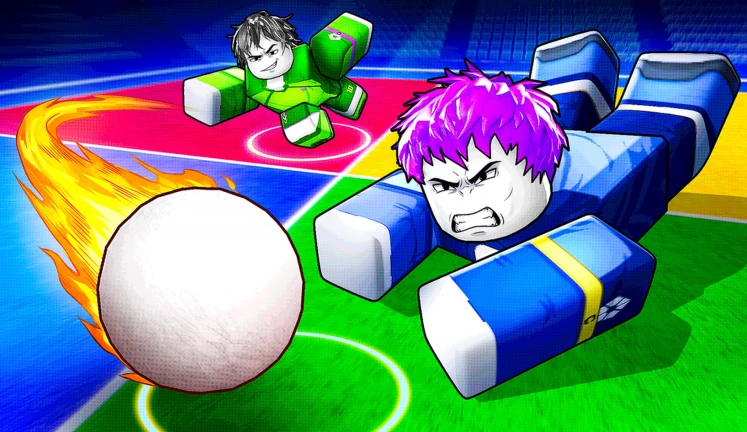
OverviewFour Square takes the classic playground game and brings it to Roblox for up to twelve players at once. You hit a ball into opponents' squares while keeping it from bouncing twice in your own. This guide covers the controls, how to avoid losing lives, and how to build up your abilities over time.
What is on this page
Contents
Basic controls
Summary
Every action in the game comes down to three controls. Hitting the ball and charging your shot share the same key, so the only thing left to learn is when to tap and when to hold.
- Hit tap Left Click or F to send the ball into an opponent's square
- Charge-up hit hold Left Click or F to build power before releasing a stronger shot
- Ability press Q to activate the OP ability you currently have equipped
MetaNew Player Survey
The next survey is being prepared.
How you lose a life
Warn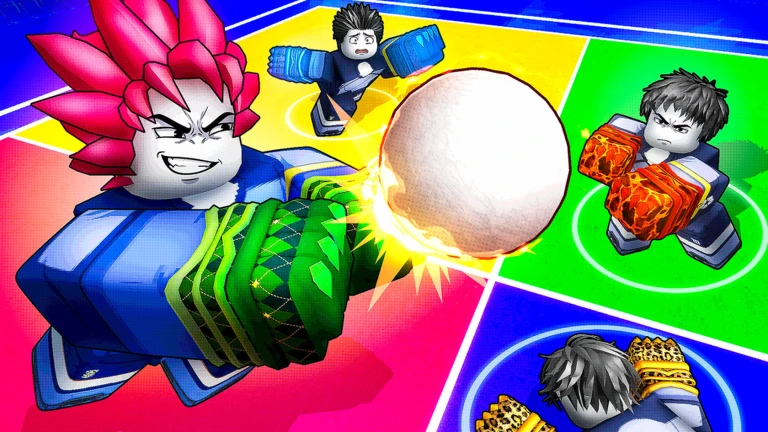
The rule is straightforward: if the ball bounces once in your square you are still safe, but a second bounce before you return it means you lose a life. In a match with many players the ball can reach your square from unexpected directions, so you always need to know where it is.
Earning cash and opening Ball Crates
Step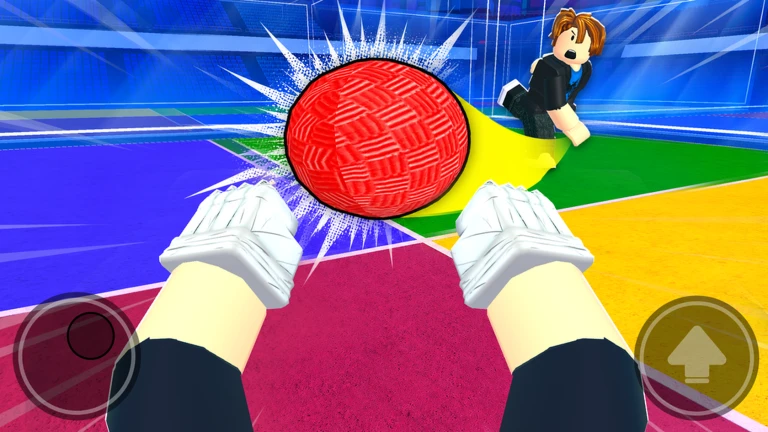
Cash accumulates as you play, so every match brings you closer to your next Ball Crate. Opening a crate triggers a roll that gives you a new OP ability to use in future games. If you have Roblox Premium, you earn cash at a faster rate than standard players.
- Play matches cash builds up during gameplay
- Open a Ball Crate spend the cash you have collected to open one
- Check the roll result whatever ability comes up is now available to you in-game
- Use Q in your next match activate the new ability during a match
Free rewards
CheckThe game hands out cash and items for a few simple actions you can do right from the Roblox page. Redeem codes also exist — this site tracks three working ones as of October 22, 2026 — but codes expire, so use them as soon as you find them.
- Like the game on its Roblox page to claim a reward
- Add it to your favorites for an additional reward
- Join the official group to receive group membership benefits
- Redeem any active codes through the in-game code entry field before they expire
 RELEASE500
GLOVES500
BIG100
RELEASE500
GLOVES500
BIG100
Glossary
Glossary- Double bounce
- When the ball bounces twice inside your square before you return it, causing you to lose a life.
- Charge-up hit
- A shot made by holding Left Click or F to build power, sending the ball with more force than a normal tap.
- Cash
- The in-game currency you earn by playing, used to open Ball Crates.
- Ball Crate
- A crate you open with cash that rolls a new OP ability for you to use in matches.
- OP ability
- A special power obtained by rolling a Ball Crate, activated during a match with the Q key.
Common questions
FAQWhat should a new player focus on first?
Avoiding a double bounce in your own square is the single most important habit to build. Keep your eye on the ball at all times and return it after the first bounce. The controls are simple — Left Click or F to hit.
How do I get stronger abilities?
Play matches to accumulate cash, then spend that cash on Ball Crates. Each crate you open rolls a new OP ability, and using Q in a match is how you put that ability to work.
How many players can be in one match?
A single match supports up to twelve players.
Does Roblox Premium make a difference?
Yes. Premium players earn cash at a higher rate than standard players, which means they can open Ball Crates and roll for abilities more frequently.
Game updates can change what is on this page. If you spot something, get in touch and let us know.
