
Suburban Weather Simulator Guide: Settings to adjust before you start
About
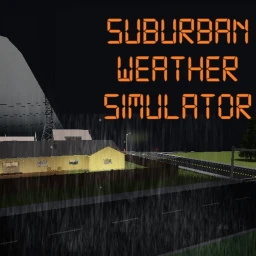
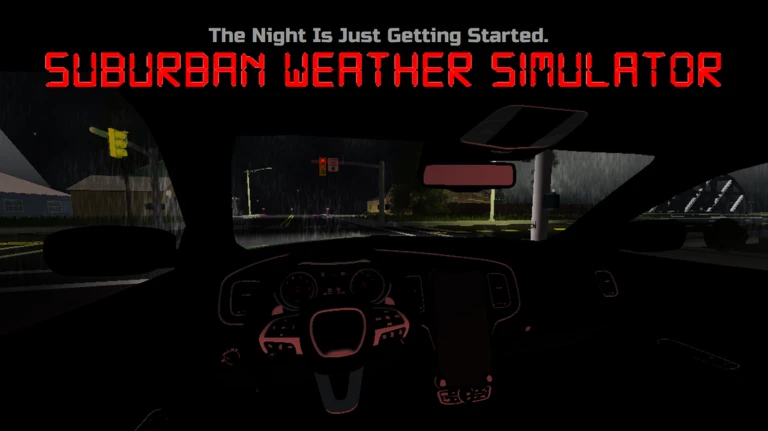
OverviewSuburban Weather Simulator puts you in Blox County during tornadoes, severe thunderstorms, flash floods, hurricanes, and more. This guide covers how to read the in-game weather tools, how to stay alive when the worst storms hit, and what it takes to earn every badge.
What is on this page
Contents
Player notes and tips
Found a useful trick? Share it with everyone! Notes with screenshots are welcome!
Write a guide note
Suburban Weather Simulator
Settings to adjust before you start
Check
The game is built around detailed weather visuals and realistic alert sounds, so two quick settings changes pay off immediately.
- Graphics quality set it to 7 or higher.
- Volume if you are in a public place, plug in headphones or turn the volume down, because the emergency alert sounds are loud and realistic.
- Server size up to 25 players share a room, so expect company when storms roll through.
MetaNew Player Survey

The next survey is being prepared.
Three tools for tracking storms
Table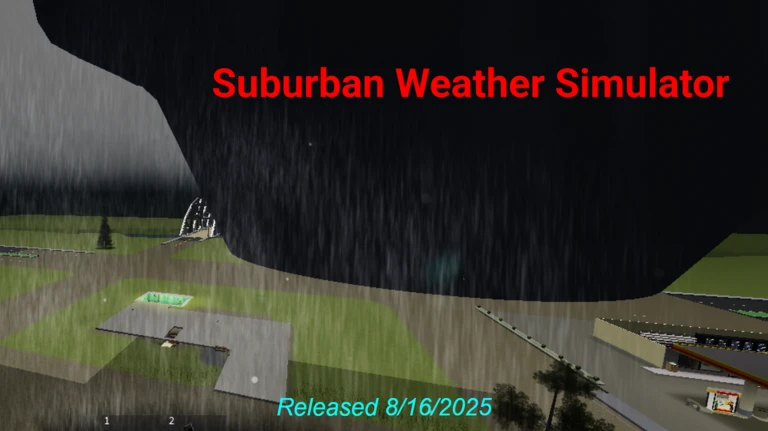
The game places three weather-monitoring tools around Blox County. Each one tells you something different, and combining them is the core of how you play.
| NOAA Weather Radio | the latest weather information and active warnings broadcast continuously. |
| Radar Display | shows where a storm is right now, how strong it is, and which way it is moving. |
| Emergency Alert System | flashes an on-screen alert when a dangerous event is close and it is time to take shelter. |
Surviving the deadliest events
Warn
Some events give you only seconds to react. Knowing the survival rule for each one ahead of time is the only way to stay safe.
Badge hunting — what each badge actually requires
Step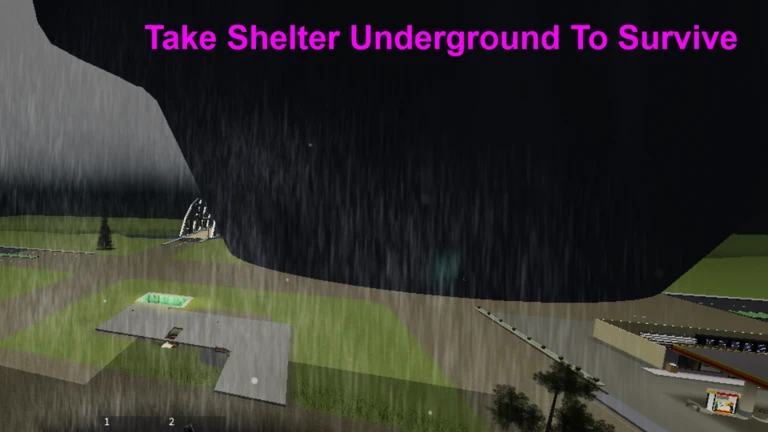
There are 14 badges in total. Some are earned simply by being present when a rare event happens, while others require you to do something specific during the event.
- Witness rare events EF5, Megaflood, The Eye, CAT 5, and NUKE badges all unlock the moment you are present for each event.
- Megaflood timing the flood gauge runs from 0 to 50, and you need to witness a reading of at least 40 for the badge to unlock.
- Pool Survival get into the backyard pool while a tornado is actively on the ground. If the tornado has already lifted before you enter the pool, the badge will not trigger.
- Probed a Tornado take your data probe and make direct contact with a tornado rated EF1 or stronger. EF0 tornadoes, funnel clouds, high-wind events, and indirect contact do not count.
- EF5 Probed do the same direct probe contact, but specifically on an EF5 tornado. Indirect intercepts do not count.
Joining the developer group
Tips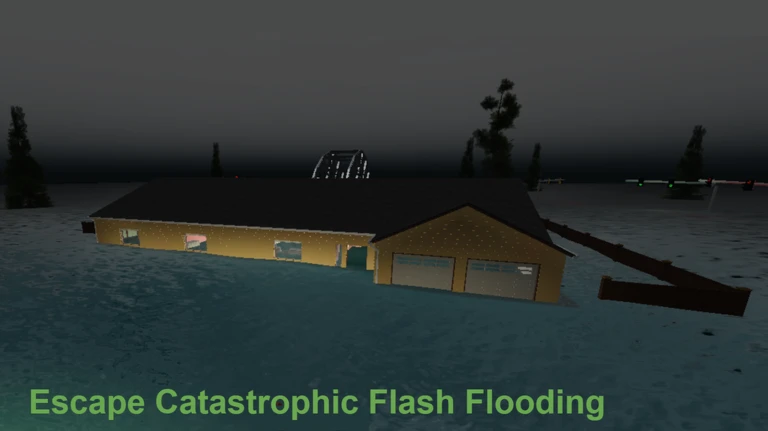
The game's community group is run by Weatherman109. Joining it earns you a blue name tag visible to other players in the server.
- Search for the Weatherman109 Games community on Roblox and join it to receive the blue name tag in-game.
- The group is also where the developer collects player feedback.
Glossary
Glossary- EF Scale
- The rating system for tornado strength, running from EF0 (weakest) to EF5 (strongest, capable of destroying a house in seconds).
- Flood Gauge
- A 0-to-50 meter that tracks how deeply Blox County is flooded — at 40 or above, only rooftops and light poles remain above water.
- Probing
- The act of making direct contact with a tornado using the data probe; the tornado must be rated EF1 or higher for it to count toward a badge.
- The Eye
- The calm center of a hurricane where winds briefly drop — standing in it earns a badge, but the second eyewall arrives soon after.
- NOAA Weather Radio
- An in-game receiver that broadcasts current weather warnings and forecasts.
- Radar Display
- An in-game screen showing storm location, intensity, and direction of movement in real time.
- Emergency Alert System
- An in-game alarm that triggers an on-screen warning when a dangerous weather event is about to hit your area.
Common questions
FAQWhat weather disasters can happen in this game?
The game simulates tornadoes from EF0 through EF5, severe thunderstorms, flash floods, hurricanes up to Category 5, and a nuke event. The nuke event is the rarest of all of them.
Why does my probe not count toward the tornado badge?
Two things can disqualify a probe attempt: the tornado is rated EF0 or weaker, or your contact was indirect. You need a clean, direct hit on a tornado that is EF1 or stronger. For the EF5 Probed badge, that same rule applies to an EF5 specifically.
What happens if I stay above ground during an EF5 tornado?
An EF5 can completely destroy homes within seconds. The only way the game describes surviving one is to be underground before it arrives.
Game updates can change what is on this page. If you spot something, get in touch and let us know.
