
Chainsaw Man Testing Place Guide: Getting started
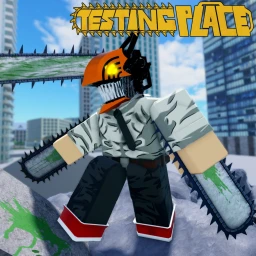
About
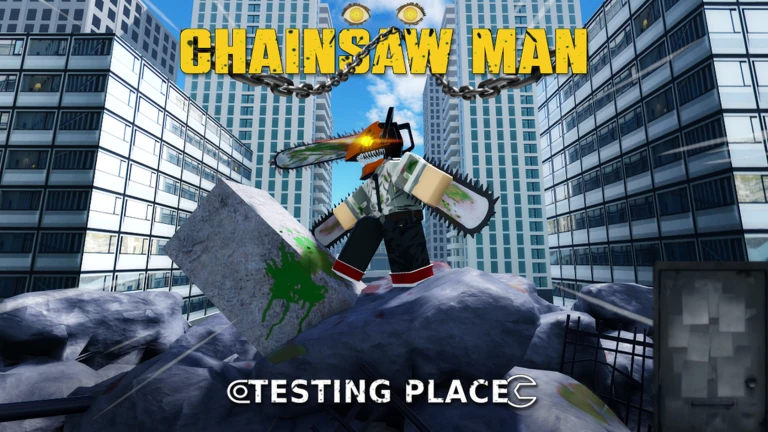
OverviewChainsaw Man Testing Place is a battle arena on Roblox where you try out characters and skills from the Chainsaw Man universe. This guide covers the controls, how to fight well, and what to do once you start racking up kills.
What is on this page
Contents
Getting started
Step
When you first load in, choose a character before heading into the battle area. You can switch characters at any time by resetting — just use the Reset command and you will respawn free to pick someone new. Before you fight anyone, take a moment in Settings to adjust your keybinds so the controls feel natural. All characters are available to every player at no cost, so there is no reason to stick with the first one you try.
- Pick a character choose anyone you like; you are not locked in.
- Check keybinds open Settings and remap anything that feels awkward.
- Enter the arena fight a few rounds to get a feel for the controls.
- Reset to switch use Reset whenever you want to try a different character.
Core controls
CheckThe game runs on seven key inputs. M1 handles your basic attack. The six skill keys each fire a different special move that varies by character. Evasion and Dash are just as important as attacking. The Emote key is there for fun after a win.
- M1 fires your basic attack.
- E, R, T, F, G, and C each trigger one of six character skills.
- 1 activates Evasion to dodge an enemy attack.
- Q activates Dash for quick repositioning.
- N plays your Emote.
- All keybinds can be changed in Settings.
Kill milestones to aim for
Summary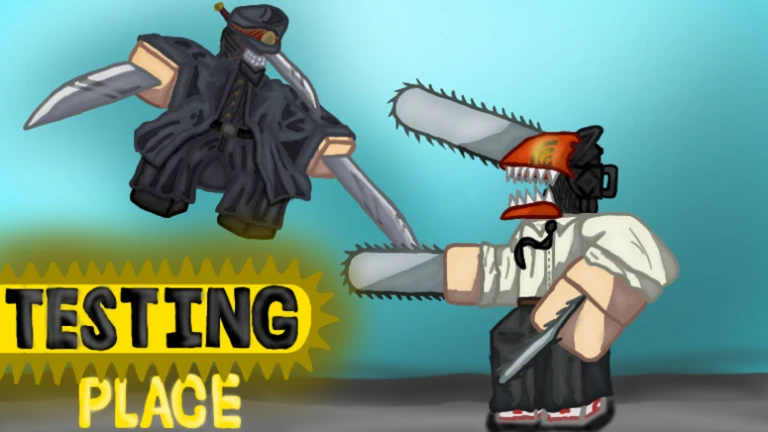
The game tracks your kills and awards badges at set thresholds. There is also a separate tracking for who has the most kills overall.
- First Kill earns the Marshmallow badge
- 10 Kills earns the Sea Cucumber badge
- 50 Kills earns the Bat badge
- 100 Kills earns the Snake badge
- 1,200 Kills earns the Gun badge
- 10,000 Kills earns the Hero Of Hell badge
Contracting with the devils
Tips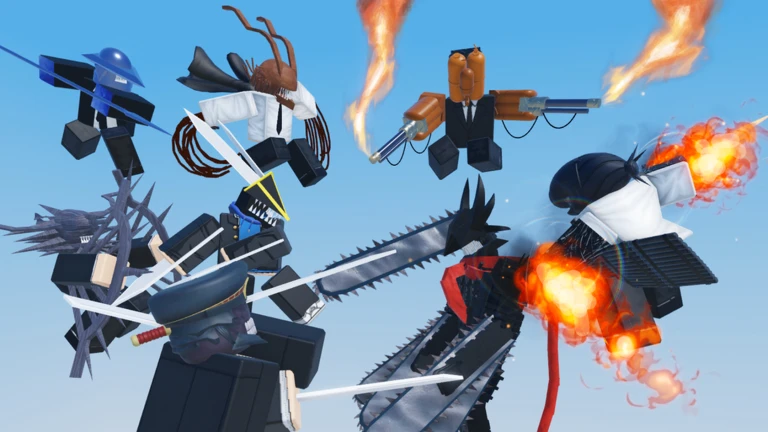
Beyond the kill count ladder, the game has two devil-contract badges that stand apart. One is awarded for contracting with the Hell Devil, and another for an encounter tied to the Gun Devil.
- Contract with the Hell Devil to unlock the hell contract badge.
- Track down the Gun Devil encounter for the Contracted with Gun Devil badge.
Glossary
Glossary- M1
- The left mouse button, used to perform your basic attack.
- Skill
- A special move triggered by E, R, T, F, G, or C; the effect depends on which character you are using.
- Evasion
- The dodge action bound to the 1 key, used to avoid an incoming attack.
- Dash
- A quick burst of movement triggered by Q, used to reposition during a fight.
- Reset
- The in-game command that respawns you and lets you choose a different character.
Common questions
FAQHow do I change my character?
Use the Reset command in-game and you will respawn at character selection. You can do this as many times as you want.
Do I need to spend Robux to use strong characters?
No. Every character in the game is available to all players at no cost.
Game updates can change what is on this page. If you spot something, get in touch and let us know.
