
Voxel Block Builder — Your first four steps in the game
About
OverviewVoxel Block Builder is a creative Roblox game where you place voxel blocks to build anything you can imagine — houses, towers, whole worlds. This guide covers the basics of placing and removing blocks, how to save your work, tips for improving your builds, and what the Verity Pets update adds.
What is on this page
Contents
Your first four steps in the game
Step
The core loop is simple: pick a block, place it, repeat. If you ever get lost, the in-game How to Build section walks you through everything.
- Open your inventory this screen shows every block available to you.
- Select a block choose whichever type or color you want to place next.
- Click or tap to place the block appears exactly where you aimed.
- Use the pickaxe to mine tap any placed block to remove it and try again.
Three habits worth building early
Check
Because the game gives you total freedom, it is easy to lose progress or get stuck in one style without realizing it.
- Use the Personal Worlds feature to save your creations so they are not lost between sessions.
- Try as many different block types and colors as you can find the combinations change how a finished build looks more than anything else.
- Invite a friend to your world and build together.
- Check back weekly, because new blocks are added on a regular schedule.
Building better — practical tips
Tips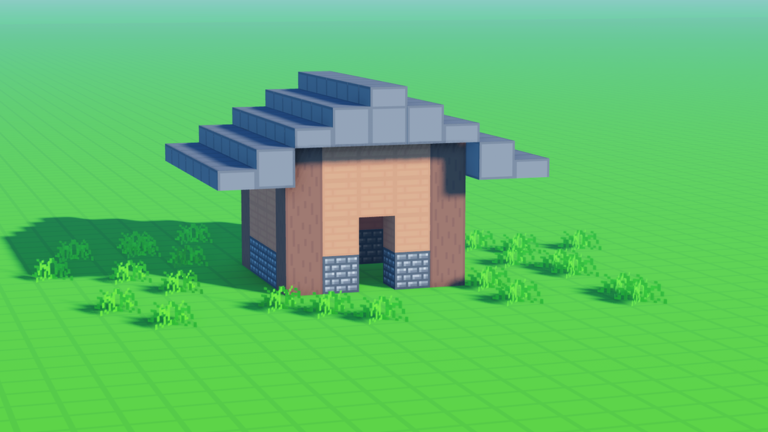
These are the habits that separate a decent build from a great one.
- Start with something small, like a single room or a simple pillar, so you finish it quickly and feel the progress.
- Mix blocks of different colors and textures rather than using only one type — variety removes the flat, uniform look.
- Vary the height of your structures; adding taller sections gives a build a sense of depth and scale.
- Step back and look at the whole thing from a distance when you think you are done — balance problems are much easier to spot from far away.
Verity Pets — the latest update
Summary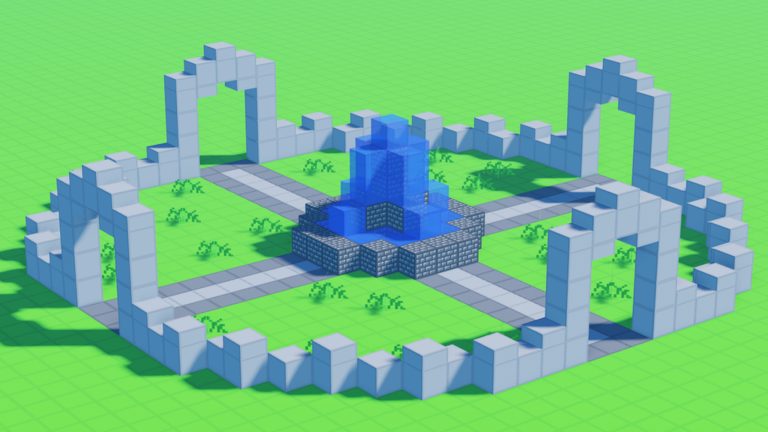
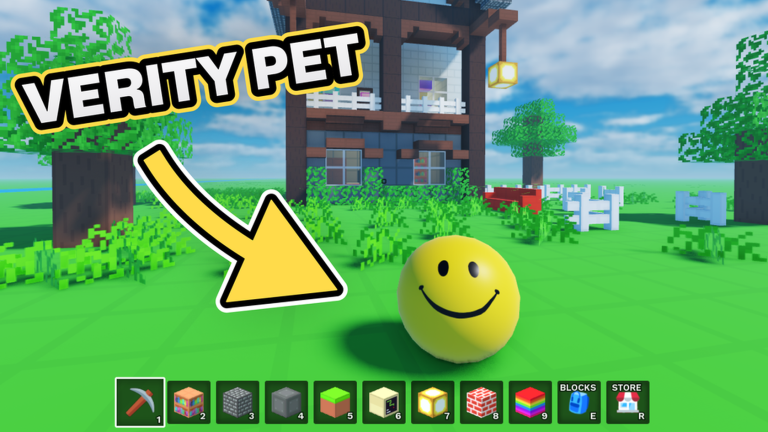
The Verity Pets update added a pet you can unlock and equip. Once equipped, your pet follows you around the world as you place blocks. The same update also brought new blocks and general quality-of-life improvements to the game.
- Pet behavior rolls around and follows you when equipped
- Activation unlock the pet first, then equip it to have it appear
- New blocks additional block types were added in the same update
- QoL changes general fixes and improvements shipped alongside the pets
When something goes wrong
Check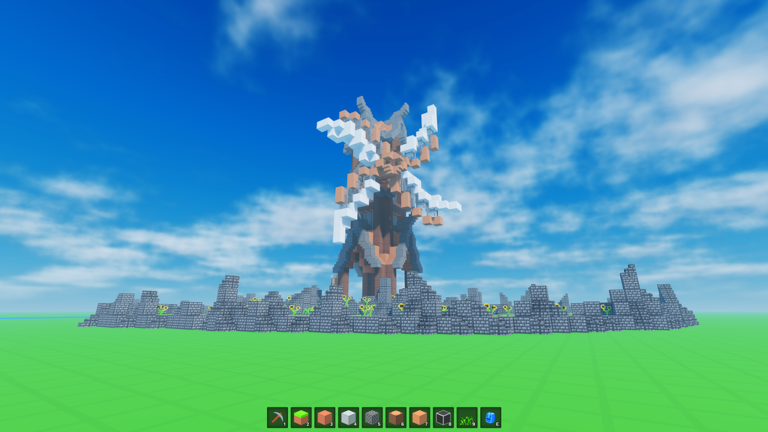
Because the game is open-ended, mistakes are easy to make and easy to miss. Run through this list whenever something is not working the way you expect.
- Can't place a block check that the block you want is actually in your inventory.
- Confused about controls open the in-game How to Build section and read through it again.
- Build has disappeared check whether you saved it using the Personal Worlds feature before leaving.
- Can't build with a friend confirm that you have invited them to your world and that they have joined it.
Free play vs. spending — what you get without paying
TableYou do not need to spend anything to get a full experience here. The weekly block additions mean the selection of free options keeps growing over time.
| Block placement | free |
| Personal Worlds saving | free |
| Multiplayer with friends | free |
| New blocks each week | free |
Glossary
Glossary- Voxel
- A small cube-shaped block; stacking and arranging voxels is how everything in the game gets built.
- Inventory
- The screen that shows all the blocks you have available, where you select what to place next.
- Personal Worlds
- A save feature that stores your creations in a private world so they are not lost when you leave the game.
- Pickaxe
- The tool used to remove blocks you have already placed, letting you undo or correct parts of a build.
- Verity Pet
- A pet character you can unlock and equip; once equipped it rolls around and follows you through the world.
- Roleplay
- Playing out a character or scenario with friends inside a world you have built together.
Common questions
FAQHow do I get comfortable with the controls?
Focus on just two actions at first: placing a block and removing one with the pickaxe. The in-game How to Build section is also there whenever you need a reminder.
My build disappeared — can I get it back?
If you saved your world using the Personal Worlds feature before leaving, your build will still be there when you return. If you did not save it, the build is gone, so make a habit of saving regularly whenever you create something you want to keep.
I'm running low on blocks — what should I do?
Use the pickaxe to break down blocks you no longer need in your current build and free them up for something else.
How do I play with friends?
Invite a friend to your world from inside the game, and once they join you can build in the same space at the same time. If you run into trouble with the invite process, the in-game guide has the specifics.
Game updates can change what is on this page. If you spot something, get in touch and let us know.
