
SHARP Guide: Getting started in your first few matches
About
OverviewSHARP is a fast-paced PvP battle game on Roblox where you fight other players, collect coins, and unlock new weapons, powers, and perks as you climb the ranks.
What is on this page
Contents
Getting started in your first few matches
Step
When you first load in, the tutorial walks you through the controls and how a battle round flows. Your starting weapon is free and capable enough to win early fights.
- Complete the tutorial it shows you the controls and how a battle round flows.
- Try your starting weapon it is free and capable enough to win early fights.
- Fight opponents each enemy you defeat earns you coins.
- Spend your first coins on a weapon unlock more options means you can start finding a style that suits you.
MetaNew Player Survey
The next survey is being prepared.
Earning coins faster in PvP
Tips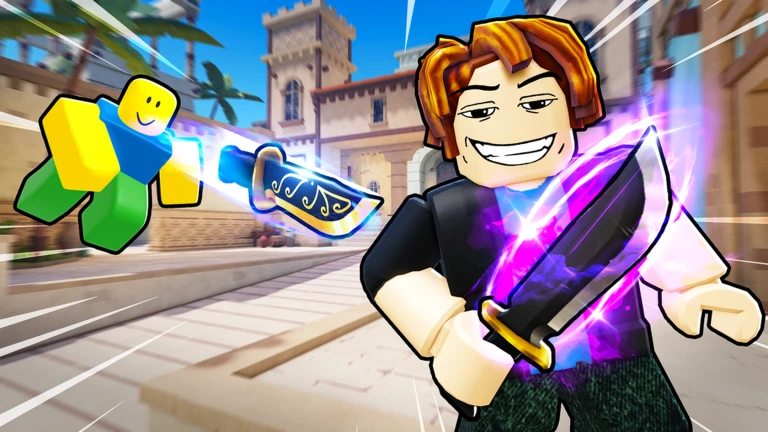
Every enemy you take down in a match adds to your coin total, so the longer you survive, the more chances you get. Jumping into a busy brawl where several players are already fighting each other can also put you in a position to land kills.
- Target opponents who look beatable rather than the strongest player in the lobby.
- Join chaotic multi-player fights where you can pick off weakened enemies.
- Staying alive is directly tied to how many enemies you can defeat before dying.
How powers work
Summary
Powers are special abilities that charge on their own as you fight. The yellow marker on your screen shows how charged your current power is. Once it fills completely, the power becomes active and ready to use.
- Yellow marker shows your current power charge level.
- Full marker means the power is active and ready to fire.
- Perks unlock alongside powers and add further advantages to your build.
Playing without spending Robux
Tips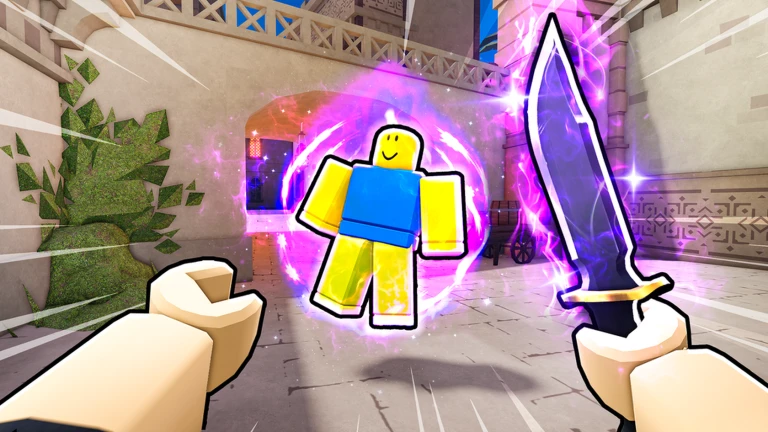
SHARP gives free players access to weapons, powers, and perks through coins and rank progression. The starting weapon holds up throughout the game.
- The starting weapon is good enough to use at any point in the game.
- Powers and perks all unlock through normal play over time.
- Reaching the highest ranks is possible without spending Robux.
Online safety while playing
WarnNo legitimate part of the game will ever ask for your password or personal details. If another player sends a link or asks you to go to an outside site, ignore it.
Glossary
Glossary- PvP
- Player versus Player — the core mode of SHARP, where you fight real people rather than AI.
- Coins
- The currency you earn by defeating opponents, used to unlock weapons, powers, and perks.
- Power
- A special ability that charges automatically during a match and activates when the yellow marker is full.
- Yellow marker
- The on-screen indicator that shows how charged your current power is.
- Perk
- An unlockable bonus that can be obtained alongside powers.
- Rank
- Your progression measure in SHARP — higher ranks unlock stronger weapons and additional powers.
Common questions
FAQCan I play SHARP on mobile?
Yes, SHARP runs on smartphones and tablets as well as desktop, Xbox, and PlayStation 5.
My power is not activating — what am I missing?
Powers charge on their own during battle, but they only become usable once the yellow marker is completely full. Keep an eye on that marker and press the power button the moment it fills up.
Which weapon should a new player start with?
Start with the weapon you are given at the beginning — it is free. Once you have a feel for your preferred style, use coins to try out other weapons.
Do I need to spend Robux to stay competitive?
No. The starting weapon is usable throughout the whole game, and free players can unlock weapons, powers, perks, and ranks through normal play.
Game updates can change what is on this page. If you spot something, get in touch and let us know.
