
+1 Speed Spidey Escape Guide: The three controls you need to know
About
Overview+1 Speed Spidey Escape is a Roblox parkour game where you play as a Spider hero, swinging on webs and jumping across platforms to reach the finish as fast as possible. This guide covers the controls, how to build speed, how to unlock new Spiders, and how to use the AFK training system to keep making progress even when you step away.
What is on this page
Contents
Player notes and tips
Found a useful trick? Share it with everyone! Notes with screenshots are welcome!
Write a guide note
+1 Speed Spidey Escape
The three controls you need to know
Step
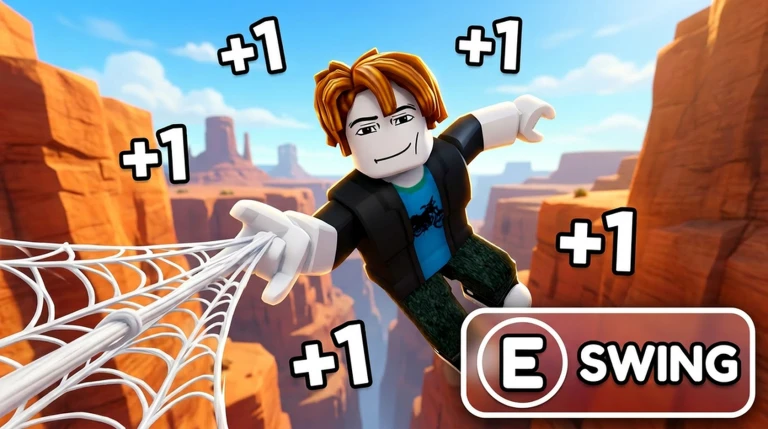
The game keeps its controls simple on purpose. You use E to swing, Space to jump, and a quick double-tap of Space to double jump.
- Learn E press E to fire your web and swing across a gap.
- Learn Space press Space to jump from platform to platform.
- Learn the double jump tap Space a second time quickly while you are still in the air to reach platforms that a single jump cannot clear.
MetaNew Player Survey

The next survey is being prepared.
Building your speed stat
TipsSpeed determines how fast your web swings carry you, which means wider gaps become crossable as your stat climbs. The game is built around reaching the end faster than everyone else, so speed progression is the main thing to chase.
- Train to gain speed.
- Higher speed makes your web swing cover more distance, letting you clear larger gaps.
AFK training while you are away
CheckThe AFK training system gives you rewards while you are idle. It runs as long as the game is open, so closing the app stops it.
- Keep the game open closing it completely stops all idle rewards.
- Use AFK training to earn while idle.
Mastering web swing and double jump together
StepThe game calls for mastering web swinging and using double jump to reach higher platforms. Practicing the combination of these two actions will help across the course.
- Press E to swing across gaps.
- Tap Space twice quickly to double jump to higher platforms.
- Press Space fast for the double jump if the second tap comes too slow it registers as a new single jump instead of a double jump.
Glossary
Glossary- Obby
- A Roblox-style obstacle course where you jump between platforms and reach a goal at the end.
- Web Swing
- The move you trigger with E that sends your Spider hero across gaps on a web line.
- Double Jump
- A second jump performed by tapping Space again while airborne, used to reach platforms too high for a normal jump.
- AFK Training
- A system that earns you rewards automatically while the game is open and you are not actively playing.
- Parkour
- The style of movement in the game — running, jumping, and swinging through obstacles to reach the finish quickly.
Common questions
FAQHow do I get faster?
Train to gain speed — that is the direct way to improve. You can also use AFK training to earn rewards while idle.
Why does my double jump keep failing?
You need to tap Space a second time quickly after the first jump, while you are still in the air. If you wait too long the game reads it as a fresh jump rather than a double jump.
Do I need to spend Robux to unlock new Spider heroes?
No. You unlock them by earning rewards through course clears and training.
Does AFK training keep running if I close Roblox?
No — AFK training only runs while the game is open. If you close the app the rewards stop accumulating.
Game updates can change what is on this page. If you spot something, get in touch and let us know.
