
Build a REAL House Guide: Getting started
About
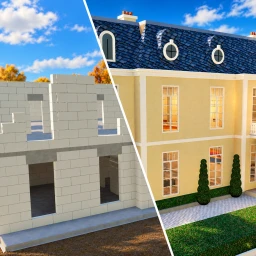
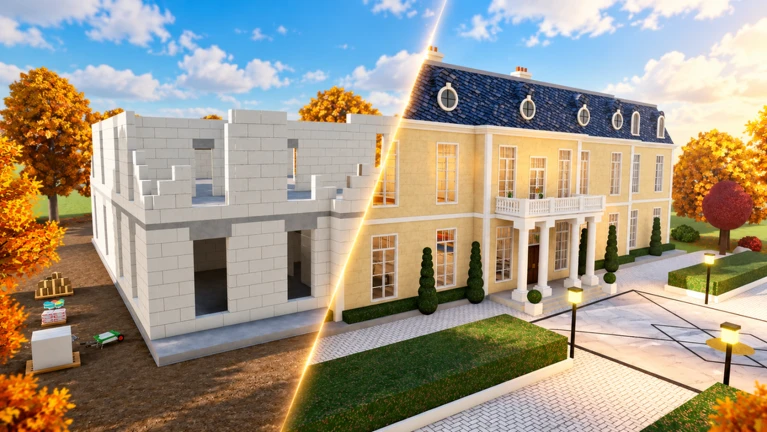
OverviewBuild a REAL House is a Roblox game where you construct a house from scratch — digging the pit, pouring concrete, stacking walls, adding a roof, plastering, painting, and finishing with shiny tiles. You can build solo or with friends, and there are seven different houses to choose from.
What is on this page
Contents
Player notes and tips
Found a useful trick? Share it with everyone! Notes with screenshots are welcome!
Write a guide note
[UPD] Build a REAL House
Getting started
Step
When you join the game, you receive your tools right away. Press Tab to open the notebook, which explains what each tool does and how to use it. Once you understand the controls, choose one of the seven houses and start building.
- Open the notebook
press Tab to read the tool guide.
- Check the controls
click or hold to use a tool, F to inspect it, and E for the handprint.
- Pick your house
choose from House, Pool, Villa, Mansion, Riviera Villa, Sunset, or Estate.
MetaNew Player Survey

The next survey is being prepared.
The building process, step by step
StepAll the work is interactive — there are no automated phases. Click or hold to use whichever tool the current step requires. The final touch is laying the shiny tiles, which signals that the house is complete.
- Dig the pit
click with your digging tool to excavate the ground.
- Pour the concrete
switch to the concrete tool and fill the pit.
- Stack the walls
place blocks to build up all four walls.
- Put on the roof
attach the roof structure to the top of the walls.
- Apply plaster
cover the outer surfaces with white plaster.
- Paint the house
choose a colour and paint the whole structure.
- Lay the shiny tiles
finish the build with the tile tool to complete the house.
Leaving a handprint in the concrete
TipsThe handprint is a small personal touch you can add during construction. If you are building with friends, everyone can leave their own print on the same slab.
- Press E while the concrete is still wet.
- You can add more than one handprint.
Tool Mastery — levelling up your tools
Tips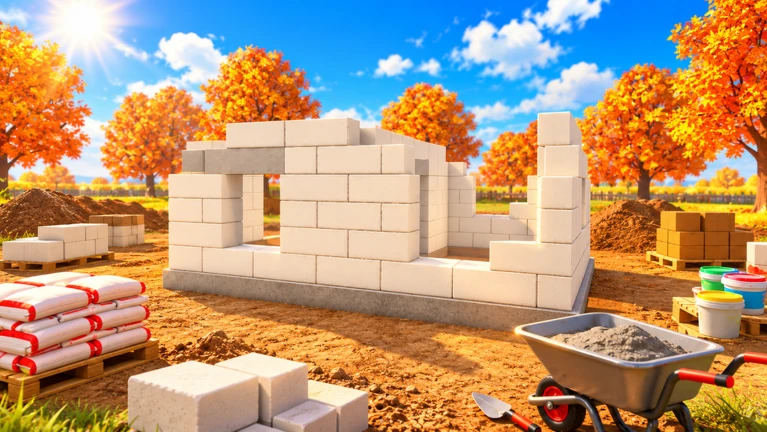
Every tool gains experience the more you use it. Open the notebook with Tab at any time to check a tool's current level. Gems you dig up from rare treasures can be spent on upgrades.
- Starting tier
Bronze
- Second tier
Silver
- Third tier
Gold
- Fourth tier
Diamond
- Top tier
Rainbow
- Press F to display your current tool to nearby players.
Digging up treasures and earning gems
TipsTreasures turn up when you are excavating. Collect them to build up a gem supply, then open the notebook to put those gems toward upgrading your tools.
- Dig to uncover rare treasures.
- Open the notebook to spend gems on tool upgrades.
Co-op building with friends
CheckBecause every step is hands-on, more players means more tools working at once.
- The game supports co-op play build together, finish faster.
- Fast co-op completions appear on the leaderboard.
The leaderboard
TipsThe game tracks how long each build takes and ranks the fastest builders publicly.
- Fastest builders get on the leaderboard.
- Co-op builds count toward leaderboard times.
Glossary
Glossary- Notebook
- The in-game menu opened with Tab, used to read tool descriptions, check mastery levels, and spend gems on upgrades.
- Tool Mastery
- The five-tier progression system (Bronze → Silver → Gold → Diamond → Rainbow) that strengthens your tools the more you use them.
- Gems
- Currency earned by digging up rare treasures, spent in the notebook to upgrade tools.
- Handprint
- A personal stamp you leave in wet concrete by pressing E.
- Leaderboard
- A public ranking of the players who completed a house in the shortest time.
Common questions
FAQCan I play this game alone?
Yes — the game works as a solo experience. You handle every step yourself.
Which house should I build first?
There is no set order, so pick whichever appeals to you from the seven options.
What do I do with gems?
Open your notebook with Tab and use the gems to upgrade your tools.
Does co-op building count for the leaderboard?
Yes — fast co-op completions appear on the leaderboard.
Game updates can change what is on this page. If you spot something, get in touch and let us know.
