
ARRANCADA Guide: How a race works

About
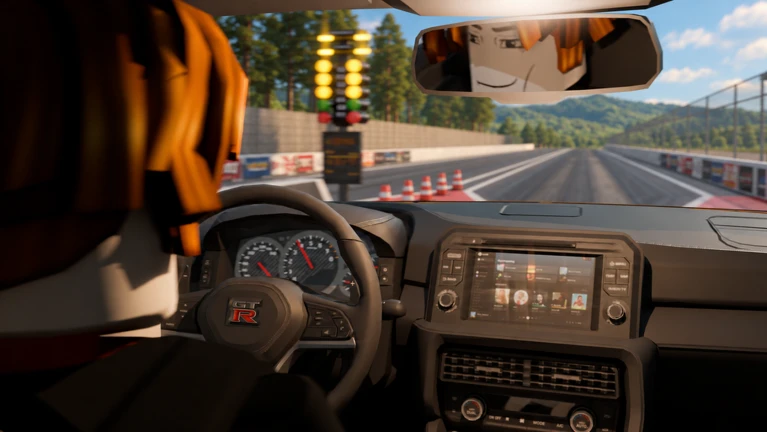
OverviewARRANCADA is a Brazilian car culture drag-racing game on Roblox where up to eight players compete over a 201-metre sprint. This guide walks you through entering a race, tuning your car for speed, customising its look, and building your collection.
What is on this page
Contents
Player notes and tips
Found a useful trick? Share it with everyone! Notes with screenshots are welcome!
Write a guide note
ARRANCADA [2x💵]
How a race works
Step
When you join a session, you pick your car in the lobby before the race begins. Up to eight players line up and race the 201-metre course at the same time. After the run your time is saved so you can compare it against your previous attempts.
- Enter the lobby
choose the car you want to run before the race starts.
- Line up
wait with the other players at the start line.
- Cross the finish
your elapsed time is recorded automatically.
- Review your time
check how it stacks up against your earlier runs.
MetaNew Player Survey

The next survey is being prepared.
Engine and transmission tuning
Step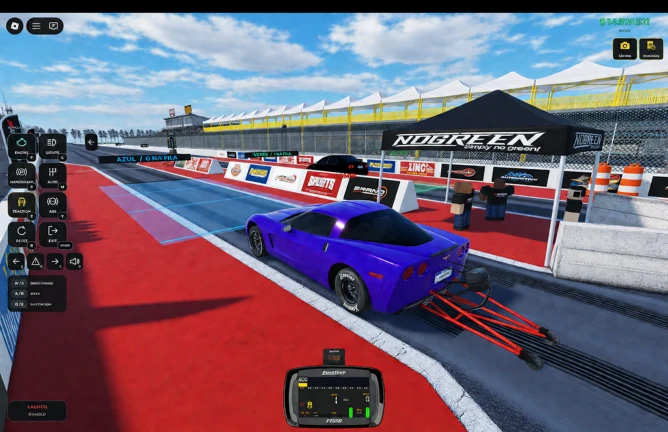
The workshop lets you upgrade both the engine and the turbo from their original state up to Stage 4. Alongside those upgrades, your choice of fuel — petrol, ethanol, or methanol — changes how much power you can extract. Gear ratios control your acceleration profile, and you can run a manual or automatic gearbox depending on how hands-on you want to be.
- Open the workshop
this is where all mechanical changes are made.
- Upgrade the engine
push it from stock up to Stage 4 for more power.
- Upgrade the turbo
this also goes from stock to Stage 4 and stacks with the engine.
- Pick your fuel
choose between petrol, ethanol, and methanol to suit your setup.
- Adjust gear ratios
tighten or spread the ratios to change how the car accelerates.
- Set your gearbox type
manual lets you control shift points; automatic handles them for you.
Launch control and shift timing
Tips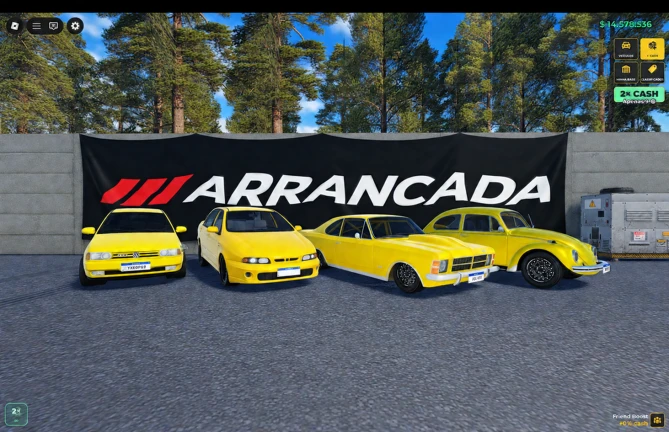
Even a perfectly tuned car loses time if the launch is sloppy or the shifts come too late.
- Turn on launch control to limit wheel-spin off the line and keep the tyres hooked up.
- With a manual gearbox, watch the RPM and shift before you hit the limiter.
- Set your RPM limit so the engine never bounces off the top.
- Match your fuel choice to your tune; different fuels produce different power output.
Visual customisation options
Check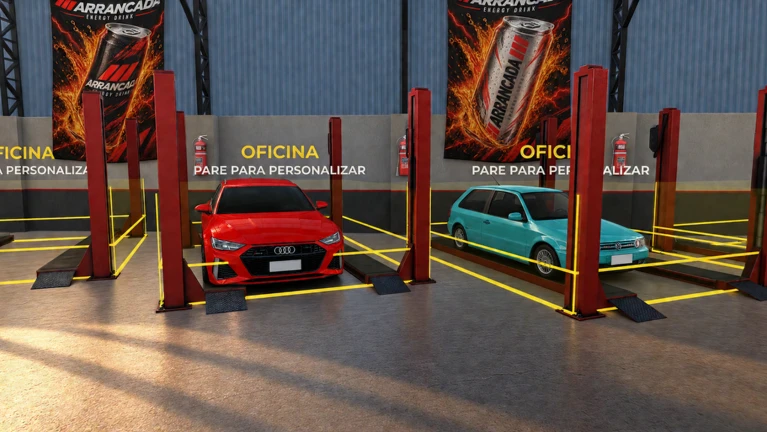
Customisation goes well beyond a fresh colour — you can reshape the whole stance and silhouette of your car. Available options vary by model, so not every part listed below appears on every car.
- Custom paint applied to the body.
- Window tint darkened to your preference.
- Sport wheels and wide tyres fitted.
- Ride height lowered or raised.
- Wheel offset adjusted for the right stance.
- Hood, wing, exhaust, and roll cage fitted where the model supports them.
Building your car collection
Tips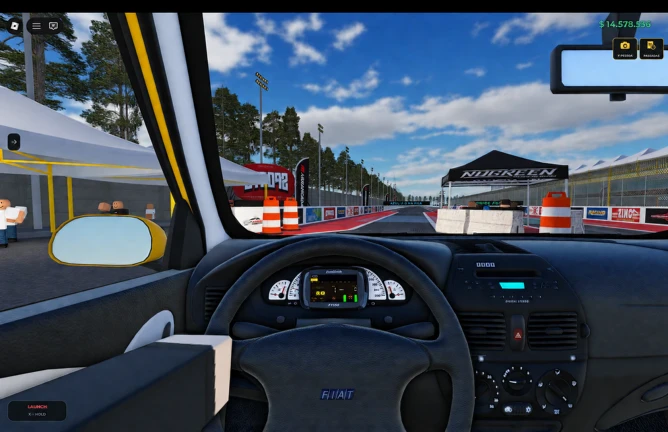
The game features both Brazilian classics and imported performance cars. You can display everything you own in your garage box.
- Check the classifieds board
other players post cars there for sale.
- List any car you no longer race on the classifieds board.
- Cars available include the Opala SS, Diplomata, Chevette, Gol GTI, and Audi RS6.
- Use your garage box to display your collection between races.
Improving your personal best
TipsThe game stores your previous times so every run gives you a reference point to beat.
- Save each run's time immediately after the race so you have a record to compare.
- Play on either mobile or PC
the game supports both.
Glossary
Glossary- Drag racing
- A style of racing where two or more cars compete in a straight-line sprint over a fixed short distance.
- Launch control
- A feature that limits wheel-spin at the start of a run so the tyres grip the road and power reaches the ground cleanly.
- Gear ratio
- The relationship between engine revs and wheel speed, which you adjust to change how aggressively the car accelerates through the gears.
- RPM limit
- The maximum engine speed you set.
- Stage 4
- The highest upgrade level available for the engine and turbo in the workshop.
- Classifieds
- The in-game board where players buy and sell cars directly with each other.
Common questions
FAQHow many players can race in one lobby?
Up to eight players can join the same race.
Can I play on my phone?
Yes — the game runs on both mobile and PC.
How far can I upgrade the engine and turbo?
Both the engine and the turbo can be upgraded from their original stock level up to Stage 4.
Game updates can change what is on this page. If you spot something, get in touch and let us know.
