
Build Whatever — Starting your first world
About
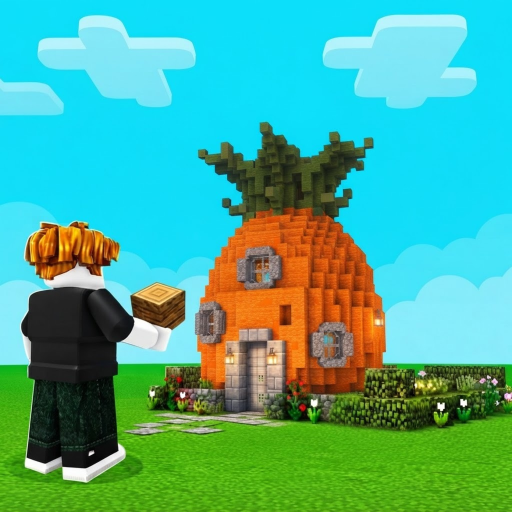
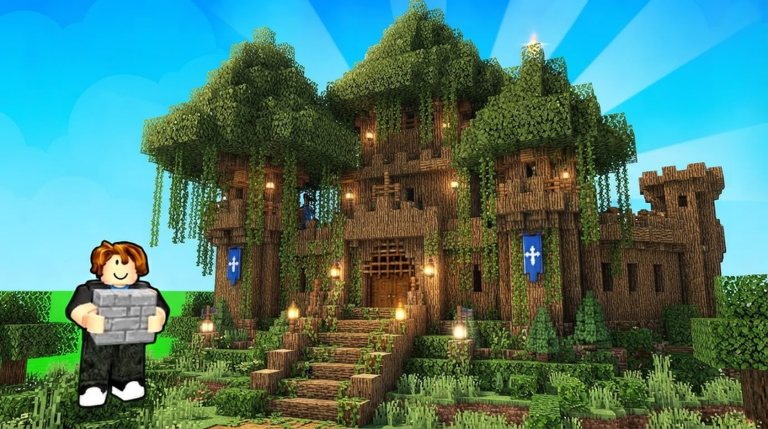
OverviewBuild Whatever! lets you create your own personal world on Roblox and fill it with anything you can imagine — a tiny house, a sprawling city, a secret base, or something completely ridiculous.
What is on this page
Contents
Starting your first world
Step
When you load into the game, you create a new personal world that belongs only to you. No random players can wander in unless you invite them, so you can focus straight away.
- Create a world set up your personal building space.
- Start small put together a simple structure first.
Getting more out of advanced furniture
Tips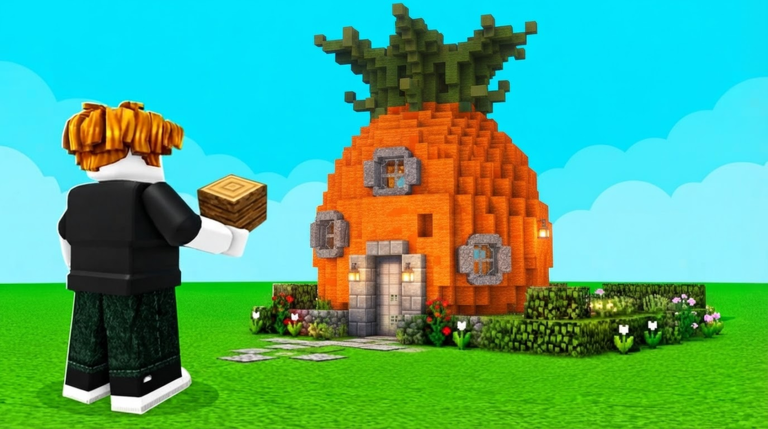
The game includes a wide range of furniture and props — windows, doors, and interior items among them — that go well beyond a basic frame. Using these details is what separates a bare structure from something that feels like a real house, shop, or base.
- Try out lots of furniture options — the game includes windows, doors, and interior furnishings among them.
- Mix colours and shapes to give your build its own character.
Building with friends
Check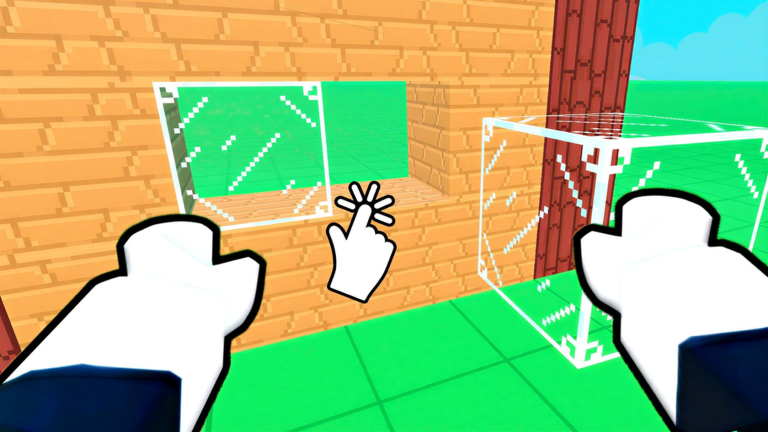
Your world can have friends join you, and you control who gets in. Big projects like full cities or elaborate bases can be shared out among participants.
- Invite friends to your world and manage who can join.
- Set permissions for each participant so the rules are clear from the start.
Saving your work
WarnYour builds can be saved inside the game, so you can leave and come back to continue later. The game also supports multiple separate worlds, so you can run different projects side by side.
Glossary
Glossary- World
- Your personal building space in the game, which you can keep to yourself or share with invited friends.
- Private world
- A world set to restricted access so that only players you invite can enter.
- Advanced furniture
- The detailed props and interior items — such as windows, doors, and furnishings — used to decorate and finish a build.
Common questions
FAQCan I play by myself without inviting anyone?
Yes. You can create a world and build at your own pace without any other players involved.
Will my builds still be there when I come back later?
Your creations are saved inside the game, so you can leave and return to continue building from where you stopped.
Do I need to spend Robux to get started?
The core game — creating worlds, building structures, using furniture, and inviting friends — is free to play.
Game updates can change what is on this page. If you spot something, get in touch and let us know.
