
+1 Speed Monkey Escape Guide: First steps for new players
About
OverviewSpeed Monkey Escape puts you in control of a monkey who runs through obstacle courses and gets faster with every step. This guide covers how to get started, how to redeem codes, and what to do when you hit a wall.
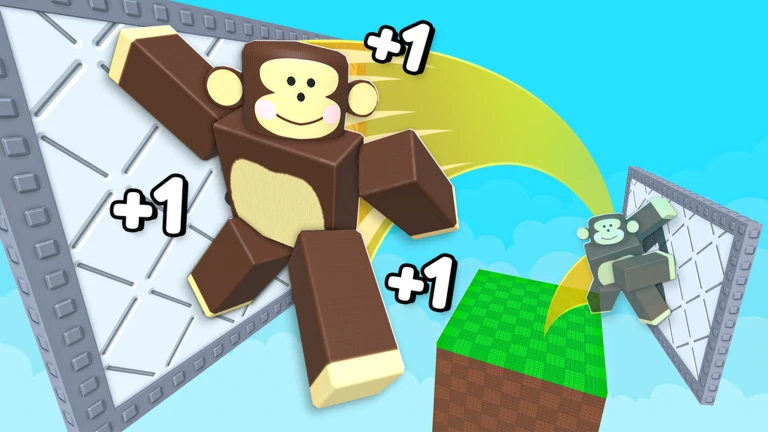
What is on this page
Contents
First steps for new players
Step
When you first load in, the key thing to understand is that your monkey accelerates the longer you run. Rather than rushing to harder courses, clear easier ones repeatedly to stack up upgrades before moving on.
- Run your first course focus only on reaching the goal, not on playing perfectly.
- Notice the speed increase feel how the monkey accelerates as the course goes on so the change doesn't catch you off guard.
- Collect your upgrades every time you finish a course, check what has been unlocked and apply it before your next run.
- Repeat easier courses building up upgrades on familiar tracks is faster progress than struggling on a course you can't clear.
MetaNew Player Survey
The next survey is being prepared.
How the upgrade and rebirth system works
Table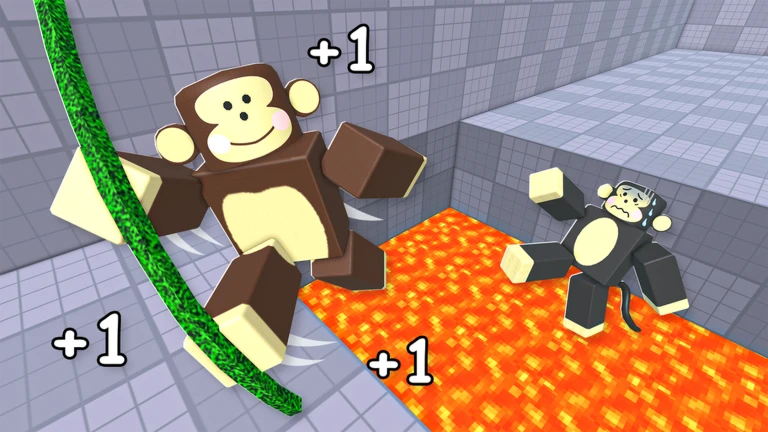
Wins are the engine of progression. Each time you cross the finish line, new upgrades become available, and applying them raises your monkey's speed and movement ability. Once you have a solid collection of upgrades, rebirth lets you reset and push beyond the ceiling you had before.
| Upgrade path | unlock steadily after each win. |
| Rebirth timing | attempt it after your upgrades are well developed, not while you are still clearing early courses. |
| Post-rebirth adjustment | your monkey's feel changes after a rebirth, so do a practice run before tackling a hard course. |
Redeeming codes for bonus rewards
StepThe game distributes codes that reward items such as speed potions, win potions, and spins. Each code can only be used once per account and expires over time, so use one as soon as you have it. As of the date this site measured the game, there are 7 working codes available — the site inserts the current list automatically.
- Open the Shop click the Shop button on the left side of the screen.
- Scroll to the bottom the code entry box is at the very bottom of the Shop menu.
- Type the code and press Redeem an exact match is required; a single wrong character will fail.
- Check your reward speed potions, win potions, or a spin will be added immediately on success.
- Move on the same code cannot be used again on the same account, so there is no point retrying one that already worked.
 1MCCU
1 Win Potion (1 Hour)
300MVISITS
1 Speed Potion (1 Hour)
PULSEISANOOB
1 Speed Potion (1 Hour)
250KCCU
2x Speed Potion (1 Hour)
1MCCU
1 Win Potion (1 Hour)
300MVISITS
1 Speed Potion (1 Hour)
PULSEISANOOB
1 Speed Potion (1 Hour)
250KCCU
2x Speed Potion (1 Hour)
Staying stable as speed climbs
Tips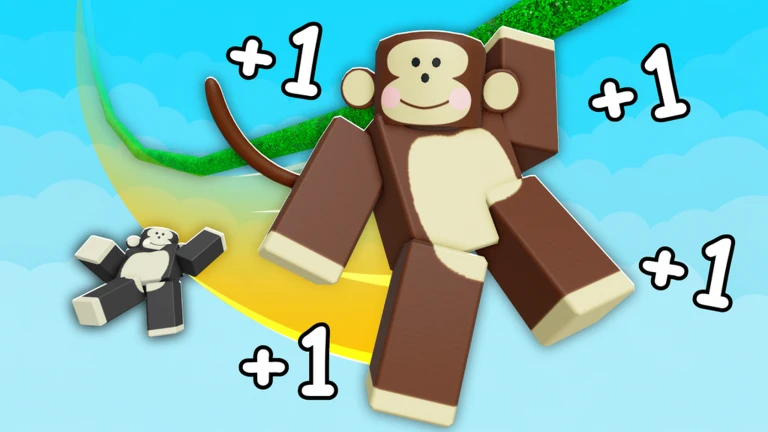
The game also includes crystals and hidden elements scattered around courses, so once you are comfortable with the speed, look around rather than staring straight ahead.
- Look ahead, not at your monkey — spot obstacles early so you can start moving before they reach you.
- Do a warm-up run after upgrading — a freshly upgraded monkey accelerates differently, and a familiar course lets you recalibrate.
- Hunt for crystals — they are placed throughout courses and collecting them unlocks additional content.
- Try Reverse Mode when you want a fresh challenge — it offers a different kind of difficulty from the standard courses.
Checklist for when you keep failing
CheckIf a course is beating you repeatedly, run through these checks before assuming the course is simply too hard. The most common culprit is unlocking an upgrade but forgetting to apply it, which leaves you weaker than you should be.
- Upgrades are applied, not just unlocked unlocking alone does nothing; confirm they are active.
- Course difficulty matches your current upgrades if you have just started, an advanced course may need to wait.
- Input timing is correct for your current speed if you are hitting obstacles you used to dodge, move earlier rather than later.
- You have done a calibration run after a rebirth rebirth changes how the monkey handles, so one practice run re-establishes your muscle memory.
Glossary
Glossary- Upgrade
- A performance improvement for your monkey that unlocks each time you complete a course and must be actively applied to take effect.
- Rebirth
- A voluntary reset of your character that pushes your speed ceiling higher, best attempted after you have accumulated a solid set of upgrades.
- Speed Potion
- A reward available from codes that temporarily doubles your speed.
- Win Potion
- A reward available from codes that enhances the benefit of victories.
- Spin
- A random-reward draw that can be obtained through codes.
- Crystal
- A collectible item placed throughout courses that unlocks additional content when gathered.
- Reverse Mode
- An alternate challenge mode that plays differently from standard courses and offers a new kind of difficulty.
- Obby
- A Roblox term for an obstacle course where you jump and dodge your way to the finish line.
Common questions
FAQCan I get through the whole game without spending Robux?
Yes — upgrades are earned by finishing courses, so free play alone is enough to progress. Codes also hand out potions and spins at no cost.
Where exactly do I enter a code?
Click the Shop button on the left side of the screen, then scroll all the way to the bottom of the menu. The code entry box is there; type your code and press Redeem to collect the reward.
A code I entered says it didn't work — what went wrong?
Either the code has expired, or you already used it on this account, since each code only works once per player. Check that you are using a current code and that you typed it exactly as written.
Is it okay to fail the same course over and over?
Completely fine — repeated attempts let you memorise obstacle patterns and help you get used to how quickly the monkey accelerates through that specific course.
Game updates can change what is on this page. If you spot something, get in touch and let us know.
