
 Live now
–
Live now
–
Game guide
Destroy Grandma Guide: Controls on every platform
Is this game fun?1 votes
Fun 100%1Average 0%0Not fun 0%0
About
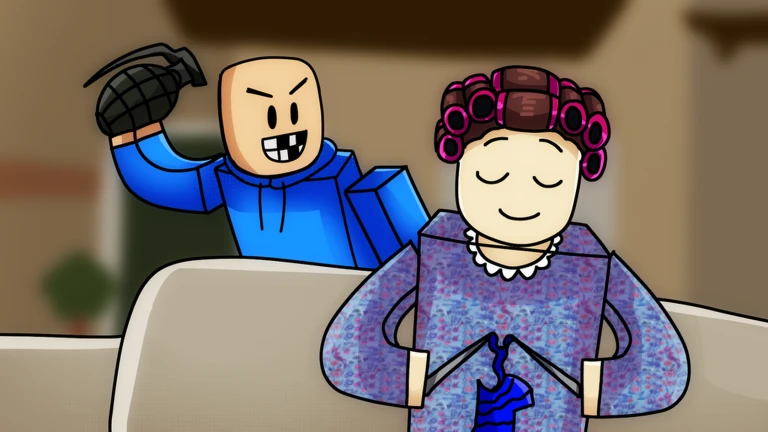
OverviewDestroy Grandma is a Roblox game where kids try to disrupt Grandma as she goes about her daily tasks, using items they can pick up, throw, and kick. It runs on PC, mobile, and console, and this guide covers the controls for each platform, how to move through the stages, and what to do when you get stuck.
What is on this page
Contents
01
Controls on every platform
Table
02
Things to do before your first real run
Check
03
Live and upcoming events
Events
04
How a typical run plays out
Step
05
What to check when you are stuck
Check
06
Free play versus paid content
Table
07
Working codes
Codes
08
Glossary
Words
09
Common questions
FAQ
01
Controls on every platform
Table
In short
The core actions are the same everywhere, but the buttons differ depending on your device.
Every platform lets you pick up items, throw them, and kick — the only difference is which button or tap you use. Get comfortable with all three actions before you worry about anything else. Console players should note that L3 is used to sprint, not to kick.
| Pick up | PC: press E / Mobile: tap the item / Console: press X |
| Throw | PC: hold left mouse button / Mobile: tap to throw / Console: hold R2 |
| Kick | PC: press F / Mobile: tap a kid |
| Sprint | Console only: L3 |
MetaNew Player Survey
The next survey is being prepared.
02
Things to do before your first real run
CheckIn short
A couple of quick steps before you start playing unlock extra rewards at no cost.
The game rewards players who like it and join the developer's Roblox group. These steps are free.
- Hit the Like button on the game page to earn in-game rewards.
- Join the developer group for exclusive skins and additional items.
- Try every control pick up, throw, and kick — at least once so nothing surprises you mid-run.
- Scan the whole stage for items before you start throwing; edges and far corners are easy to miss.
03 Live and upcoming events
Events
Events running now or coming soon. They have fixed dates, so check them first.
Live now
–
04
How a typical run plays out
Step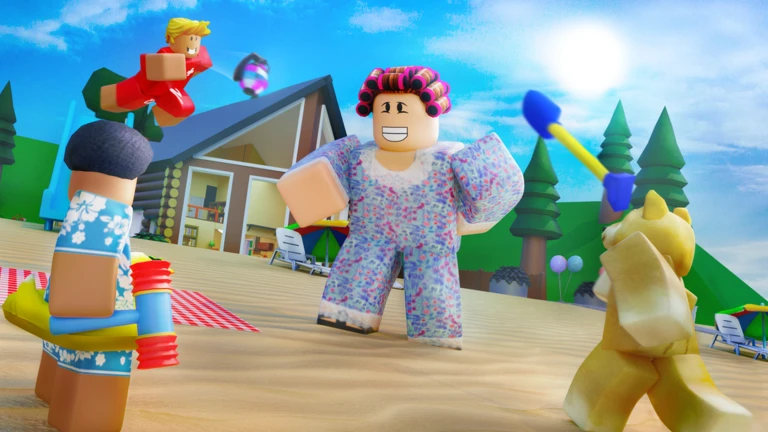
In short
Search the whole stage for items first, then focus on hitting Grandma until the stage is cleared.
Each stage puts items scattered around the map. When a new map opens — like the Summer Camp map added in a recent update — spend a moment learning where the items spawn before diving in.
- Sweep the stage walk the entire area and pick up every item you can find.
- Target Grandma throw and kick items at her while she moves through her tasks.
- Track the goal check whether you have hit the stage's target number, then move on when you have.
- Learn the new layout when you reach a fresh map, note where items appear before your next attempt.
- Equip a skin if you unlocked one through the group or a like reward, put it on for the run.
05
What to check when you are stuck
Check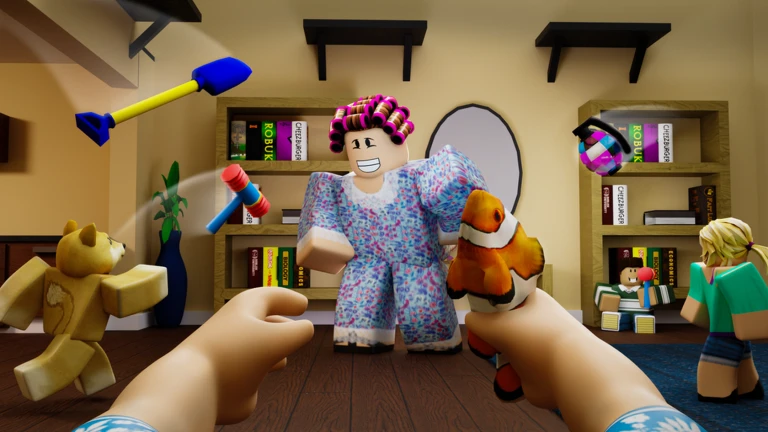
In short
Most dead ends come down to a missed item or a throw aimed slightly behind Grandma.
If progress stops, run through these checks before restarting. Items in corners or behind obstacles are the most common thing players overlook. Stage goals also reset when a new map loads, so confirm which conditions you actually need to meet.
- Look at every corner and behind obstacles items hide there easily.
- Open your inventory to see whether you have reached the stage's item target.
- Check whether your throws are landing behind Grandma instead of in front of her.
- If the stage changed, re-read its goal clearing conditions differ between maps.
06
Free play versus paid content
TableIn short
Every map and core mechanic is available without spending Robux; paid items only change your appearance.
Joining the developer group and liking the game unlocks skins and tools at no cost. Paid options exist but skins are cosmetic only. You can complete every stage either way.
| Free (group + like) | exclusive skins and tools, all maps playable |
| Paid | additional skins and tools available immediately |
| Both | skins are cosmetic only |
07 Working codes
Codes
 404
100KLIKES
RESTAURANT
SLUNGPY1M
404
100KLIKES
RESTAURANT
SLUNGPY1M
Glossary
Glossary- Item
- An object scattered around the stage — such as a ball or a piece of luggage — that you can pick up, throw, or kick at Grandma.
- Skin
- A cosmetic outfit or tool appearance that changes how your character looks without affecting gameplay.
- Stage / Map
- The playable area for a round; multiple maps exist, including a Summer Camp map added in a recent update.
- Inventory
- The list of items you are currently carrying.
- Group
- The developer's Roblox group, which you can join for free to unlock exclusive rewards.
Common questions
FAQWhat do I actually get for joining the group and liking the game?
Joining the developer's Roblox group unlocks exclusive skins and items. Liking the game on its Roblox page also earns in-game rewards. Neither action costs Robux.
Can I finish every stage without spending Robux?
Yes. All maps are accessible to free players, and skins are cosmetic only. Group membership and a like on the game page are the only steps needed to unlock the free exclusive rewards.
Updated Sep 11, 2026
Game updates can change what is on this page. If you spot something, get in touch and let us know.
Game updates can change what is on this page. If you spot something, get in touch and let us know.
