
Paint It! Pixel Obby Guide: How the game works
About
OverviewPaint It! Pixel Obby is a puzzle obby on Roblox where you reveal hidden pixel art by picking colors and painting the right spots, stage by stage. This guide covers how to get started, how to use bombs and the grid effectively, and how to push through all 202 stages.
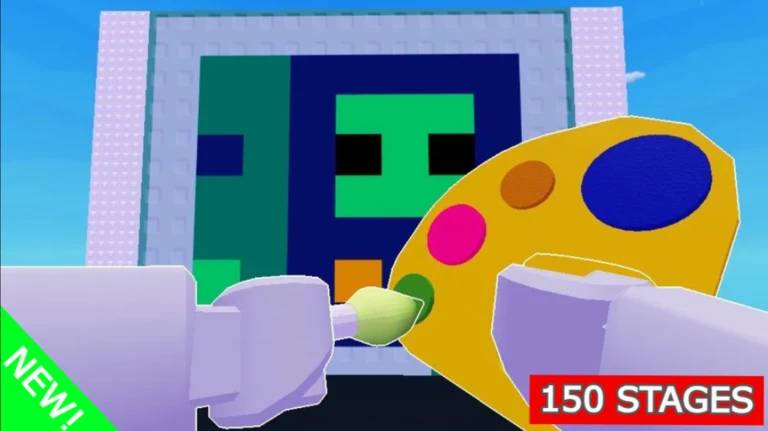
What is on this page
Contents
Player notes and tips
Found a useful trick? Share it with everyone! Notes with screenshots are welcome!
Write a guide note
🎨Paint It! Pixel Obby 🖌️
How the game works
Summary
Every stage shows you a pixel art picture that is hidden until you fill it in. You pick a color, then paint the areas that belong to it. Finish every pixel correctly and the stage is complete.
- Pick a color choose the color you want to paint with before you start placing it
- Paint the pixels fill in every spot that matches your chosen color
- Use bombs drop a bomb to cover a large area at once instead of pixel by pixel
- Complete the art once every pixel is filled correctly, the stage ends and you unlock the next one
MetaNew Player Survey

The next survey is being prepared.
Starting out and difficulty curve
Step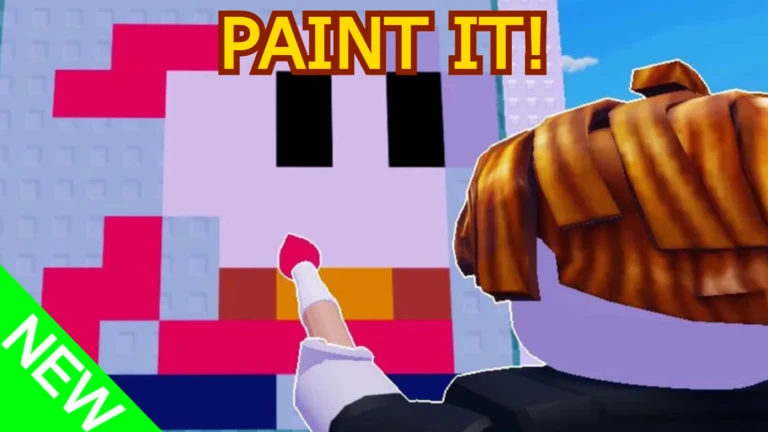
Stages range from Easy all the way up to Insane. The early stages are straightforward and ideal for getting used to picking colors and placing paint accurately. As difficulty rises the pictures become more complex.
- Unlock upgrades clearing stages unlocks upgrades that give you new tools and advantages going forward
- Keep your own pace progress saves automatically, so you can stop any time and pick up exactly where you left off
Reading the grid layout
Check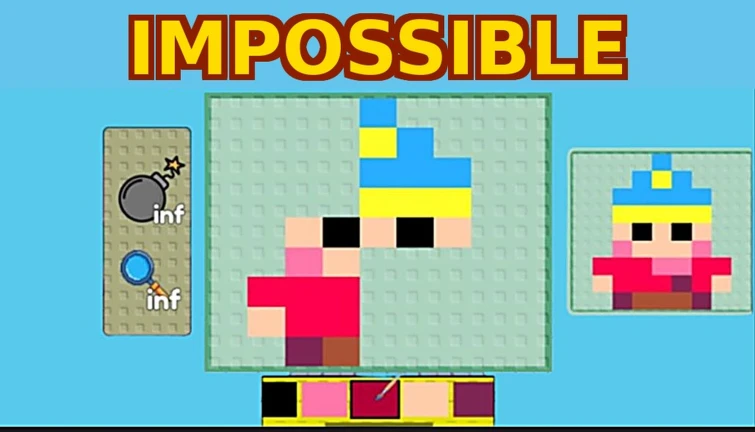
Update v1.2 introduced a new grid that draws clear lines between every pixel. This lets you see your painted spots against the unpainted ones at a glance, which helps you avoid missing a single tile.
- Check the grid lines to see the exact boundary of each pixel you need to fill
- Compare your current state against the target picture to make sure colors are placed in the right spots
Glossary
Glossary- Obby
- Short for obstacle course — a Roblox game genre where you work through a series of stages or challenges to progress.
- Pixel art
- An image made from a grid of small colored squares; in this game you reveal and complete these pictures by painting each square the right color.
- Bomb
- An item that clears a wide area of pixels all at once instead of one at a time.
- Upgrade
- A new ability or tool that unlocks after you complete a stage.
- Grid layout
- The on-screen overlay introduced in update v1.2 that draws lines between pixels so you can see exactly what you have and have not painted.
Common questions
FAQDoes my progress save if I leave mid-stage?
Yes, the game saves your progress automatically. When you log back in you will pick up from exactly where you stopped, with no stages lost.
How many stages are there?
Update v1.2 brought the total to 202 stages. They cover a range of difficulties from Easy to Insane.
Do I need other players to finish stages?
No, every stage can be completed on your own. The game is fully playable solo at whatever pace suits you.
Game updates can change what is on this page. If you spot something, get in touch and let us know.
