Games listed 43,378
Game guide

Roll A Stickman Guide: How rolling and cards work

[🎉UPDATE] Roll A Stickman!
Ultrain Studios, Playing 6.5K, Rating 96.2%
Creator Ultrain Studios
Playing 6.5K
Rating 96.2%
Is this game fun?
No votes yet. Cast the first one.

About

Overview

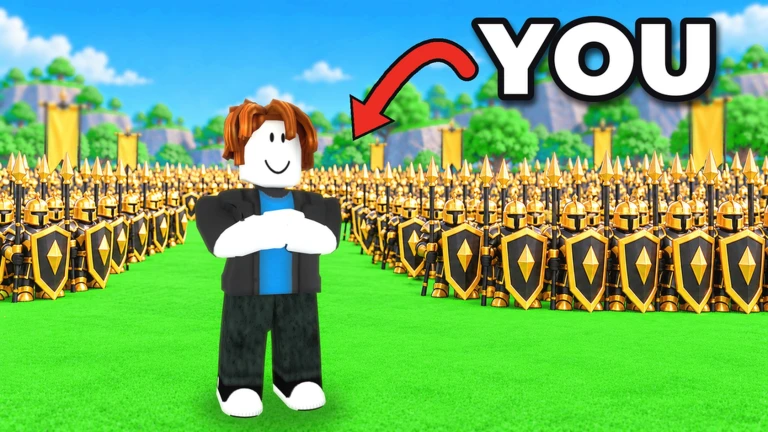
Roll A Stickman is a Roblox game where you roll cards to build an army of stickmen, then send that army to fight enemies and bosses automatically. This guide covers how rolling and army-building work, how to handle combat and boss fights, how to use potions and card upgrades, and how to claim free rewards from codes.

What is on this page

Contents

Player notes and tips

Found a useful trick? Share it with everyone! Notes with screenshots are welcome!

01

How rolling and cards work

Step
In short Rolling is the core loop — the rarer the card you pull, the stronger your army gets.

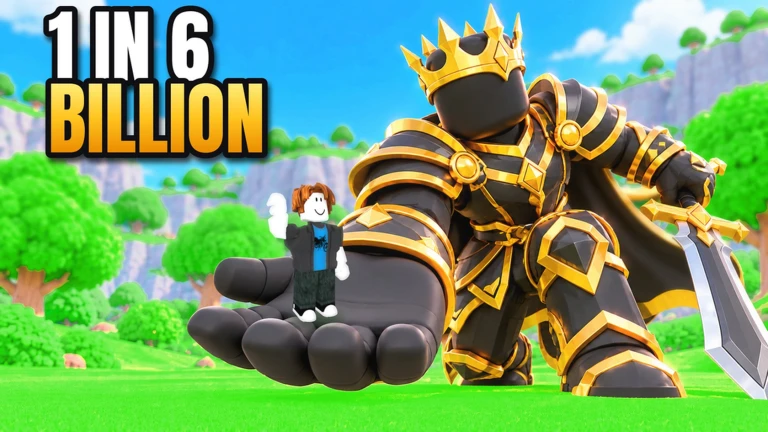
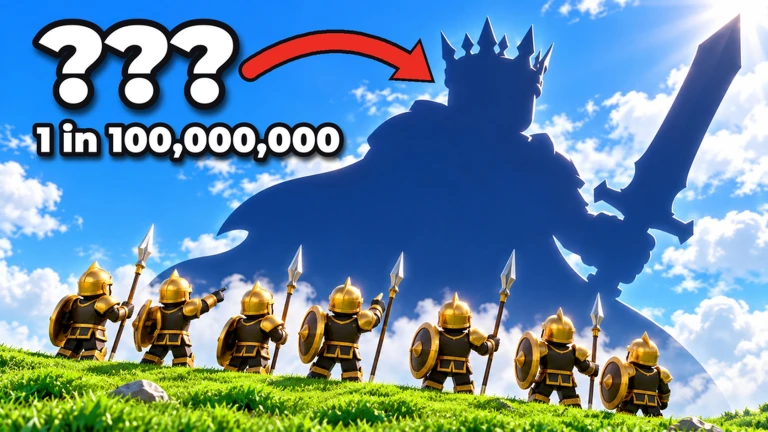
Everything starts with a roll. Each roll adds a card to your army, and rarer cards hit harder in battle. The Roll button sits near the bottom-right of the screen. Card frames come in normal, Gold, Rainbow, and Void varieties — the Void card is the top target to chase.

  1. Tap Roll a card is added to your army.
  2. Check the frame the same card name can appear as normal, Gold, Rainbow, or Void, and those versions differ in level and stats, so look at the frame and ability values, not just the name.
  3. Open Army review what you have pulled in the Army screen.
  4. Use Equip Best let it fill your slots first, then adjust the order manually.
Ask on the board
02

Army formation and combat

Tips
In short Small formation adjustments can make a big difference when your army keeps losing.

Your army fights enemies automatically, so the strength of your lineup decides the outcome. The right end of the formation screen is the front of your army — drag cards to rearrange them. Each card has its own role: ATK covers attack power, HP covers health, and HEAL covers how much a card heals, not how hard it hits. Change one position at a time so you can tell what actually helped.

Tips worth knowing
  • Put high-HP or defensive cards at the right end so they absorb damage at the front.
  • Read each card's ability description — role matters as much as rarity.
  • If a card falls before its ability fires, swap in a tougher frontliner or add a healer.
  • Adjust one slot at a time to pinpoint what is making your army struggle.
  • Battle speed can be set to 2x to shorten how long fights take to display, but this does not change any card's attack power.
03 Live and upcoming events Events

Events running now or coming soon. They have fixed dates, so check them first.

Upcoming –

Update 3

???

See the whole schedule
04

Boss fights and co-op rewards

Table
In short Boss fights are a team effort that rewards everyone who joins.

Boss fights bring multiple players together against a single powerful enemy. Up to 16 players in the same room combine their armies to take it down, and every participant receives rewards when the boss is defeated. No special requirement is needed to join — just be in the same room.

Solo enemiesyour army fights automatically on its own.
Boss fightsup to 16 players in the same room attack together.
Rewardsevery participant earns them when the boss falls.
05

Potions, card levels, and trait rerolls

Summary
In short Potions tilt the odds of your rolls, card upgrades make individual cards stronger, and trait rerolls let you chase a better ability on any card you already own.

Three potion types change how you roll. Luck Potions raise the chance of pulling a rarer card. Haste Potions speed up rolling so cards accumulate faster. Gilded Potions provide their own separate buff. To raise a card's level, select it in the Army screen and use Level Up — Tomes raise it by one level each, and duplicate copies of the same card can also be used for upgrades once you hit the Tome limit shown in-game. Trait rerolls reset a card's ability and give it a new one, but the result is not guaranteed to be better, so check the current ability before using a reroll on one of your key cards.

  • Luck Potion raises the chance that a roll lands on a rarer card.
  • Haste Potion speeds up rolling so you accumulate cards faster.
  • Gilded Potion a third potion type with its own separate effect.
  • Tome raises one card by one level; switch to using duplicate cards when the Tome limit is reached.
  • Trait reroll replaces a card's current ability with a new one.
06

AFK rolling and daily tasks

Check
In short Keeping the game open while you are away keeps building your army automatically.

The game keeps rolling cards automatically while you are idle, so leaving it open keeps building your army without any input. Daily and weekly tasks hand out claimable rewards, and the Roll Pass has free tiers worth checking regularly.

  • Leave the game open rather than closing it rolls continue automatically while AFK.
  • Check daily and weekly tasks for unclaimed rewards each time you log in.
  • Review the Roll Pass free tier so rewards do not go to waste.
  • Open the Army screen periodically to level up cards that have accumulated enough material.
07

Redeem codes

Check
In short Codes hand out large bundles of rolls, potions, tomes, crates, and trait rerolls — claim every one you have not used yet.

The game publishes codes that give free resources. Each code works once per account, so a code you have already used will not work again. New codes are released when the game hits like milestones — one is planned for 30,000 likes — and additional codes are shared through the community server.

  • Grab a code from the community server or the game page before entering it.
  • Enter it in-game rewards can include rolls, potions, crates, tomes, and trait rerolls.
  • Each code is one-use per account do not try a code you have already redeemed.
  • Watch the game page for a new milestone code when the like count reaches 30,000.
08 Working codes Codes
RANKED 400 rolls, 2 Crates, 8 potions, 10 tomes and 5 trait rerolls
400 rolls, 2 Crates, 8 potions, 10 tomes and 5 trait rerolls
BREW 3 luck potions, 2 haste potions, 1 gilded potion and 50 rolls
3 luck potions, 2 haste potions, 1 gilded potion and 50 rolls
RELEASE 300 rolls, 2 luck potions, 1 haste potion, 1 crate, 5 tomes and 2 trait rerolls
300 rolls, 2 luck potions, 1 haste potion, 1 crate, 5 tomes and 2 trait rerolls
DUNGEON
Every code, and the votes on it, are on the codes page

Glossary

Glossary
Roll
The action of drawing a card to add to your army.
Rarity
How uncommon a card is — rarer cards are more powerful in combat.
Card frame
The border type on a card — normal, Gold, Rainbow, or Void — which indicates how powerful that version of the card is.
Void card
The game's top-tier card frame and the ultimate target to chase through rolling.
Luck Potion
An item that raises the chance of rolling a rarer card.
Haste Potion
An item that speeds up how fast rolls happen.
Gilded Potion
A third potion type that provides its own separate bonus.
Trait reroll
An action that resets a card's ability and replaces it with a new one.
Crate
A reward container that opens to give you multiple items or cards at once.
Tome
An item that raises one card by one level.
Roll Pass
A progression system with free and paid reward tiers to claim as you play.
AFK
Playing away from the keyboard — this game keeps rolling cards automatically while you are idle.
Army
The screen where you view your cards and set up which ones fight for you.
FRONT
The right end of the Army formation screen, which marks which card goes first in battle.

Common questions

FAQ

Where do I find new codes?

Join the game's community server — that is where new codes and update announcements are posted. The game page also announces codes when milestones are reached, with one planned for 30,000 likes.

Do I need to do anything special to join a boss fight?

No special requirement — anyone in the same room can take part. Up to 16 players can join together, and every participant receives rewards when the boss is defeated.

A code I entered says it has already been used — what happened?

Each code can only be redeemed once per account, so if you entered it before it will not work again. Check the community server for newer codes that you have not yet claimed.

Does turning on 2x battle speed increase my cards' attack power?

No — setting the battle to 2x only shortens how long the fight takes to display on screen. Your cards' attack values stay exactly the same.

Why does the same card name show up with different frames like Gold or Void?

Cards come in normal, Gold, Rainbow, and Void frame types. Two cards with the same name but different frames will have different stats and levels, so always check the frame type, level, and ability values rather than the name alone.

What does HEAL mean on a card — is it the attack stat?

HEAL shows how much a card restores health, not how hard it hits. Attack power is listed as ATK and health as HP, so compare cards using the stat that matches the role you need them to fill.

Updated Nov 4, 2026
Game updates can change what is on this page. If you spot something, get in touch and let us know.
[🎉UPDATE] Roll A Stickman! Ultrain Studios, Playing 6.5K, Rating 96.2%
See the game pageSee working codesAsk on the board
Add it to your home screen and it works like an app. One tap to open, and it loads faster after that.