
Protect The House From Monsters Guide: First things to do when you spawn
About
OverviewProtect The House From Monsters is a co-op survival game where you place traps, unlock hidden guns, and fight off waves of monsters to stop them from breaking into the house. This guide covers setup, trap and turret use, perk choices, weapon locations, bosses, and what to watch out for across all three worlds.
What is on this page
Contents
Player notes and tips
Found a useful trick? Share it with everyone! Notes with screenshots are welcome!
Write a guide note
Protect The House From Monsters
First things to do when you spawn
Step
When GET READY appears at the top of the screen, that is your preparation window. Use it to check your weapons, scout the house, and get traps placed before the pressure starts.
- Check your weapon
open your inventory and make sure the weapon you want to use is selected and ready to fire.
- Scout the house
walk the perimeter so you know every angle monsters can approach from.
- Look at the shop shelf
find it inside the house and decide which turret or weapon you want to buy next.
- Hunt for mystery boxes
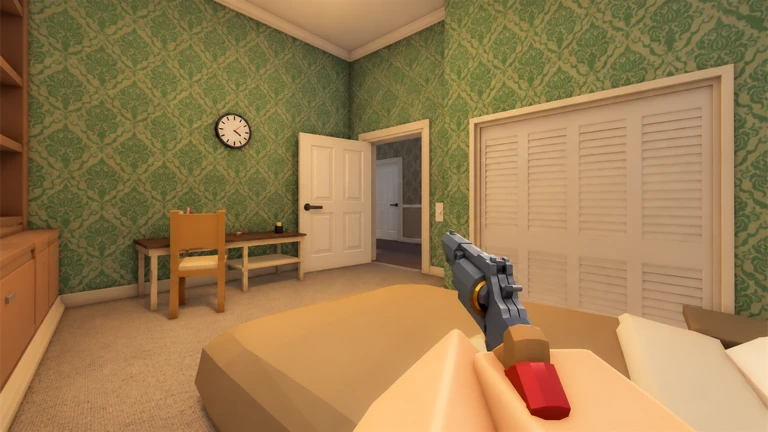
look for crates marked with a question mark around the house exterior, the second-floor bedroom, and the attic before heading anywhere further.
- Place traps early
get traps down at doorways and windows before the wave begins.
- Divide directions
if friends are with you, agree on who watches which side of the house.
MetaNew Player Survey

The next survey is being prepared.
Trap and turret placement
Tips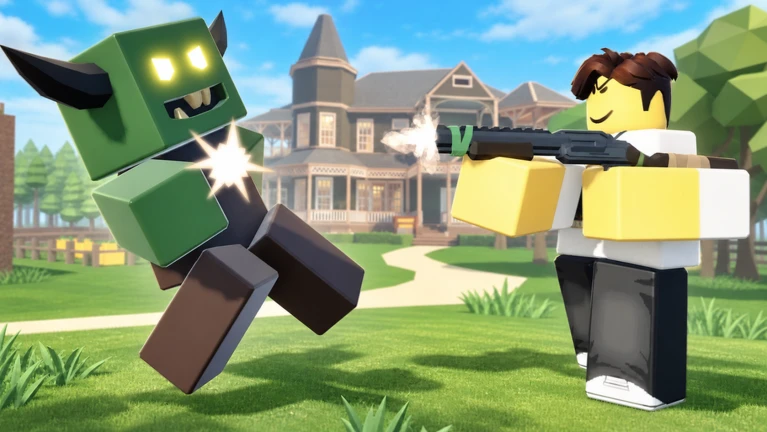
Turrets are automatic gun emplacements that attack enemies on their own, but buying one is only the first step. After purchasing from the shop shelf, open your inventory to select the turret, then physically place it on the map. If you skip the placement step, it will not fire.
- Focus traps on doorways and windows
these are the routes monsters use most.
- After buying a turret, select it in your inventory and place it before moving on
a turret left in your bag does nothing.
- Check that placed turrets are actually attacking when enemies appear; if not, confirm placement completed correctly.
- In a private server, the turret placement limit is raised, letting you build a denser defense than in a standard session.
- If you hit the turret placement cap, the Engineer perk can raise that limit.
Where to find hidden weapons
CheckWeapons are hidden inside mystery boxes marked with a question mark. No purchase is required — finding the location is all it takes.
- Check just outside the house exterior first.
- Search the second-floor bedroom inside the house.
- Look through the attic.
- Once you are comfortable, explore the caves beneath the house for another weapon.
- The Deadeye Revolver is hidden at a specific location in the world finding that spot is what unlocks it.
- Split the search with a friend to cover more ground before the next wave.
Perks that fix common problems
Table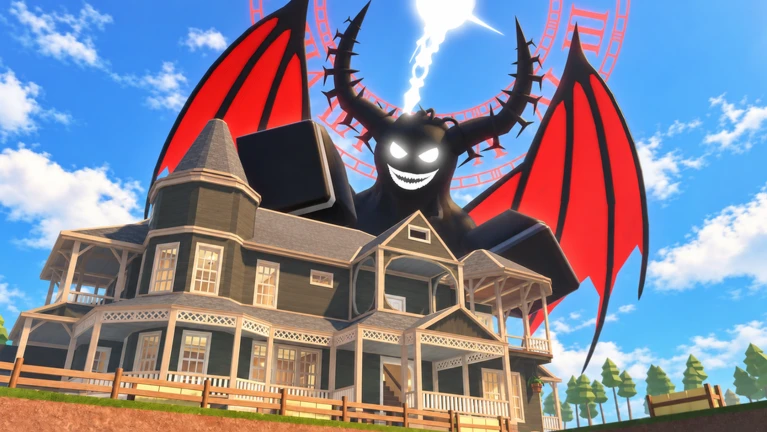
Perks are upgrades you buy from the PERKS screen to strengthen your movement, weapons, or defenses. Check the effect, requirement, and price before buying.
| Endurance | increases your total stamina so you can keep moving longer. |
| Sprinter | raises your movement speed while sprinting. |
| Efficiency | shortens reload time so you are ready to fire again faster. |
| Strike | increases damage dealt by guns and melee weapons. |
| Engineer | raises the maximum number of turrets you can place at one time. |
| Skybound | unlocks a double jump, which is what you see when other players jump twice in a row. |
Worlds, bosses, and distance runs
TableThe game spans three worlds, each with its own layout and threats. Three super bosses are spread across the full progression, and World 3 switches to a distance-run format where surviving longer moves you farther along a track. Seasonal events add their own bosses and content on top of the main game.
| World 1 | your starting world, containing the forest, the caves, and your first boss encounter. |
| World 2 | a new environment; the game signals that something was already waiting for you to arrive. |
| World 3 | a distance-run format with milestones at 20,000, 50,000, and 100,000 meters in a single run, plus the Pyramid of Monsters to visit. |
| Super Bosses | three named super bosses across the game: the Summoner, the Midnight Devil, and VOIDVIGIL, each with its own badge. |
| Halloween event | features the 2026 Halloween Event Mode, with a survival challenge to reach Wave 20 and a merchant whose full item list can be unlocked. |
| Winter event | features Polar Sprint and the 2025 Winter Boss, with 25 hidden stars to track down. |
 Hallows
Monsters
Initiate
STYLESAREHERE
The forest and when to explore
Warn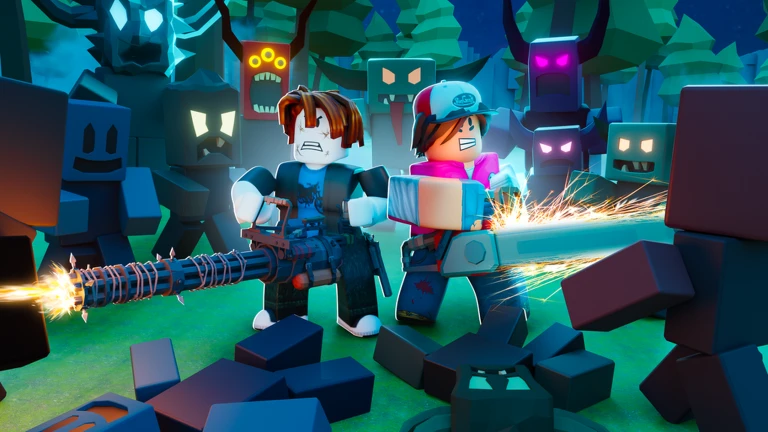
The game explicitly warns players not to enter the forest because it is dangerous. In co-op, someone must always stay near the house — if everyone goes exploring at once, nothing stops a breach.
When things go wrong — a quick check
CheckRun through this list whenever the defense starts falling apart. Remember that monsters reaching the inside of the house is a failure condition even if your character is still alive.
- Is there an enemy near a house entry point that nobody is shooting at?
- Did you actually place your turret after buying it, or is it still sitting in your inventory?
- Is your gun stuck on RELOADING while an enemy approaches?
- Have you hit the turret placement cap and if so, does the Engineer perk help?
- Is at least one player still near the house, or has everyone gone exploring?
Glossary
Glossary- Trap
- A device you place around the house to stop monsters from getting inside.
- Turret
- An automatic gun emplacement that fires on its own; buying it is not enough — you must also select it in your inventory and place it on the map before it will work.
- Mystery Box
- A crate marked with a question mark that contains a hidden weapon, unlocked by finding and interacting with it.
- Super Boss
- One of three especially powerful enemies — the Summoner, the Midnight Devil, and VOIDVIGIL — that appear as major milestones across the game.
- Distance Run
- The World 3 format where surviving longer moves you farther along a track, with milestones at 20,000, 50,000, and 100,000 meters.
- Deadeye Revolver
- A hidden weapon unlocked by finding its specific location somewhere in the game world.
- Perk
- An upgrade you buy from the PERKS screen to improve movement, weapons, or turret capacity.
- GET READY
- The preparation window shown at the top of the screen before a wave begins — use it to shop, explore, and place traps.
- Engineer
- A perk that raises the maximum number of turrets you can place at once.
- Private Server
- A paid server option that raises the turret placement limit, allowing a denser defense than a standard session.
- Stamina
- The resource that powers movement actions like sprinting, separate from your character's health; the Endurance perk increases it.
Common questions
FAQMonsters keep getting inside the house. What am I doing wrong?
Check that your turrets are actually placed and firing, and make sure at least one player is near the house at all times.
I bought a turret but it is not doing anything.
Buying a turret only adds it to your inventory. You still need to open your inventory, select the turret, and place it on the map before it will fire. Confirm that the placement step is fully complete.
Do I need to spend Robux to find all the guns?
No. Every gun hidden on the map is unlocked simply by finding its location. Searching around the house exterior, the second-floor bedroom, the attic, and the caves will turn up weapons without any purchase.
What happens if I go into the forest?
The forest is flagged as a dangerous area, and the game makes clear that you are on your own if you enter.
Is World 3 harder than the earlier worlds?
World 3 uses a distance-run format with milestones at 20,000, 50,000, and 100,000 meters in a single run, and it includes the Pyramid of Monsters to visit. It also leads to the third super boss, VOIDVIGIL, making it the furthest point in the game.
What is the double jump I see other players doing?
That is the Skybound perk. You can unlock it from the PERKS screen once you meet its listed requirement.
What is in the 2026 Halloween event?
The event adds a dedicated Halloween Event Mode. You can challenge yourself to survive until Wave 20, and there is a Halloween merchant whose complete item list can be unlocked by collecting all available items.
Game updates can change what is on this page. If you spot something, get in touch and let us know.
