
Color Escape Guide: The three tile rules
About
OverviewColor Escape is a fast-paced parkour minigame where you and other players work together to clear levels, dodge hazards, and rack up points. This guide walks you through the tile rules, how to earn and spend points, how to push through tough stages, and how to build your own levels.
What is on this page
Contents
Player notes and tips
Found a useful trick? Share it with everyone! Notes with screenshots are welcome!
Write a guide note
✨Color Escape!
The three tile rules
Summary
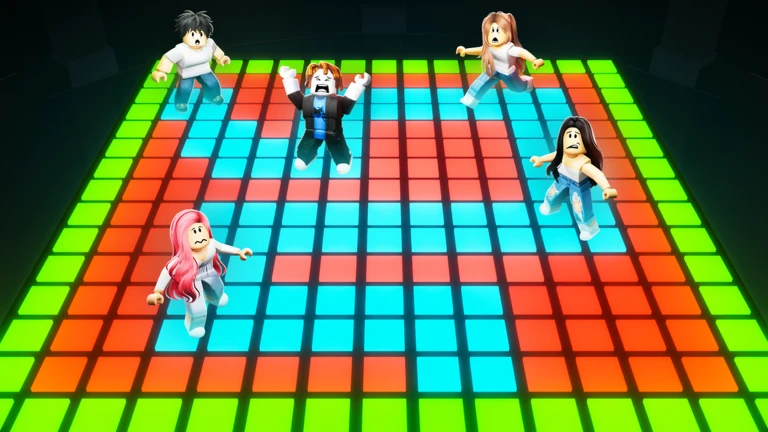
Before anything else, learn what each tile does. The whole game is built on this one rule set.
- Red tiles
avoid them entirely
- Green tiles
safe to stand and move on
- Blue tiles
collect as many as you can while moving through a level
MetaNew Player Survey

The next survey is being prepared.
Earning and spending points
TipsThe shop stocks two types of items: modifiers and cosmetics. Modifiers change how the game plays for you, while cosmetics only change how your avatar looks and have no effect on performance.
- Replay stages you already know
consistent clears build up points
- Buy modifiers
they change how the game plays for you
- Cosmetics change how your avatar looks but have no effect on performance
- Play with friends
this is a cooperative game by design
When a stage keeps beating you
Check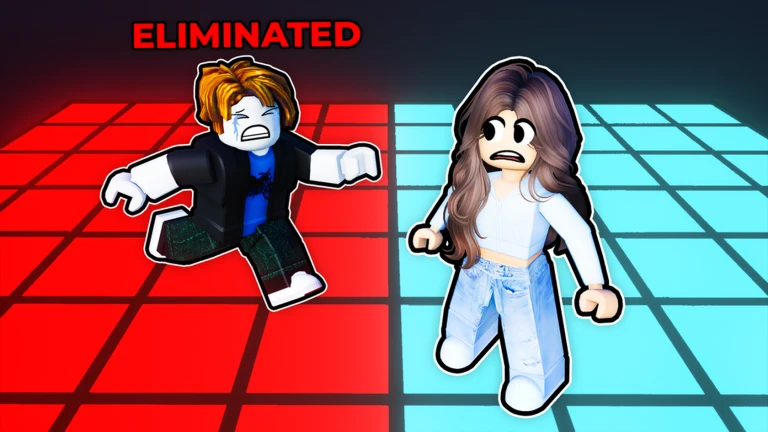
Hard stages feel impossible until you know the tile layout. The pattern becomes readable after a few attempts.
- Are you watching other players move before committing your own path?
- Have you tried the same stage at least a few times to start reading the tile pattern?
- Have you gone back to a simpler stage to warm up your movement sense?
- Are you clearly telling red from green in the moment?
Game modes and private matches
SummaryClassic mode returned as the default as of the September 28 update. The lobby also has a More Modes pad where you can set up Solo, Duos, or Squads matches as a private session.
- Classic mode
the standard cooperative experience, on by default
- Solo
run a stage entirely on your own through the More Modes pad
- Duos
tackle levels with one other player in a private match
- Squads
group private match for larger friend groups
Building and sharing your own levels
Step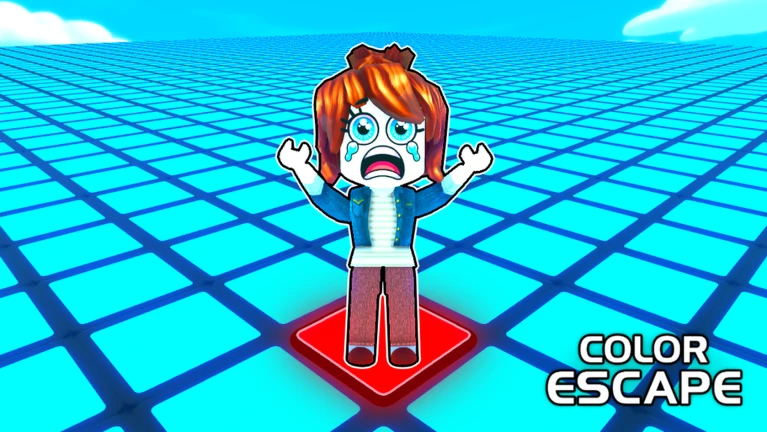
Making your own level is free. You can design, playtest, and publish levels.
- Place your tiles
combine red, green, and blue tiles to shape the route
- Share with friends
send the level to people you know
- Publish to everyone
release it so any player can attempt it
- Aim for high likes
levels that earn strong ratings appear on the leaderboard and reach more players
Season 1 and redeem codes
TipsSeason 1 is live and introduces Diamonds as a currency for purchasing exclusive seasonal items. The game also has redeem codes that grant rewards.
- Diamonds are the Season 1 currency
use them to unlock exclusive Season 1 items
- As of October 7, 2026, two working codes are being tracked on this page
- Codes have expiry dates and stop working once they expire
- Join the Megaphone Games official group for community news and events
Glossary
Glossary- Modifier
- An item bought from the shop with points that changes how the game plays.
- Cosmetic
- A shop item that changes how your avatar looks without affecting your performance in any stage.
- Builder mode
- The in-game editor where you design your own levels using red, green, and blue tiles, then share them with other players.
- Diamonds
- The currency introduced in Season 1, used to purchase exclusive seasonal items in the shop.
- More Modes pad
- A spot in the lobby where you can set up private Solo, Duos, or Squads matches instead of joining the default public Classic session.
- Likes leaderboard
- A ranking that shows custom player-made levels which have earned the most positive ratings from other players.
Common questions
FAQCan I play by myself?
Yes. Use the More Modes pad in the lobby to start a Solo private match.
What devices does Color Escape support?
The game runs on PC, console, and mobile.
How do I use a redeem code?
Find the code entry screen inside the game and type in the code. Codes are single-use and expire. Current working codes are listed on this page.
Does it cost anything to build a level?
No. The builder is free to use. You can design, playtest, and publish levels without spending any points or real money.
Game updates can change what is on this page. If you spot something, get in touch and let us know.
