
Draw a Monster Guide: How a match works
About
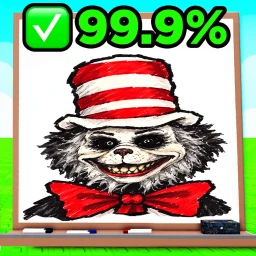
OverviewDraw a Monster! puts two players head-to-head in a drawing contest. Each round you are given a monster to draw, an AI scores your work by accuracy percentage, and the higher score takes the round.
What is on this page
Contents
Player notes and tips
Found a useful trick? Share it with everyone! Notes with screenshots are welcome!
Write a guide note
Draw a Monster!
How a match works
Step
At the start of every round both players receive the same monster to draw. When the timer ends the AI evaluates each drawing and assigns an accuracy percentage. Whoever has the higher percentage wins that round. Money earned across the match can be spent on cosmetics.
- Pick your tool press 1 or 2 on your keyboard to switch between the two assigned drawing tools.
- Draw within the time limit finish before the clock runs out or your drawing is judged as-is.
- Read your score the AI returns an accuracy percentage; the player with the higher number wins the round.
- Collect your money winnings from the match go toward unlocking cosmetic items.
MetaNew Player Survey

The next survey is being prepared.
Drawing tool controls
CheckAll drawing controls run through the keyboard. The two assigned drawing tools are mapped to the number keys, and undo or redo is a single key combination.
- Press 1 to switch to your first assigned drawing tool.
- Press 2 to switch to your second assigned drawing tool.
- Press Ctrl + Z to undo the last stroke you drew.
- Press Ctrl + Y to redo a stroke you just undid.
Getting a higher accuracy score
Tips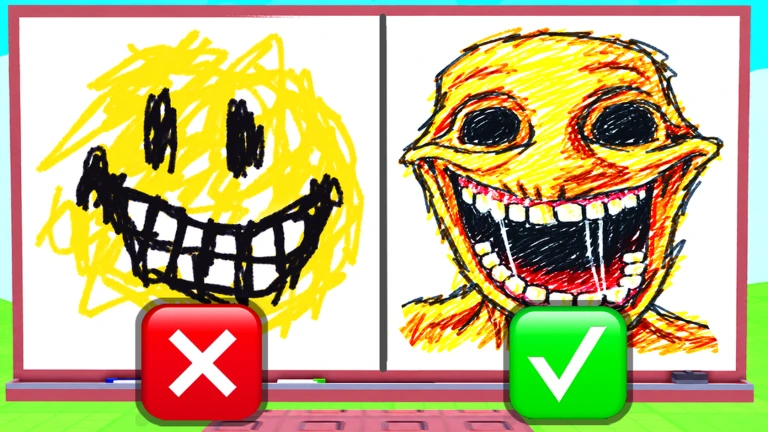
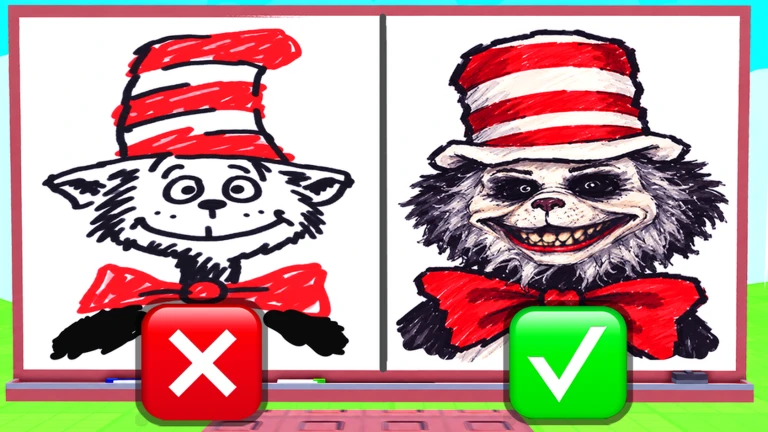
The AI judges how closely your drawing resembles the given monster.
- Draw the defining features — eyes, mouth, and any unusual body parts — carefully.
- If a stroke goes wrong, undo it with Ctrl + Z.
Inappropriate artwork
WarnThe game has a strict rule against inappropriate artwork, and violations are not treated lightly. Stick to drawing the monster you are given each round.
Money and cosmetics
SummaryEarn money from matches to unlock cosmetics and more.
- Source earn money from matches.
- Spending use that money to unlock cosmetic items in the game.
Glossary
Glossary- Accuracy
- The percentage the AI gives your drawing to show how closely it resembles the assigned monster.
- Cosmetic
- An item you buy with match earnings that changes how your character looks.
- Undo / Redo
- Ctrl + Z removes your last drawn stroke; Ctrl + Y puts it back.
Common questions
FAQHow is my score decided each round?
The AI examines your finished drawing and gives it an accuracy percentage based on how closely it matches the monster. The player with the higher percentage wins that round.
What happens if I draw something inappropriate?
Inappropriate artwork is not tolerated and can result in a permanent ban from the game. Only draw the monster you are assigned each round.
How do I fix a mistake while drawing?
Press Ctrl + Z to undo your last stroke. If you undo too far, press Ctrl + Y to redo it.
Game updates can change what is on this page. If you spot something, get in touch and let us know.
