
Kart Wars Guide: Getting started in Kart Wars
About
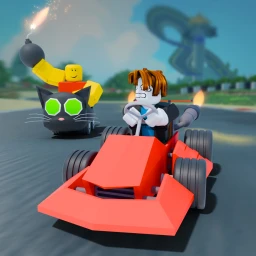
OverviewKart Wars is a fast-paced kart racing game where you build your own kart, grab power-up items mid-race, and compete across seven different tracks. This guide covers how to get started, how to upgrade your kart, and how to work toward winning on every track.
What is on this page
Contents
Player notes and tips
Found a useful trick? Share it with everyone! Notes with screenshots are welcome!
Write a guide note
Kart Wars! 🏎️
Getting started in Kart Wars
Step
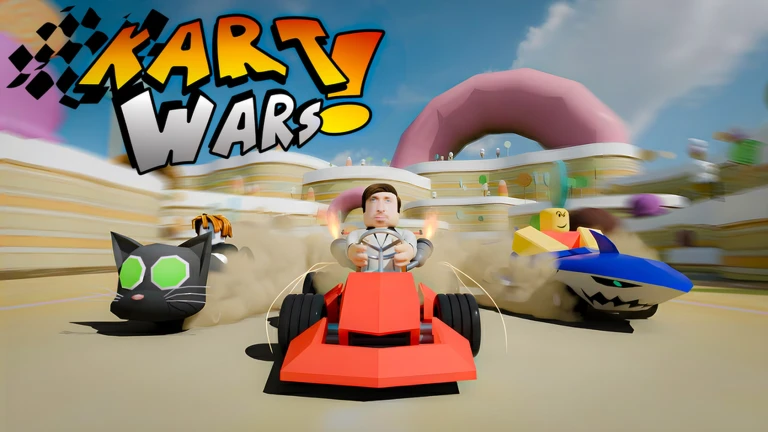
When you load in, the Kart Designer is where everything begins. Pick a body that suits you, choose a paint design, and then select a track to race on. The game is still in beta, so new features are added regularly.
- Open the Kart Designer
choose a body style from the ones available to you.
- Paint your kart
unlock colour designs with coins, or use the Paint Pack game pass to paint every body you own at once.
- Pick a track
seven tracks are available, each with its own layout and difficulty.
- Hit the race
once you load into a track, power-up items will appear on the course for you to grab.
MetaNew Player Survey

The next survey is being prepared.
The seven race tracks
Tips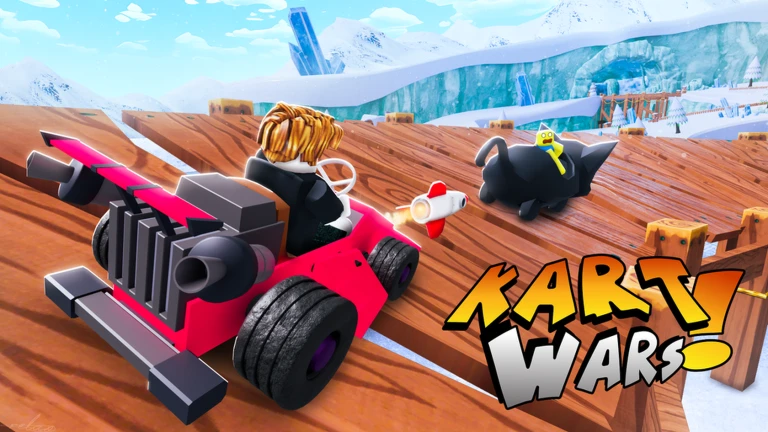
Winning a race on each individual track earns you a badge, so working through all seven is a long-term goal worth keeping in mind.
- Dolphin Dive, Kart Wars Circuit, Demon Dorm, Arctic Frost, Football Frenzy, Sugar Rush, and Toy Tumble are the seven tracks in the game.
- Each track awards its own badge when you take first place, so you need to win on all seven to collect them all.
Levelling up and earning coins
Check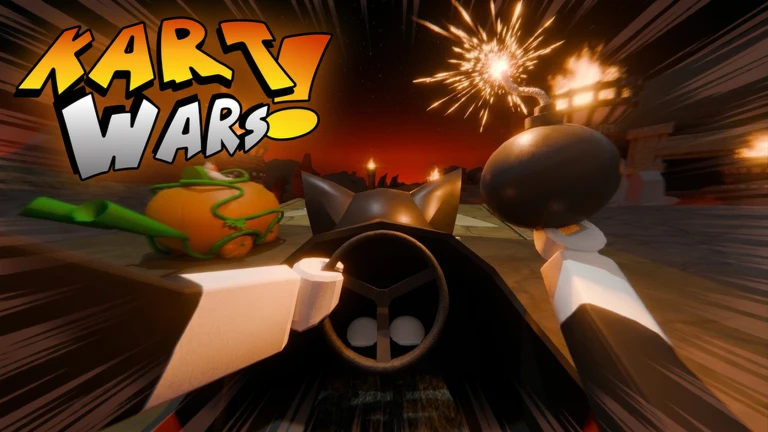
The game tracks your progress through levels, with Level 10 and Level 50 each marked by their own badges. Coins you earn from racing can be spent to unlock paint designs for individual kart bodies.
- Race regularly to keep earning experience toward Level 10 and beyond.
- Save coins to unlock paint designs on bodies you use.
- Work toward Level 50 as a long-term milestone.
- Check which bodies are paintable, since not every body supports custom colours yet.
Free play versus the Paint Pack
Table
The Paint Pack game pass and free coin unlocks both let you colour your kart, but they work differently. Racing itself has no paywall at all.
| Free play | unlock paint designs one body at a time using coins earned from races. |
| Paint Pack game pass | unlocks painting for every body you own, including bodies you buy later. |
| Race access | completely free either way, with no game pass required to enter any track. |
Glossary
Glossary- Body
- The main frame of your kart, chosen in the Kart Designer, which determines its shape and which paint designs you can apply to it.
- Power-up item
- An item that appears on the track during a race and gives you a temporary advantage when you drive over it.
- Paint Pack
- A game pass that unlocks the ability to paint every kart body you own, including any you buy in the future.
- Kart Designer
- The menu where you choose your kart body and customise its paint before entering a race.
Common questions
FAQCan I play without spending Robux?
Yes, fully. Every track is open and all basic customisation is available using coins you earn from racing. The Paint Pack game pass is a convenience, not a requirement.
Can I change my kart's colour after I've already raced?
Yes, the Kart Designer lets you repaint your kart at any time. You can unlock new colour designs with coins or use the Paint Pack to open up all colours across every body you own.
How many tracks are there and do I need to win on all of them?
There are seven tracks in total. You don't need to win on all of them to race, but each track has its own badge that you only earn by taking first place on that specific course.
What are the Level 10 and Level 50 badges for?
They are milestone badges the game awards automatically when you reach those levels.
Game updates can change what is on this page. If you spot something, get in touch and let us know.
