
Superpower Simulator: Chakra Guide: Controls for PC and Xbox
About
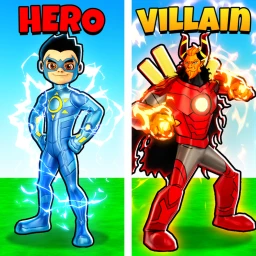
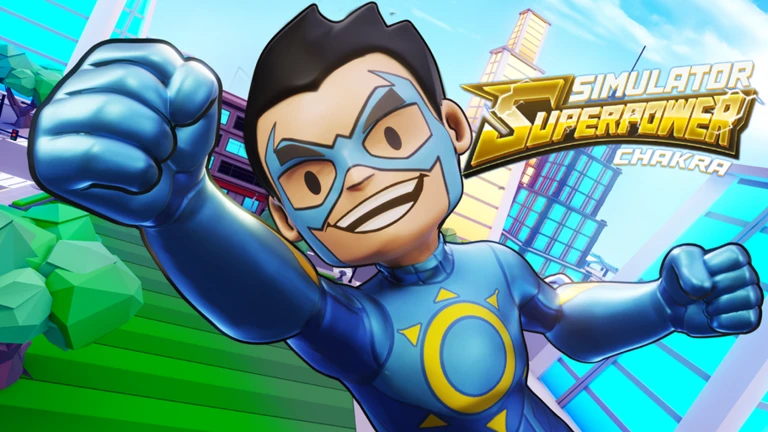
OverviewSuperpower Simulator: Chakra is an action RPG set in Mumbai where you train your character, unlock new powers, and choose whether to fight villains or join them. This guide covers controls, how to build your character, the pet system, and how to get free rewards so you can make progress without spending anything.
What is on this page
Contents
Controls for PC and Xbox
Table
Every action in the game comes down to five inputs. PC and Xbox use different buttons for the same things, so check which platform you are on before jumping in.
| Punch | LMB on PC, R2 on Xbox |
| Use Skills | Keybinds on PC, L2 on Xbox |
| Block | F on PC, L.1 on Xbox |
| Sprint | Shift on PC, L3 on Xbox |
| Train | 1, 2, or 3 keys on PC, UI on Xbox |
Getting started in Mumbai
Step
When you first load in, Mumbai is your playground. The map includes famous landmarks like the Gateway of India and the Bandra Worli Sea Link.
- Join the group it is free, and it unlocks a daily chest you can claim every time you log in.
- Check for codes two working codes are currently tracked for this game, and redeeming them gives you coins and bonuses instantly.
Powers and the training system
Tips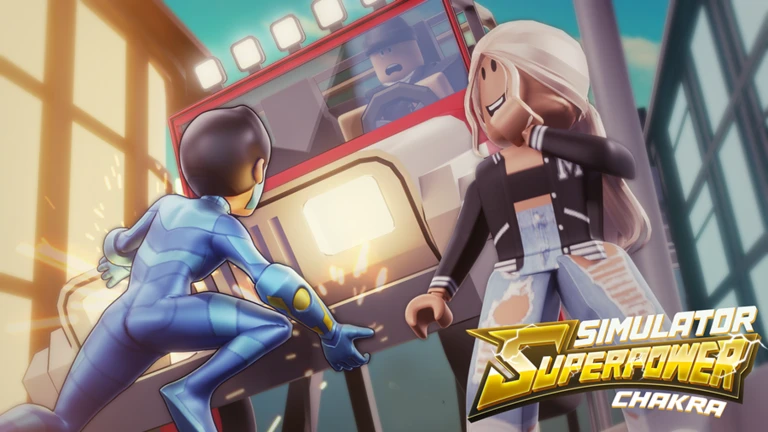
Unlocking and upgrading powers sits at the center of your progress. Once you have a power, you can activate it in combat with your skill input, and training it repeatedly makes it hit harder.
- Defeat enemies and clear objectives to unlock new powers.
- Open the training menu and select any power you already own to strengthen it.
- You can train multiple powers at the same time.
- The more you train a power, the stronger its effect becomes in combat.
Pet combinations
TipsUpdate 4 added Shiny Pet Combinations. Collect pets by defeating enemies or finding them in the game, then experiment with which combinations give you the best bonus effects.
- Collect pets by playing through the game — defeating enemies is one way to find them.
- Combining multiple pets together triggers bonus effects that a single pet on its own cannot provide.
- Shiny Pet Combinations were added in Update 4.
Free-to-play progress
CheckEverything that matters — training, fighting, exploring, and collecting pets — is available at no cost.
- Join the official group so the free daily chest reward is available every session.
- Redeem codes as soon as they are released; each code can only be used once.
- Follow @ChakraRoblox on X to catch new codes and news.
Glossary
Glossary- Power
- A special ability your character unlocks through play and activates in combat using the skill input.
- Training
- The in-game menu, opened with 1, 2, or 3 on PC, where you strengthen your unlocked powers over time.
- Pet Combination
- Pairing two or more pets together to trigger a bonus effect that neither pet provides on its own.
- Daily Chest
- A free reward you can claim every day as long as you are a member of the game's official Roblox group.
- Block
- A defensive move — F on PC or L.1 on Xbox.
Common questions
FAQDo I need to buy a game pass to make real progress?
No. The entire game is free to play.
How do I get the free daily chest?
Join the game's official Roblox group, which is free to do. Once you are a member, a chest reward becomes available every day you log in.
Where do I find redeem codes?
Codes are posted on the @ChakraRoblox account on X, formerly Twitter. Each code can only be redeemed once per account.
What did Update 4 add?
Update 4 brought Shiny Pet Combinations, a new Destroyer boss, the ability to gift gamepasses to other players, and a set of small balance improvements across the game.
Game updates can change what is on this page. If you spot something, get in touch and let us know.
