
Own A Market — Getting started
About
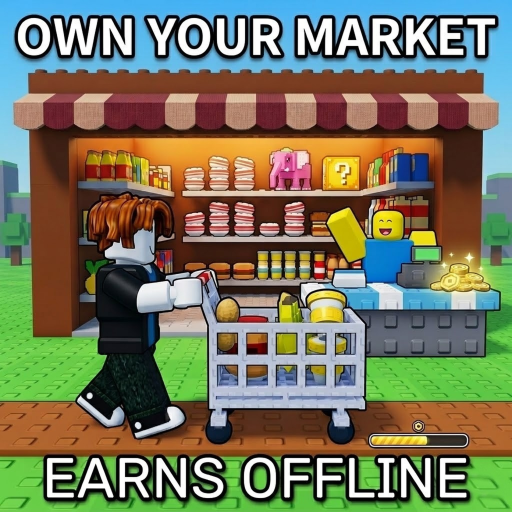
OverviewOwn A Market is a Roblox game where you build a market from scratch, stock shelves, expand your floor space, and grow a small store into a full supermarket. This guide covers how to get started, earn money efficiently, and reach the game's later milestones including Rebirth.
What is on this page
Contents
Getting started
Step
When you first load in, your market is empty and earns nothing. Customers only buy what is on the shelves, so your first job is to get products stocked. Once sales are coming in, put that money back into shelf upgrades and new product unlocks.
- Stock the shelves place products so customers can start buying right away.
- Spend early cash on shelf upgrades.
- Unlock new products a wider product range increases how much money your market can bring in.
- Expand your floor more floor space lets you stock more product types at once.
Earning money faster
Tips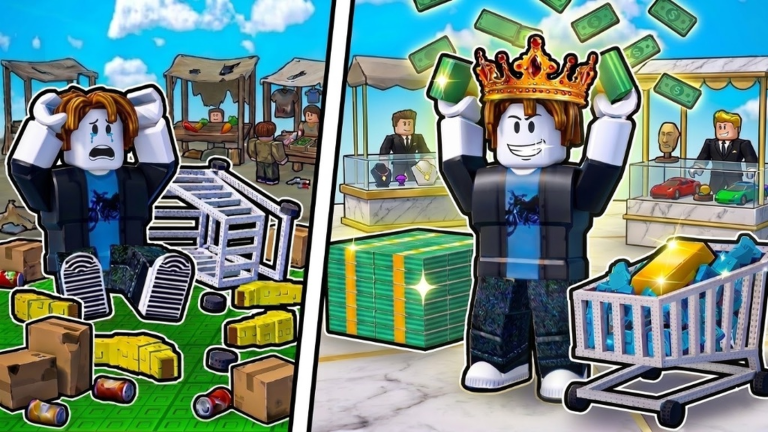
Your market keeps generating money even while you are offline, so every time you log back in there should be cash waiting to collect.
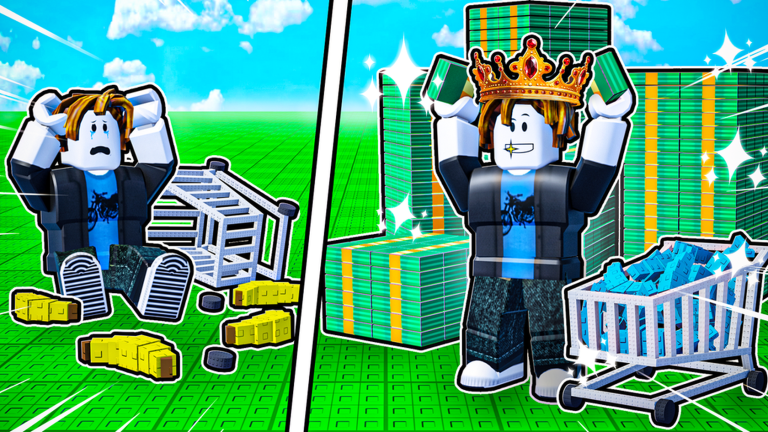
- Goldify your products after Rebirth to raise the price customers pay for them.
- Expand your floor whenever you can afford it — more space means more product slots.
- Log in regularly to collect offline earnings.
- Join the group and like the game to receive free bonus cash.
Rebirth and market milestones
Check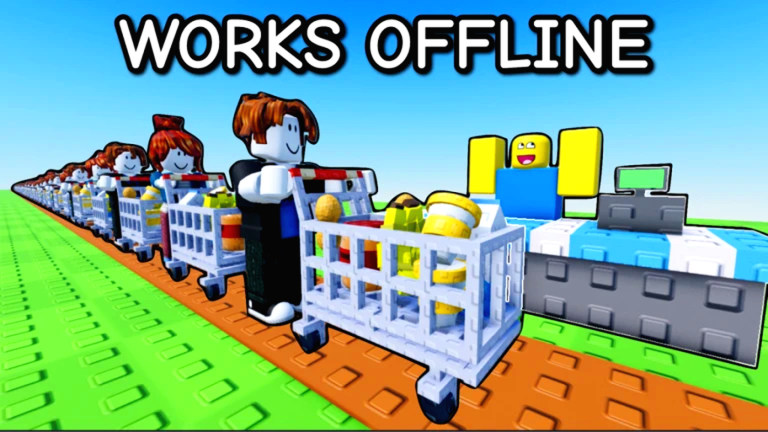
The game has at least two major completion stages, each marked by a badge.
- Purchase every button in Market 1 to earn the Finished Market [1] badge.
- Trigger Rebirth once to earn the Rebirth badge and unlock the goldify feature.
- Purchase every button in Market 2 to earn the Finished Market [2] badge.
- Keep an eye out for a hidden secret somewhere in the market finding it unlocks the ??? badge.
Playing without spending Robux
Summary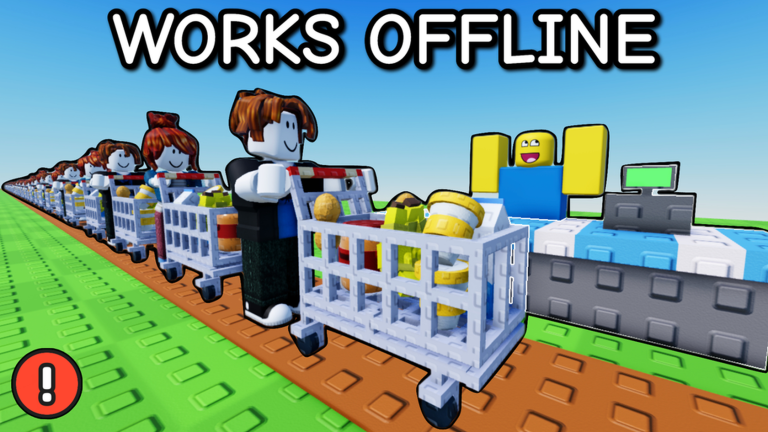
You can reach both market completions and earn every badge without spending Robux. The one paid item is a VIP server for lag reduction.
- Core gameplay fully free, including Rebirth and goldifying.
- Offline earnings free and automatic; no purchase needed.
- Group bonus cash free; join the group and like the game to claim it.
- VIP server paid option that reduces lag, not required to progress.
Glossary
Glossary- Stock shelf
- A shelf in your market where you place products for customers to buy; upgrading it increases how much it can hold.
- Goldify
- A feature unlocked after Rebirth that turns products into a higher-value form so they sell for more money.
- Floor expansion
- Enlarging your market's total space so you can add more shelves and stock a greater variety of products.
- Rebirth
- A reset mechanic that restarts your progression at a new stage and unlocks the goldify feature for your products.
- Offline earnings
- Money your market generates automatically while you are not playing, ready to collect the next time you log in.
Common questions
FAQDoes my market earn money when I am not playing?
Yes, your market generates money even while you are offline.
What does Rebirth actually do?
Rebirth resets your market to a new stage and unlocks the ability to goldify your products, which makes them more valuable. Triggering it once also earns you the Rebirth badge.
How do I get the ??? badge?
The badge is tied to a hidden element somewhere inside the market. Explore every part of your market carefully to find it.
Is a VIP server worth buying?
It is not required to progress. The VIP server only reduces lag.
Game updates can change what is on this page. If you spot something, get in touch and let us know.
