
Blockate Guide: Core controls
About
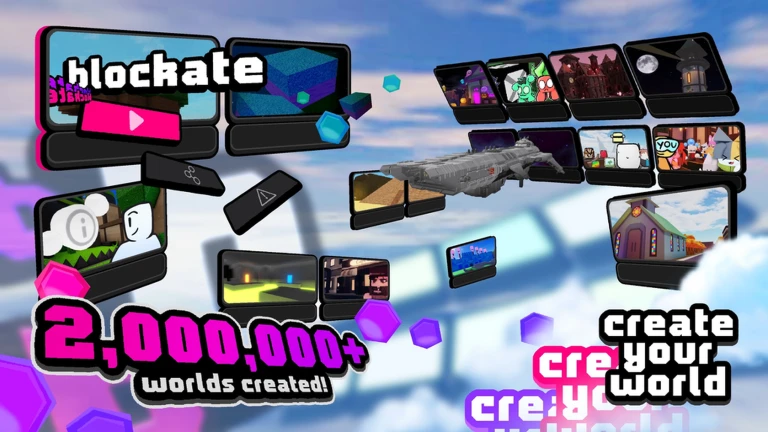
OverviewBlockate is a sandbox building game where you create your own worlds using blocks of different shapes, colors, and materials, then share those worlds with other players. This guide covers the controls, building techniques, world management, and the badges you can earn along the way.
What is on this page
Contents
Player notes and tips
Found a useful trick? Share it with everyone! Notes with screenshots are welcome!
Write a guide note
Blockate
Core controls
Summary
Every action in Blockate runs through a small set of keyboard shortcuts. On mobile, the hammer icon in the middle-right replaces the Q key for switching modes. Typing !cmds in chat brings up a full command list at any time.
- Q
cycle through Building, Delete, and Spectator mode
- Shift + Q / Shift + E
swap the active color
- F / G
change the block shape
- Z / X
change the block material
- Alt
copy another block's color, shape, and material all at once
- C
open the Main Menu, V — open the World Menu, U — open the Sticker Wheel
MetaNew Player Survey

The next survey is being prepared.
Creating and entering your first world
Step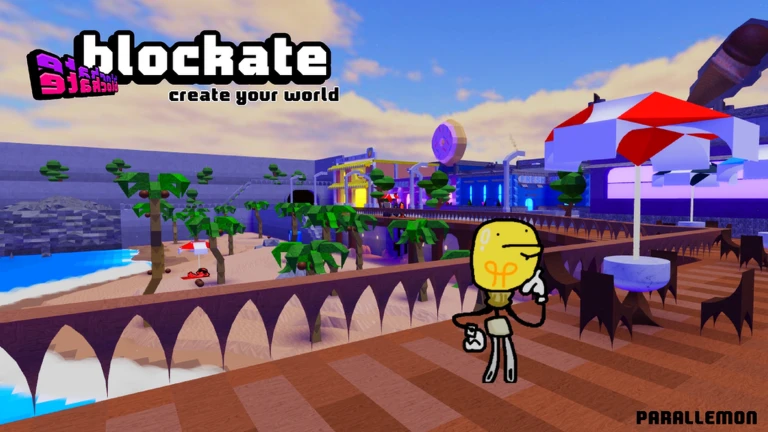
New worlds start as a small floating island. Every world you own is listed under My Worlds, so you can return to it any time.
- Open the Main Menu
press C to open it, then click Create World.
- Join your world
if the button shows a cost, go to My Worlds instead and click Join on your existing world.
- Enter Building mode
press Q once until you are in Building mode, then click a surface to place your first block.
- Switch modes as needed
press Q again for Delete mode, and once more for Spectator mode where you can look around without editing.
- Open the World Menu
press V to manage permissions, invite friends, or check world settings.
Building techniques worth knowing
Tips
The Alt key is one of the most useful tools in the game: hover over any placed block and press Alt to instantly copy its color, shape, and material so you can keep building in the same style without resetting settings manually.
- Cylinder Caps can be scaled to 1/25 of a normal slab, which makes them useful for fine detail on characters and pillars.
- Mixing materials on blocks with non-standard hitboxes, such as Wedges, creates visual combinations that a single material cannot produce on its own.
- Quadrant and inner-quadrant shapes combine well with Wedges to make corners and edges look polished rather than blocky.
- The fill command lets non-VIP players fill up to 10 blocks at a time, while VIP players can fill up to 200.
Making your world visible to other players
CheckThe Active page ranks worlds by a combination of current players and total visits, so a world with more visits ranks ahead of one with the same player count but fewer visits. Staying present in your own server matters because empty servers do not appear on the Active page at all.
- Set a custom thumbnail with !thumbnail [id] worlds with a default thumbnail get fewer clicks than ones with a custom image.
- Give your world a clear, descriptive name rather than leaving the default numbered title.
- Grant builder permissions only after checking a person's work use !perm to give temporary access while you are online, and remove it before you leave.
- Ask friends to add warps to your world from their own popular servers to funnel extra traffic in.
- Advertise in chat when the server has plenty of players, not when it is nearly empty.
- Avoid copying genres that already flood the Active page, such as generic free-builds or RNG flings puzzle and horror worlds are less common and can stand out.
Checkpoints and teleporters
Table
Both methods work, but they behave differently when players disconnect. Choose the one that fits how your world handles respawning.
| Teams method | uses !spawn team and !teamer so players respawn at a colored spawn point when they die, but assignments are lost on disconnect |
| Stats method | uses !stat add, !statgiver, and !stattele to record progress permanently so players return to the right checkpoint even after leaving |
| Teleporters (!tele) | hover over the trigger block, say !tele, then click the destination block |
| Easy teleporters (!eztele) | hover over the destination first, say !eztele, then click any block to make it the trigger |
| Warp locations (!warplocation) | act as named spawn points reachable only through a warp block, useful for linking areas across a large world |
Badges you can earn
Table
None of the badges give in-game rewards, but they mark real progress. The Legendary badge is the trickiest — common crates have a 1% chance of a legendary hat, while rare crates have an 8% chance.
| Badge | How to earn it |
|---|---|
| My First Block | Place one block |
| Dedicated Builder | Place 1,000 blocks total |
| Popular | Get 50 unique visits on one of your worlds |
| Tourist | Visit 50 different worlds |
| Collector | Own 5 different hats at the same time |
| Legendary | Get a legendary hat from any crate — rare crates give an 8% chance; common crates give 1% |
| Big Earner | Earn 1,000 Blux total from world earnings |
| Crafter | Craft 5 hats into a better crate, or combine items into another item |
Getting featured or becoming an Elite Builder
TipsA Featured world is judged on aesthetics and gameplay weighted by genre — a showcase is graded mostly on looks, while a fighting game is graded mostly on how it plays. Elite Builder demands all of that plus consistent quality across multiple builds, which is why applying for a feature first is the recommended path.
- Make sure your world has at least five minutes of content before applying, or it will be rejected outright.
- Keep colors readable
in an obby, platforms that blend into walls hurt both aesthetics and gameplay scores.
- Use lighting deliberately; judges treat unused lighting as a missed opportunity.
- Avoid wasted space
areas that are needlessly cramped or too sparse both count against you.
- Fill out the application form linked from the Blockate FAQ when you feel your world is ready.
Glossary
Glossary- Building mode
- The state you enter by pressing Q where you can place and edit blocks.
- Delete mode
- The Q-cycle state that lets you remove placed blocks.
- Spectator mode
- The Q-cycle state where you can move around and look at the world but cannot place or remove blocks.
- Blux
- The in-game currency your worlds earn as players visit them.
- Sticker Wheel
- The decoration menu opened with U.
- Warp location
- A named spawn point that a warp block sends players to, allowing you to link specific spots across a large world.
- Stat teleporter
- A block set with !stattele that moves a player to a checkpoint when their stat value matches the number you set.
- Elite Builder
- A recognition status awarded to players who demonstrate consistently high-quality building across multiple worlds.
Common questions
FAQWhy can't I place any blocks?
Check that you are in Building mode by pressing Q until the mode indicator shows it. Also confirm that you have builder permissions or higher in the world you are in — press V to open the World Menu and check the Perms tab.
How do I stop other players from wrecking my world when I'm offline?
Use !perm to grant building access while you are present, then set those players back to visitor before you leave.
Does my world show up on the Active page automatically?
It shows up only while at least one player is inside it, and its position depends on both current player count and total visits. A world with more visits ranks higher than one with the same number of players but fewer visits.
Can I play Blockate on mobile?
Yes — on mobile the hammer icon in the middle-right of the screen replaces the Q key for switching between Building, Delete, and Spectator modes. Flying with a double jump was also added for mobile players.
What is the World Roulette?
It is a room in the hub that transports everyone inside it to a random Blockate world every 30 seconds.
Game updates can change what is on this page. If you spot something, get in touch and let us know.
