
Roll A Gnome Guide: The basic loop from your first roll to your first sale

About
OverviewRoll A Gnome is a Roblox idle simulator where you roll for gnomes, place them in your garden, and they grow crops for you automatically — even while you are offline. This guide covers how to get started, how to expand your garden, and how to get more out of every roll.
What is on this page
Contents
Player notes and tips
Found a useful trick? Share it with everyone! Notes with screenshots are welcome!
Write a guide note
Roll A Gnome
The basic loop from your first roll to your first sale
Step
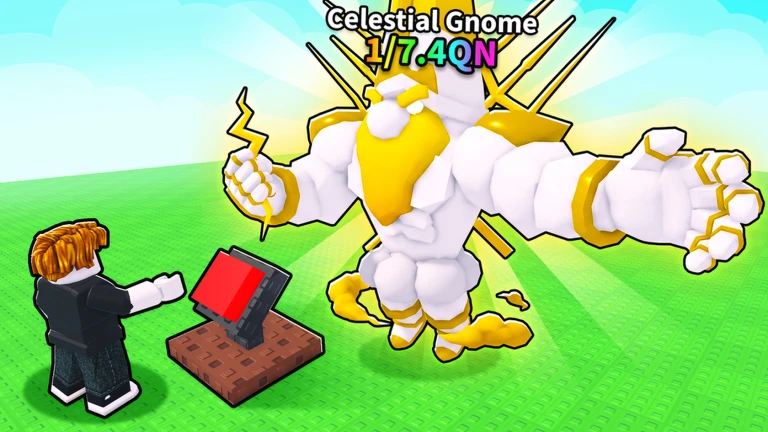
When you open the game for the first time, you are given starting money to spend on rolls. Each roll gives you a gnome at random. Place that gnome in your garden and it will start growing crops on its own. Once the crops are ready, harvest them and sell them for money, then put that money back into more rolls.
- Spend your starting money
use it to roll for your first gnome right away.
- Place the gnome
drop it into your garden so it can begin growing crops.
- Harvest the crops
collect what the gnome has grown.
- Sell the harvest
turn the crops into cash.
- Roll again
use that cash to keep rolling and grow your roster of gnomes.
MetaNew Player Survey

The next survey is being prepared.
Free bonuses to grab before your second roll
Check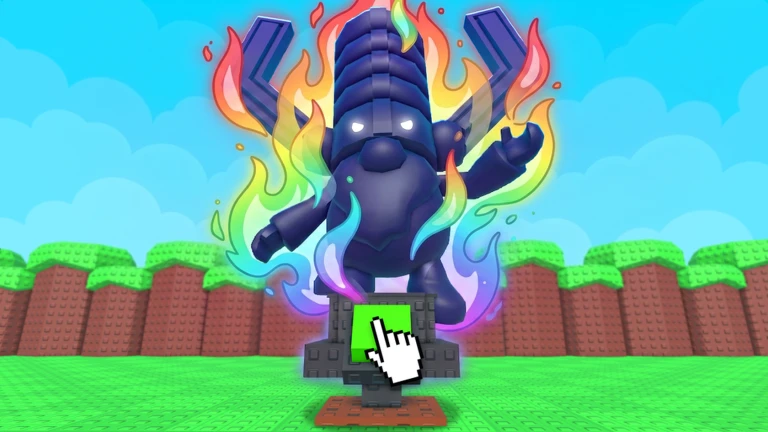
Two free actions both give you a 100% luck bonus, and they stack.
- Join the official Roblox group for the game this gives you +100% luck on rolls.
- Like the game on its Roblox page this also gives you +100% luck.
- Both bonuses together add up to +200% luck.
Gnome rarity and what it means for your garden
Table
Not every gnome rolled is equal. Gnomes come in different rarities, and rarer ones perform better and look more distinctive. Common gnomes are easy to get, while rarer gnomes take more rolls.
| Common gnomes | easy to roll with your starting money. |
| Rare gnomes | require many more rolls but offer better performance and appearance. |
Expanding your garden
Tips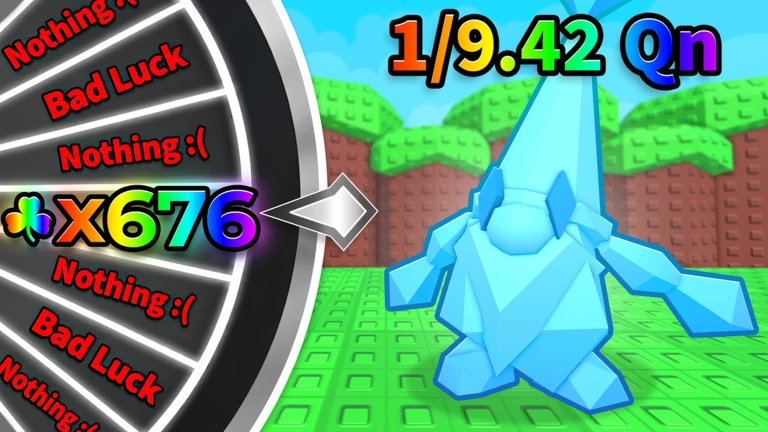
Your garden starts small, but you can spend money to expand it. More space means more gnomes working at once.
- Save up money from selling crops before trying to expand your garden.
- Every expansion lets you place more gnomes, which increases how fast crops are produced.
Playing offline and staying on track
Tips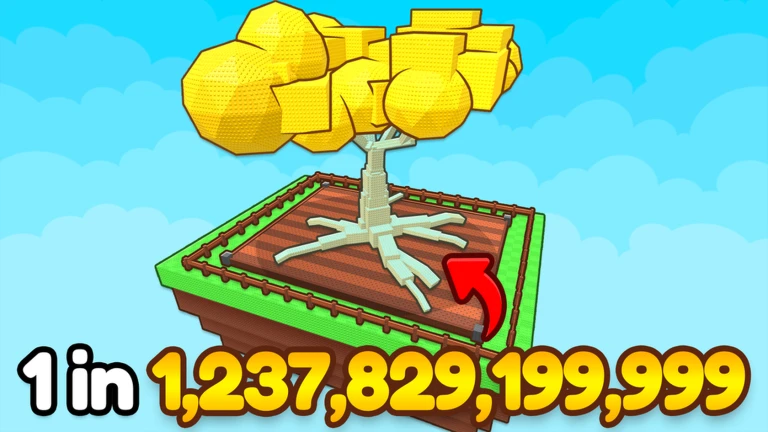
Your gnomes keep growing crops even when you are not playing. Making a habit of logging in, collecting crops, and selling them is enough to fund a steady stream of rolls over time.
- Log in regularly to collect the crops your gnomes grew while you were away.
- Sell everything you harvest so the money is ready for your next roll session.
- You do not need to spend real money; the offline crop loop gives you a constant source of roll funds.
Glossary
Glossary- Roll
- Spending in-game money to receive a random gnome, similar to a gacha pull.
- Gnome
- A character you place in your garden that automatically grows crops for you.
- Crop
- The produce your gnomes grow in the garden, which you harvest and sell for money.
- Luck
- A stat that influences the quality of gnome you receive from a roll; higher luck gives better results.
- Garden
- Your play space where gnomes work; it can be expanded with money to hold more gnomes.
Common questions
FAQDo I need to spend real money to make progress?
No. Gnomes grow crops offline, so every time you log in there is money waiting for you to harvest and sell. Rolling new gnomes with that money is all you need to keep moving forward.
Does the game keep going when I close it?
Yes. Your gnomes continue growing crops automatically while you are offline. When you return, harvest what they have produced and sell it to fund your next rolls.
What is the fastest way to improve my luck for rolls?
Join the official group and like the game on its Roblox page — each action adds 100% luck, giving you 200% extra luck in total.
Game updates can change what is on this page. If you spot something, get in touch and let us know.
