
Supermarket Together Guide: First things to do when you start
About
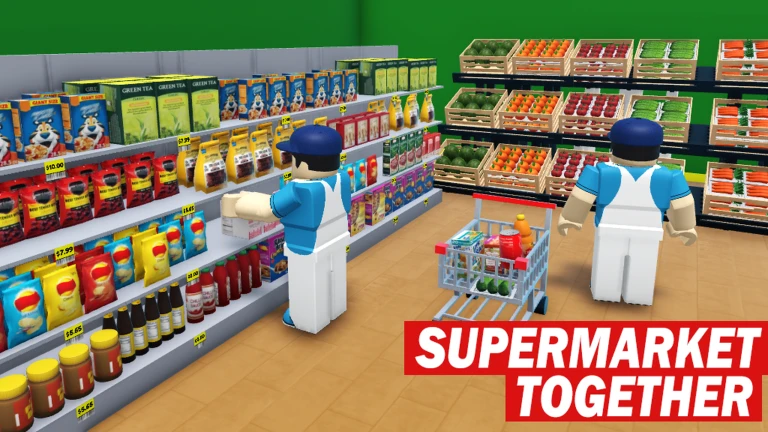
OverviewSupermarket Together is a multiplayer Roblox game where you and your friends run a supermarket, filling customer orders and keeping shelves stocked. The more players you add, the busier and more demanding your customers get — but you can also play solo and dial the difficulty up or down yourself.
What is on this page
Contents
First things to do when you start
Step
Before you dive into serving customers, take a minute to set yourself up. The game has a code input screen — find it and enter any working codes to claim free rewards. After that, try a solo session to get comfortable with how the store is laid out and how customer requests work.
- Find the code box and enter any active codes to collect your reward.
- Start a solo session to explore the store and learn where products are kept before the pressure is on.
- Try the difficulty setting solo mode lets you adjust how hard the game is.
- Learn the licenses check what licenses are available in the game.
MetaNew Player Survey
The next survey is being prepared.
Playing with friends — how the difficulty scales
TableThe game is designed so that each player you add brings more demanding customers with them. Splitting responsibilities between players is the straightforward fix, and a private server with a password makes it easy to play only with the people you choose.
| Solo | you control difficulty yourself. |
| More players | customer demands increase with each additional player. |
| Private server | created by setting a password on your save data and sharing that password only with friends you trust. |
Setting up a private server
Step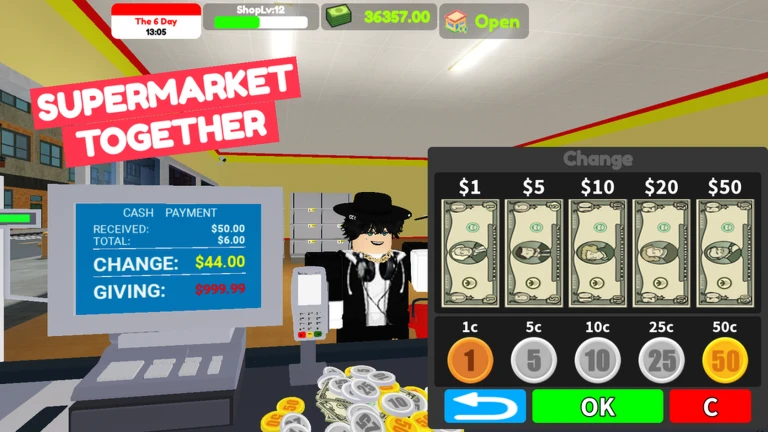
The game lets you attach a password to a save file, which turns it into a private server that only people with that password can enter.
- Create a save and set a password on it.
- Share the password with your friends.
- Friends enter the password to join the server.
- Keep the password private only give it to people you actually want in your game.
When the store feels out of control
Check- Check whether the player count has jumped more players means more customers.
- Drop to solo mode and lower the difficulty to drill the basics if things feel overwhelming.
- Look at whether any new licenses are available three were added on August 15, 2026 and three more on August 21, 2026.
Codes and free rewards
SummaryThe developers release codes as the game hits like milestones — a new code was promised at 160,000 likes. Each code can only be redeemed once on your account, so enter it as soon as you have it.
- Where to redeem the code input screen inside the game.
- Uses per account one use only; the same code cannot be reused.
 Outstanding125k
free reward
Brilliant160k
Super1500
Favorites200k
Outstanding125k
free reward
Brilliant160k
Super1500
Favorites200k
Staying safe in multiplayer
WarnBecause the game uses passwords to control who enters your server, keeping that password tight is the main thing that protects your session.
Community strategy ideas
CommunityThese ideas and tips come from people playing the game. Share your discoveries too!
No strategy ideas yet. Share a tip you discovered.
Share a strategy idea
Supermarket Together
Glossary
Glossary- License
- An in-game qualification — three new ones were added on August 15, 2026 and another three on August 21, 2026.
- Private server
- A session created from password-protected save data that only players who know the password can enter.
- Save data
- The file that stores your supermarket's progress, and the thing you attach a password to when setting up a private server.
- Solo mode
- A single-player version of the game where you can set the difficulty yourself instead of having it scale with other players.
- Code
- A string of characters you type into the game's code box to claim a free reward, usable once per account.
Common questions
FAQHow do I play with friends only, not strangers?
Create a save file and set a password on it — that turns it into a private server. Share the password with your friends and they can join using it.
Why is the game suddenly so much harder than before?
Customer difficulty scales up with the number of players in the session, so adding more friends directly increases the pressure.
Do I need to spend Robux to enjoy the full game?
No — every part of the game is accessible without spending anything.
Game updates can change what is on this page. If you spot something, get in touch and let us know.
