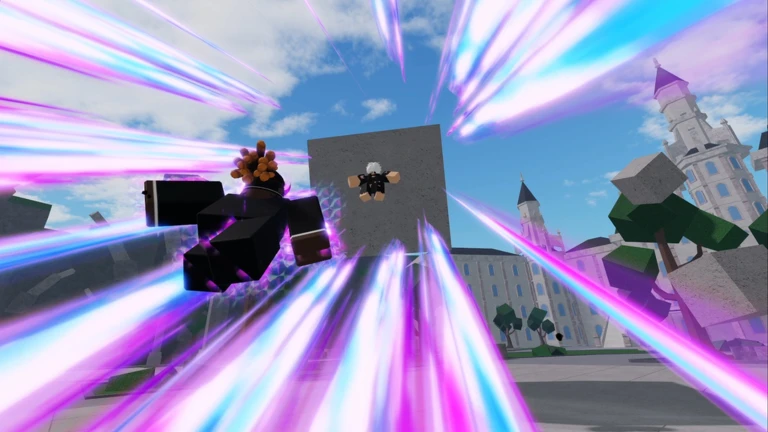
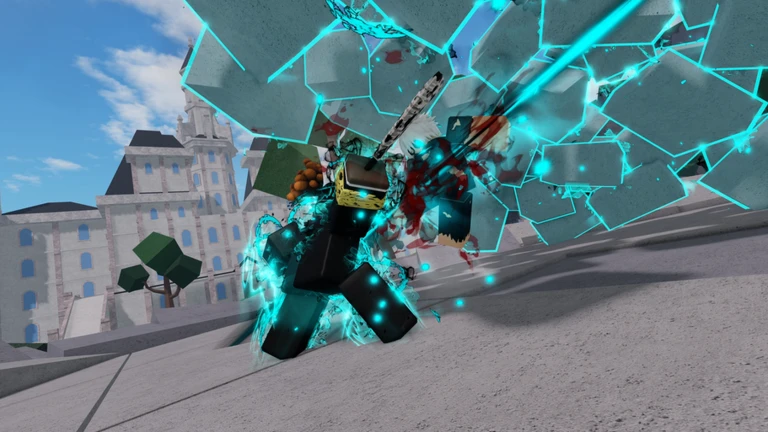
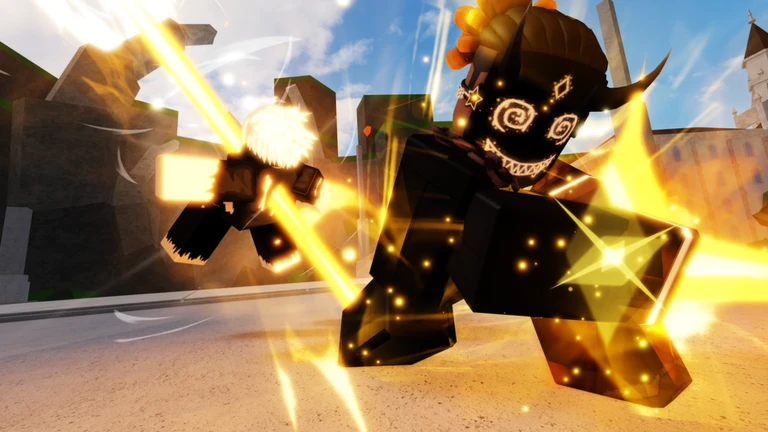
Ultimate Battlegrounds is a fighting game on Roblox where you punch, block, dash, and transform to beat other players. This guide covers the controls, core combat techniques, how to handle multi-player free-for-alls, and what to check when you keep losing.
In shortGetting the four main inputs into muscle memory makes everything else easier.
The game runs on a small set of inputs that cover everything you will do in a fight. On PC you use keyboard keys alongside your mouse click; on phones and tablets the same actions map to on-screen buttons. All devices are supported, so the controls work wherever you play.
Fblock, which cuts the damage you take when an opponent swings at you
Qdash, used to close distance or escape quickly
Gtransform, which shifts your character into a different form with changed stats
Q while ragdolledragdoll cancel, which lets you recover after being knocked flying
In shortDash in, punch, block incoming hits, and transform when the fight turns against you.
Every fight in Ultimate Battlegrounds comes down to the same repeating cycle. You need to be close enough for punches to land, so dash is the tool that starts most exchanges. Once you are in range, land your hits, then watch for the opponent's counter. When you see an attack coming, block it with F rather than taking the full hit. Transform with G when you want to shift momentum — either to push an advantage or to stay alive when you are losing ground.
Dash inpress Q to close the gap before throwing punches
Throw punchesuse left click once you are in range
Block incoming attackstap F when the opponent swings to reduce damage taken
Transform at the right momentpress G when you are in trouble or want to press an advantage
Ragdoll cancelif you get knocked away, press Q to recover
03Live and upcoming eventsEvents
Events running now or coming soon. They have fixed dates, so check them first.
Upcoming –
??????
THE DATE IS A PLACEHOLDER
JOIN THE EVENT TO GET NOTIFIED WHEN WE UPDATE
In shortIn a crowd, patience and positioning matter more than chasing every fight.
When several players are fighting at once, charging straight into a group puts you at a serious disadvantage. The goal is to reach a one-on-one situation with a weakened opponent rather than fighting everyone simultaneously.
Tips worth knowing
Stay aware of who is around you at all times
Let other players wear each other down, then step in when someone is already hurt
If you take heavy damage, dash away and give yourself time to reset before re-engaging
Avoid getting surrounded — dash out rather than trying to fight multiple opponents at once
When only one opponent remains, use the full core combat loop: dash, punch, block, transform
05
Things to check when you keep losing
Check
In shortMost losing streaks trace back to skipping the block, mistiming the transform, or diving in from too far away.
Are you pressing F before the opponent's punch lands, or after the damage is already done?
Are you dashing close enough before punching, or throwing punches from a distance where they miss?
Are you using G at a useful moment?
On phone or tablet, are your on-screen buttons laid out where you can actually reach them quickly?
Are you repeatedly ragdoll-cancelling with Q in a row, which drains your stamina?
06
Device differences worth knowing
Table
In shortThe game works on every device, but PC gives you the most precise control over multiple inputs at once.
Ultimate Battlegrounds supports PC, phones, and tablets. The controls are the same in principle, but how easy it is to press several things quickly varies by device.
PC
keyboard keys and mouse click can all be pressed in quick combination for precise timing
Phone
tap-based controls are simpler
Tablet
a middle ground between phone and PC
Glossary
Glossary
Block
Pressing F to defend against an incoming attack and reduce the damage you take.
Dash
Pressing Q to move quickly toward or away from an opponent.
Transform
Pressing G to shift into a different character form with different combat stats.
Ragdoll
The state you enter after being knocked away by a hit, which you can escape by pressing Q.
Ragdoll cancel
Pressing Q while ragdolled to cut the recovery short and return to normal movement.
Common questions
FAQ
Can I play well on a phone or tablet?
Yes — all devices are fully supported.
I keep getting knocked around and cannot recover — what am I doing wrong?
When you are ragdolled, press Q right away to cancel it and get back on your feet. Avoid spamming the cancel repeatedly in a single fight, because doing it too many times in a row drains your stamina.
How do I handle a fight where I am badly outnumbered?
Do not try to fight everyone at once. Dash away from the group, wait for other players to weaken each other, and then pick off a tired opponent in a one-on-one.
Updated Sep 11, 2026
Game updates can change what is on this page. If you spot something, get in touch and let us know.
 Upcoming
–
Upcoming
–