
 Live now
–
Live now
–
Game guide
Ground War Guide: Earning Cash and building your arsenal
Is this game fun?1 votes
Fun 100%1Average 0%0Not fun 0%0
About
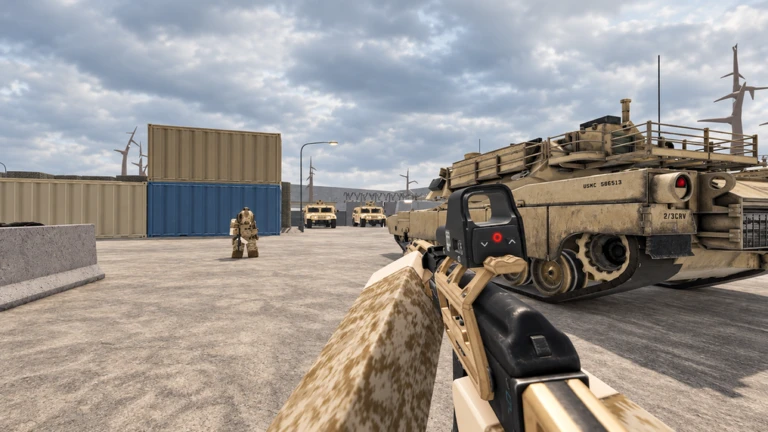
OverviewGround War is a large-scale first-person shooter on Roblox where two teams of sixteen players fight across a battlefield that includes tanks, helicopters, and other armored vehicles. You earn Cash by eliminating enemies, then spend it to unlock new guns and explosives from the arsenal. This guide covers how to get started, how to use vehicles effectively, and how to keep improving when you feel stuck.
What is on this page
Contents
01
Earning Cash and building your arsenal
Tips
In short
Kill enemies consistently and spend Cash in the arsenal as soon as you can afford something useful.
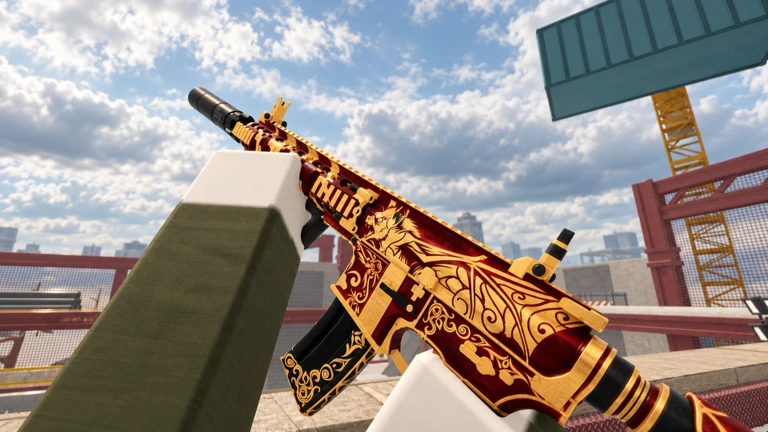
Every enemy you eliminate earns you Cash, and leveling up increases how much you earn over time. The arsenal is where you trade that Cash for new guns and explosives.
Tips worth knowing
- Check the arsenal between matches so you don't sit on Cash longer than necessary.
- Don't ignore explosives — grenades and rockets are available in the arsenal.
02
Vehicles on the battlefield
CheckIn short
Tanks and helicopters can swing a match in your team's favor, but only if you board them safely and use them with teammates.
Tanks, helicopters, and other armored vehicles are placed around the map and any player can get in and drive them. Their firepower is far above anything on foot, so controlling one — especially with a teammate in the gunner seat — puts serious pressure on the enemy team.
- Check that no enemies are nearby before you try to board.
- Bring a teammate if possible so one of you drives while the other handles the weapons.
- Use the helicopter's height advantage to spot and suppress enemies across a wide area.
Stuck? Try a video
💯 HOW TO BECOME A PRO AT UNDERGROUND WAR 2.0 { 30+ TIPS TO GET BETTER! } || ROBLOX 💯
Roblox Ground War - Tips and Tricks to become better
GUIDE | Assault Battles: Ground War - challenge tiers | Star Wars: Galaxy of Heroes
03 Live and upcoming events
Events
Events running now or coming soon. They have fixed dates, so check them first.
Live now
–
 Live now
–
Live now
–
Halloween Update
04
Team play and positioning
Tips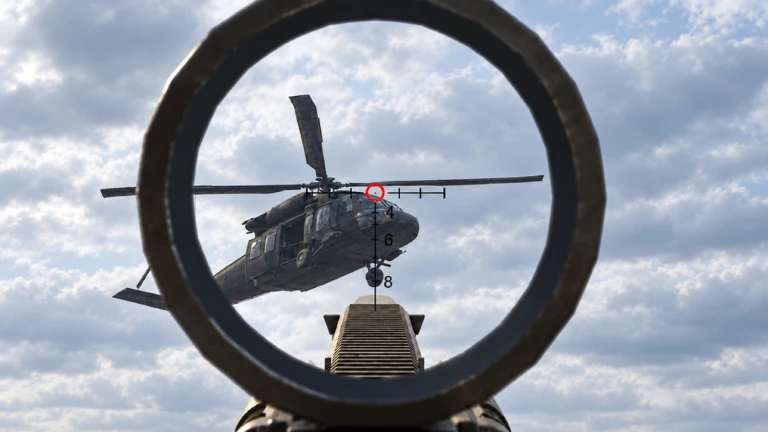
In short
Staying with your team matters in a 16v16 battle.
With sixteen players per side, lone wolves get picked off quickly.
Tips worth knowing
- Move with at least one other teammate whenever you push into enemy territory.
- Attack key positions with multiple players at once.
- When you spot an enemy, let your team know so they aren't caught off guard from that direction.
Glossary
Glossary- Cash
- The in-game currency you earn by eliminating enemies and leveling up, spent in the arsenal to unlock new weapons.
- Arsenal
- The in-game shop where you spend Cash to unlock guns, grenades, rockets, and other equipment.
- FPS
- First-person shooter — a genre where you see the game through your character's eyes and fight enemies with firearms.
- Respawn
- Returning to the battlefield after being eliminated, starting again from a set spawn point.
- Spot
- Marking or calling out an enemy's position so your teammates know where the threat is.
- Gunner seat
- A secondary position inside a vehicle that lets a passenger operate the weapons while another player drives.
Common questions
FAQWhich weapon should I unlock first?
Pick one from whatever is available and commit to it for several matches before reconsidering.
Do I need to spend money to be competitive?
No — all weapons are unlockable through the Cash you earn by playing. Spending money only speeds up how quickly you reach those unlocks, not whether you can reach them at all.
Updated Sep 6, 2026
Game updates can change what is on this page. If you spot something, get in touch and let us know.
Game updates can change what is on this page. If you spot something, get in touch and let us know.
