
amazing Guide: The basic delivery loop
About
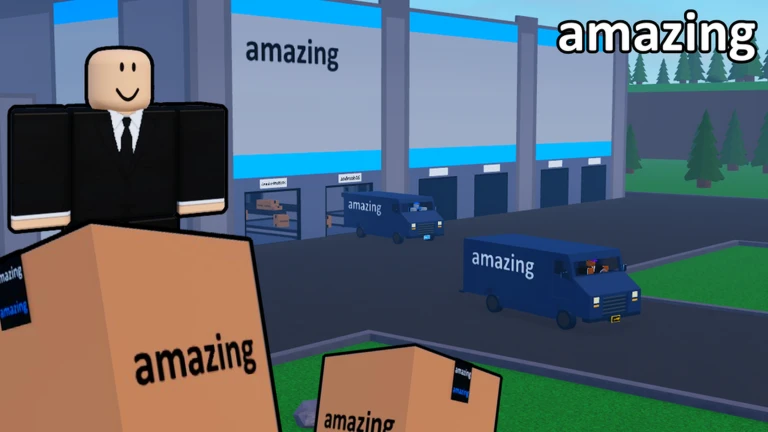
Overviewamazing 📦 is a package delivery simulator where you drive around a city making deliveries, stocking packages, and leveling up your character. This guide covers the core delivery loop, milestone goals, special job types, and co-op play so you can make steady progress no matter where you are in the game.
What is on this page
Contents
The basic delivery loop
Step
Each job follows the same pattern: pick up packages, check where they need to go, travel there, and drop them off. Completing deliveries to every building in the city unlocks the Delivery Master badge.
- Pick up packages grab them from the pickup area or designated collection point.
- Check the destination look at the map or the on-screen display to find where each package belongs.
- Travel to the destination use whatever vehicle gets you there fastest.
- Drop off the package arrive at the building and unload to complete the delivery.
MetaNew Player Survey
The next survey is being prepared.
Milestone targets to aim for
Summary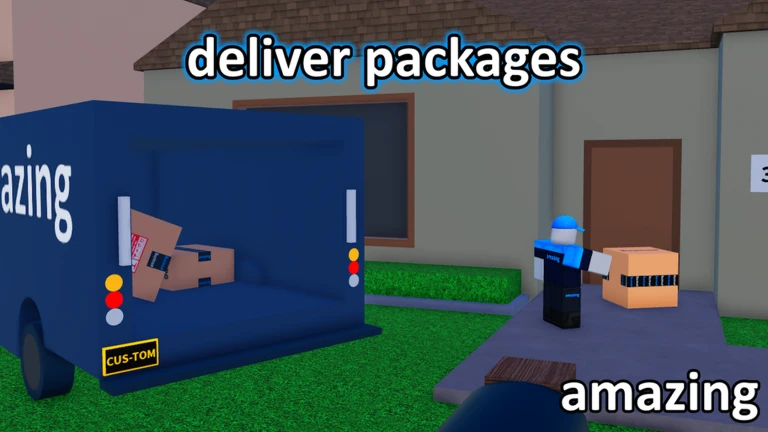
The game sets clear targets across three tracks: delivery count, money earned, and level reached. Hitting each one unlocks a badge, so you always have a short-term goal in sight.
- Deliveries 100, then 500, then 1000 each unlock a badge.
- Money 1000 and 5000 are the two earning milestones.
- Level level 10 and level 25 are the two level checkpoints.
- All buildings delivering to every building in the city unlocks a separate badge.
Rare boxes and package stocking
Tips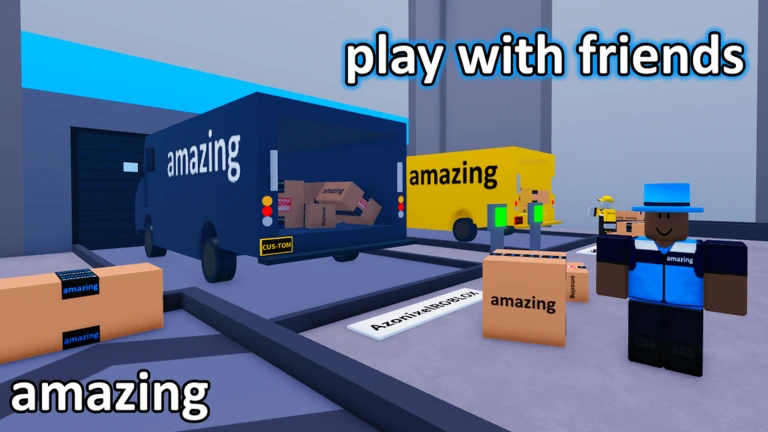
Alongside ordinary packages, the game includes rare boxes — special deliveries with their own badge track. Stocking packages is also tracked separately from delivering them.
- Delivering one rare box type unlocks the Rare Box badge.
- Delivering every rare box type unlocks the All Rare Boxes badge.
- Stocking 100 packages unlocks the Forklift Certified badge — this is counted separately from your delivery total.
Hardcore jobs and speed challenges
Warn
Hardcore jobs and speed runs are the game's toughest challenges.
Co-op and private servers
Check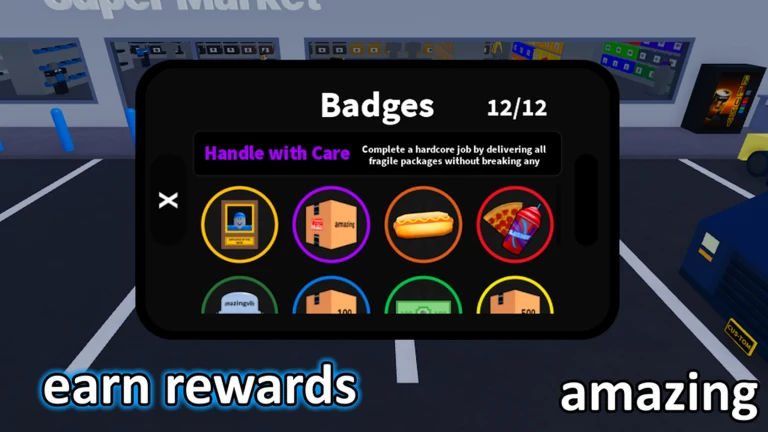
You can play alongside friends in the same server or set up a private server just for your group. Private servers are free for all players.
- Complete a job alongside a teammate to unlock the Better Together badge.
- Create a private server if you want a quieter session with just your group it costs nothing.
- Check the official Discord server for update announcements.
Miscellaneous badges worth chasing
TipsNot every badge comes from deliveries. A handful are tied to activities around the city.
- Eat food until your character literally blows up to unlock Big Stomach.
- Consume five different food items at the same time for the All You Can Eat badge.
- Find a way to climb to the top of the water tower for the On Top of the World badge.
- Jump into a dumpster to unlock Dumpster Diver.
- Find a way to catch yourself on fire for the Fire Starter badge.
- Try the vending machine — getting a lucky elixir from it unlocks the Rare Refreshment badge.
Glossary
Glossary- Package
- The item you pick up and carry to a destination to complete a delivery.
- Rare box
- A special package type that counts toward a separate badge track from ordinary deliveries.
- Hardcore job
- A mission mode where you must deliver all fragile packages without breaking any of them.
- Fragile package
- A breakable package used in hardcore jobs; destroying even one means you miss the Handle With Care badge for that run.
- Stocking
- A separate task from delivering — placing packages into storage, tracked toward the Forklift Certified badge.
- Private server
- A separate server session that any player can create for free, letting you play with just your chosen friends.
Common questions
FAQWhen does the timer start for the Speedrunner and Hard-core Speedrunner badges?
The clock starts the moment you begin driving. Both badges require a solo clear — Speedrunner needs you to finish in under 2 minutes, and Hard-core Speedrunner allows up to 5 minutes.
Do private servers cost anything?
No, private servers are free for all players.
Can I play with a controller or console?
Console and controller support is available, so you can play on console with your friends.
Where do I find news about updates?
The official Discord server is where update announcements are posted.
Game updates can change what is on this page. If you spot something, get in touch and let us know.
