Games listed 43,097
Game guide

Restaurant Tycoon 3 Guide: Your first few minutes

[🎉] Restaurant Tycoon 3
Ultraw, Playing 4.7K, Rating 95.3%
Creator Ultraw
Playing 4.7K
Rating 95.3%
Is this game fun?
No votes yet. Cast the first one.

About

Overview

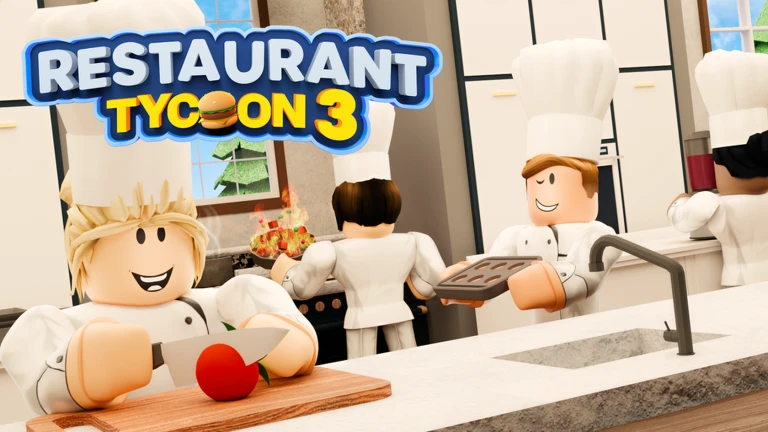
Restaurant Tycoon 3 is a restaurant management game on Roblox where you seat customers, take orders, cook food, and collect bills — then spend what you earn to grow your restaurant. This guide walks you through starting out, spending your money wisely, fixing common problems, and getting the most from redeem codes.

What is on this page

Contents
01

Your first few minutes

Step
In short Finish the tutorial, set up a compact starter restaurant, and serve a handful of customers by hand.

When you load in, work through the tutorial from start to finish — it teaches the core loop of seating, ordering, cooking, and collecting. The cuisine style you pick at the start shapes your early menu options, but you can unlock other cuisines later by completing objectives. Once the tutorial ends, place your entrance, a few tables and chairs, and your cooking equipment close together so nothing is far apart. Then serve two or three tables yourself and watch where things slow down.

  1. Complete the tutorial this is where you learn the full serve-order-cook-collect cycle.
  2. Place entrance, tables, and kitchen equipment close to each other tight spacing means less walking for staff and customers.
  3. Serve two or three tables by hand doing it yourself shows you which step is the bottleneck.
  4. Open the shop and scroll to the bottom the code entry box is there, and redeeming a working code gives you free cash or diamonds.
  5. Note where the queue builds up whether it's at the door, the counter, or the kitchen.
Ask on the board
02

Where to spend your early cash

Check
In short Fix the slowest step first — staff and equipment before seats, seats before decoration.

A common early mistake is buying furniture and lighting before you have enough staff to handle the customers you already have. Follow this rough spending order: clear walkways and basic seating first, then hire the staff you're short on, then upgrade those staff, then add kitchen equipment, then more seats, and finally decoration and bigger builds. Adding seats too fast means orders and dishes pile up. Only expand seating once your current customers are being handled comfortably.

  • Keep all walkways clear chairs and decorations placed in paths stop staff and customers from moving.
  • If cooking is slow, hire or upgrade a chef before anything else.
  • If service is slow, hire or upgrade a server before anything else.
  • Upgrade staff manually from the staff management screen they do not level up on their own.
  • Buy kitchen upgrades and then physically place the new equipment purchasing an upgrade alone does not replace the old station.
  • Save a cash buffer before any big redesign so you are never caught short when you need staff.
03 Live and upcoming events Events

Events running now or coming soon. They have fixed dates, so check them first.

Live now –

Halloween Update, Pt. III

Follow event!

Upcoming –

Next Update

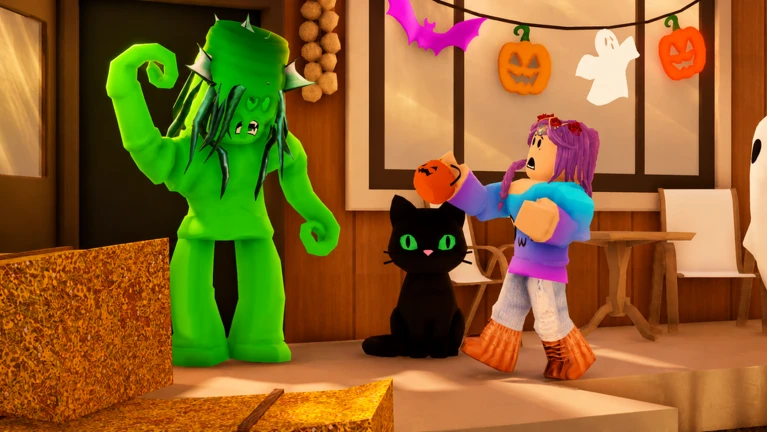
🎃 HALLOWEEN UPDATE, PT. III! - The Jelly Monster is back, bigger and hungrier than ever! 👹 THE JELLY MONSTER RETURN…

See the whole schedule
04

How to redeem codes

Step
In short The code box is at the bottom of the shop screen, and codes must be entered exactly as written before they expire.

Codes give you free cash or diamonds. The input box is inside the shop menu, and you can only open that menu when you are near your own restaurant in the game world. Codes are case-sensitive and each one can only be used once per account. There are currently 11 working codes tracked for this game.
  1. Start the game and move close to your restaurant the shop menu only appears from that location.
  2. Tap the shop button at the bottom of the screen it looks like a shopping cart.
  3. Scroll all the way to the bottom of the shop screen the code entry field is at the very end.
  4. Type the code exactly, matching upper and lower case, then submit it.
  5. Read the on-screen confirmation it tells you what you received.
  6. If a code does not work, it is either expired or already used on your account.
05 Working codes Codes
2spooky
Cannon1
rig2
UltrawEats 1 Ultraw Poster , 1 Ultraw Statue and 1 Ultraw Trophy
1 Ultraw Poster , 1 Ultraw Statue and 1 Ultraw Trophy
Every code, and the votes on it, are on the codes page
06

Troubleshooting a stuck restaurant

Check
In short Find the first place where your flow breaks, fix only that, then look again.

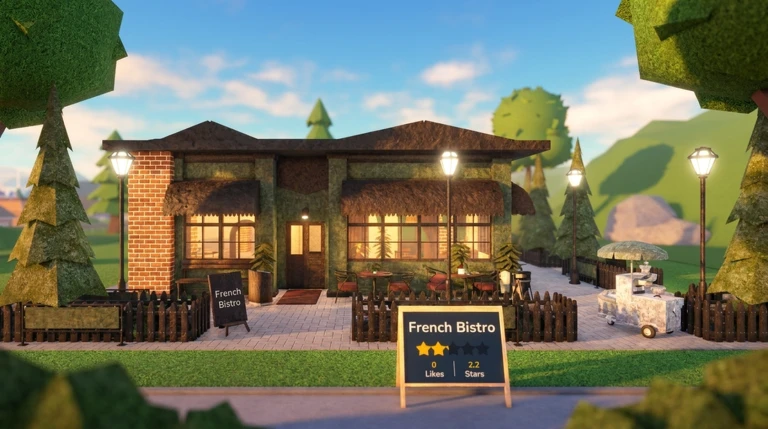
If customers aren't coming in or your income has flatlined, the cause is almost always one specific step that's blocked. Most problems trace back to a walkway that's closed off, a menu with no dishes on it, staff that haven't been manually upgraded, or new equipment that was purchased but never actually placed. Dirty tables with leftover dishes or unpaid bills also stop new customers from being seated at those spots.
  • Walkway from the entrance to the tables is fully clear decorations or chairs might be blocking it.
  • At least one dish is on your menu customers cannot order from an empty menu.
  • Staff have been manually upgraded in the staff management screen.
  • Every kitchen upgrade you bought has been placed as a physical station in build mode.
  • No tables are stuck with dirty dishes or uncollected bills those seats stay locked until cleared.
  • Your staff count can handle your current seat count.
07

The two currencies and how to use them

Table
In short Spend cash on operations and save diamonds until you find something worth buying.

The game runs on two separate currencies. Cash comes in as you serve customers and is your main tool for building and running the restaurant. Diamonds are harder to earn through play alone, but codes are a free source. Keeping a small cash reserve at all times means you can hire a staff member or place a new station without waiting.

Cashuse it for tables, kitchen stations, hiring staff, and manual staff upgrades.
Diamondsuse them for special decorations and limited items.
Code-earned cashbest spent in the early game to fill out your kitchen and hire your first staff.
Code-earned diamondshold them rather than spending immediately, since better items may appear later.
08

Tips for a more efficient restaurant

Tips
In short Short walking distances and focused upgrades turn the same staff count into far more customers served.

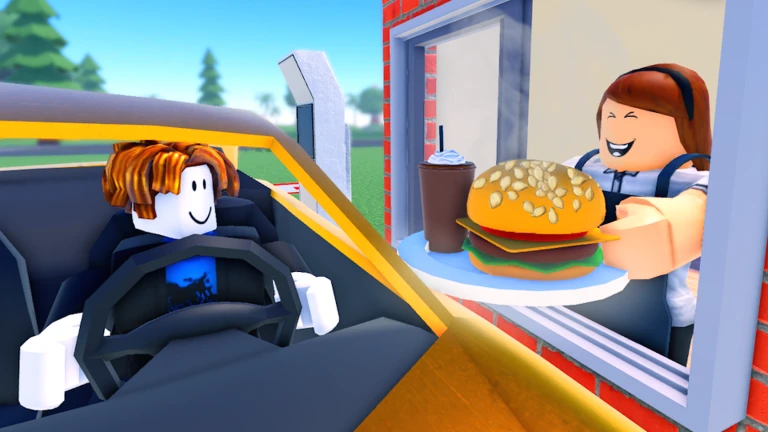
Once you have the basics running, small layout and upgrade choices start making a big difference.
Tips worth knowing
  • Pack kitchen equipment side by side so chefs spend less time walking between stations.
  • A server at level 3 unlocks a tray, which lets them carry more at once.
  • Applying ingredient boosts to expensive dishes raises the price customers pay, so the same number of covers earns more cash.
  • Open the ratings screen and look at Service, Food, Atmosphere, Expansion, and Hygiene — upgrade the lowest-scoring category.
  • Completing objectives is how you unlock cuisines and dishes beyond your starting choice, so keep an eye on the objectives list at the top of the screen.
09

Account safety

Warn
In short Only get codes from trusted sources, and never share your account details with anyone.

Anyone offering free Robux or diamonds in exchange for your password or account information is running a scam. Codes for this game can be found through official channels and reputable fan sites.

Worth watching out for
Never share your password or account details with another player, no matter what reason they give.
Do not click unfamiliar links sent through in-game chat, even if they claim to hold a code.
Parents should review Roblox's chat, friend, and privacy settings with younger players before they play.

Community strategy ideas

Community

These ideas and tips come from people playing the game. Share your discoveries too!

No strategy ideas yet. Share a tip you discovered.

Glossary

Glossary
Cash
The main in-game currency you earn by serving customers, used to buy and upgrade equipment and staff.
Diamonds
A premium currency used for special decorations and limited items, obtainable through codes or purchase.
Bottleneck
The single slowest step in your restaurant's flow.
Server (staff)
A staff member who handles taking orders, delivering food, and clearing tables; gains a tray at level 3 and a cart at level 5.
Chef
The staff member who cooks dishes in the kitchen.
Boost
An ingredient-based upgrade applied to a dish that raises the price customers pay for it.
Walkway
The clear path that staff and customers use to move around your restaurant; blocking it stops staff and customers from moving.
Tycoon
A Roblox game genre where you earn money and invest it to build up a business or property over time.

Common questions

FAQ

Can I play without spending real money?

Yes — cash builds up naturally as you serve customers, and redeeming codes is a free way to pick up diamonds. You can build a solid restaurant from the early game through the mid-game without ever making a purchase.

Why isn't my code working?

Codes are case-sensitive, so double-check that every letter matches exactly. If the code still fails, it has either expired or been used on your account already.

When should I hire more staff?

Hire when one step keeps backing up: a queue of cooking dishes points to a chef shortage, while slow order-taking or dirty tables that linger points to a server shortage.

Why is my rating not going up?

The rating is built from five separate scores — Service, Food, Atmosphere, Expansion, and Hygiene. Open the ratings screen, find whichever score is lowest, and put your upgrades there.

Am I stuck with the cuisine I chose at the start?

Your starting choice affects your early menu, but completing objectives unlocks additional cuisines and dishes over time.

Updated Sep 10, 2026
Game updates can change what is on this page. If you spot something, get in touch and let us know.
[🎉] Restaurant Tycoon 3 Ultraw, Playing 4.7K, Rating 95.3%
See the game pageSee working codesAsk on the board
Add it to your home screen and it works like an app. One tap to open, and it loads faster after that.