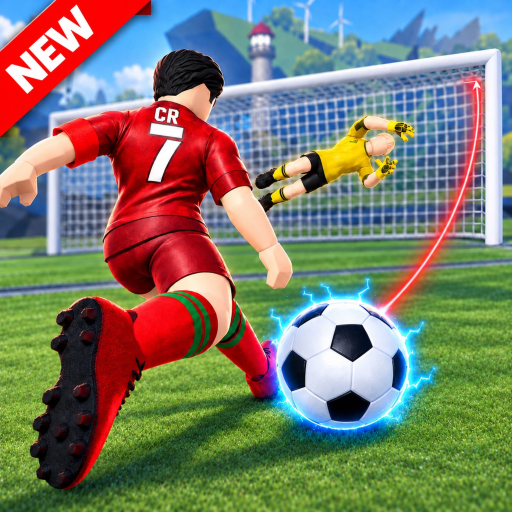
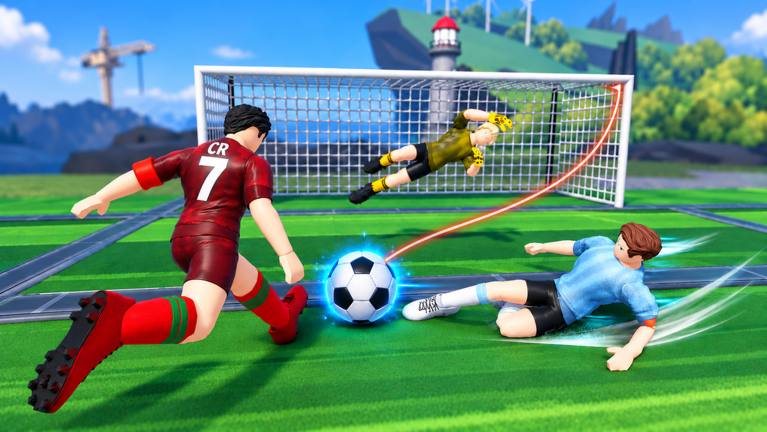
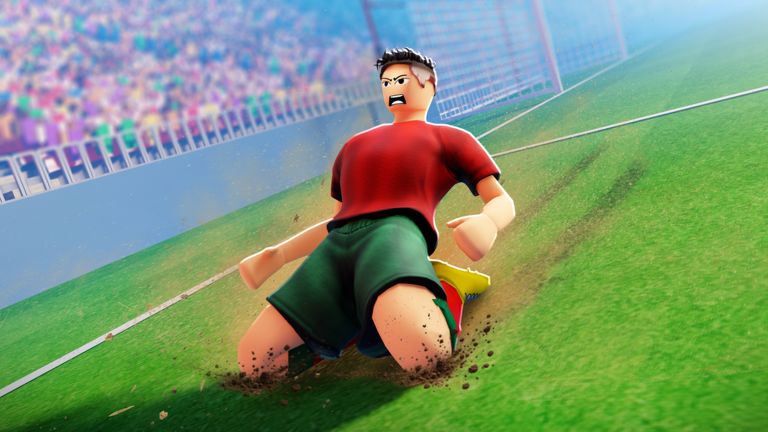
Street Soccer Pro is a Roblox soccer game for up to eight players where you shoot, pass, tackle, and celebrate on the pitch. It works on PC, mobile, and console.
Pick a clear role — goalkeeper, defender, or striker — so your team is not all chasing the ball at once
Use R to call for a pass when you are in a better position than the player holding the ball
As goalkeeper, dive with E to block incoming shots
A clutch save at a critical moment can swing the momentum of the whole match
05
Things to know before you start
Warn
Keep these in mind during your first few matches.
Worth watching out for
AI goalkeepers are active and balanced
Right-click cancels a shot or pass
Mobile and console controls are adapted for those platforms, so the keyboard layout above only applies when you are on PC
06
Private server features
Summary
Private servers are available with extra options.
Admin panel available in every private server
Custom features accessible through the private server
Community server the place to check for the latest updates and details
Glossary
Glossary
Dribble
Pressing Q lets you carry the ball quickly.
Power shot
A stronger-than-normal shot fired with F instead of the standard left-click charge.
Volley
A shot you take while the ball is still in the air before it hits the ground.
Bicycle kick
An acrobatic airborne shot pulled off by jumping and volleying at the same time.
Clutch save
A goalkeeper stop made at a critical moment that can turn the tide of a match.
Common questions
FAQ
How do I play as goalkeeper?
Press E to dive and block shots when you are in the goalkeeper position. There are also AI goalkeepers in the game, but a human player can take the role instead.
Does Street Soccer Pro work on mobile and console?
Yes, the game supports both mobile and console. The keyboard controls listed in this guide are for PC only.
What do private servers include?
Private servers come with an admin panel and custom features. Check the official community server through the game's Social Links for details.
How do I curve a shot?
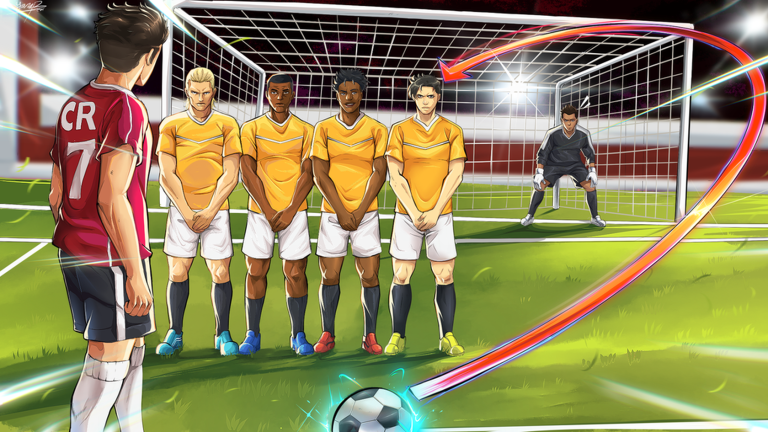
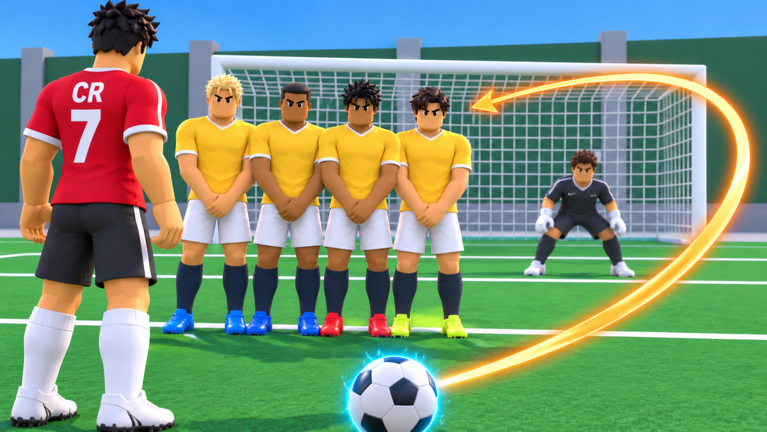
Hold left click to start charging your shot, then hold A to bend it left or D to bend it right while still charging. Release left click to fire the curved shot.
Updated Oct 11, 2026
Game updates can change what is on this page. If you spot something, get in touch and let us know.