
Army Commander Tycoon Guide: The core gameplay loop
About
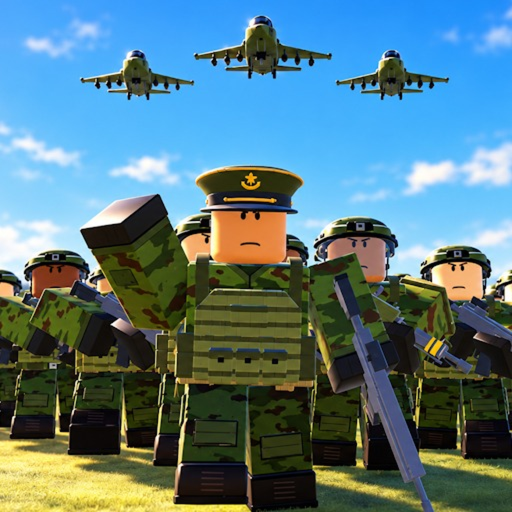
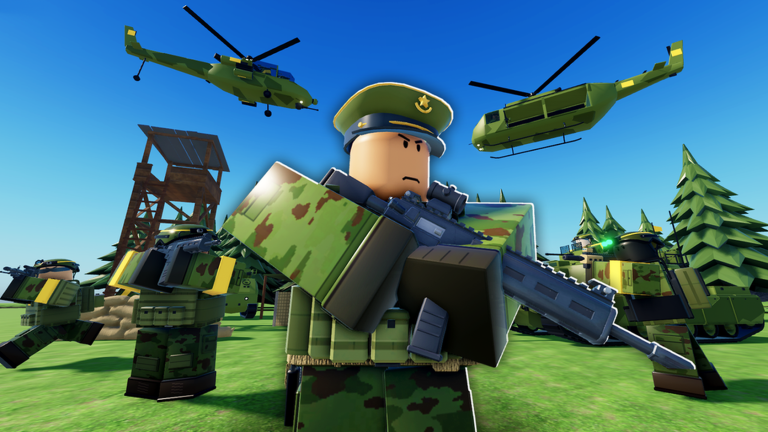
OverviewArmy Commander Tycoon is a Roblox tycoon game where you grow a small military outpost into a full fighting force. You build and upgrade base facilities to earn income, unlock troop types from infantry to helicopters, and send your army out to capture objectives across the map. This guide walks you through the core loop, troop unlocks, map control, and the extra features worth understanding before you buy them.
What is on this page
Contents
The core gameplay loop
Step
You start from a small base with almost nothing. The goal is to keep that cycle turning — earn money, spend it on buildings and troops, use those troops to take objectives, and let the extra income from captured points fund the next round of upgrades.
- Build base facilities place and upgrade the buildings that generate your income stream.
- Unlock your first troops start with infantry so you have a fighting force ready before you need one.
- Capture and collect taking a strategic point adds to your income, which speeds up everything else.
- Reinvest and expand use the extra cash to unlock new troop types and push further across the map.
Early-game setup
Check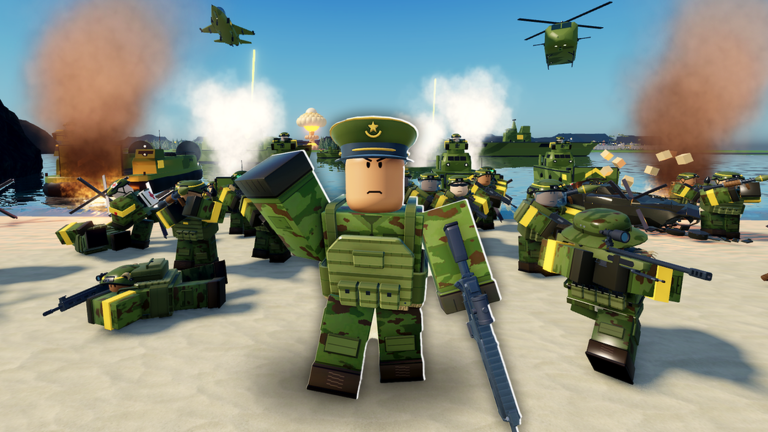
The opening minutes decide how quickly you can grow. Securing the income loop early lets you unlock troops and upgrade buildings.
- Production buildings are placed and generating cash.
- At least one infantry unit is unlocked and ready to deploy.
- The ARMY menu and COMMAND menu are both found ARMY handles deployment, COMMAND sends orders to a destination.
- Money is circulating fast enough to cover both construction and troop costs.
Troop types and the facilities that unlock them
Tips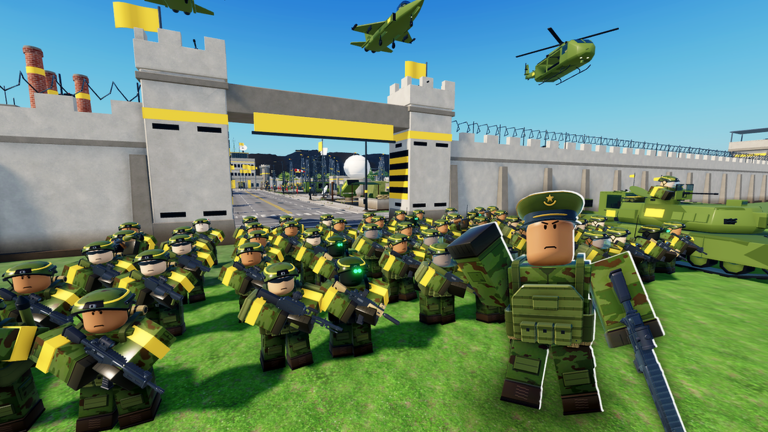
Troops are unlocked in stages as you accumulate in-game cash. Infantry come first, but tanks, artillery, helicopters, and other vehicles open up over time. Different units need different buildings.
- Infantry are unlocked through the soldier tent, which is separate from vehicle facilities.
- Tanks and ground vehicles require a garage, not the tent.
- Helicopters are operated from the helipad, and gunships specifically launch from there too.
- Aircraft use a runway, and naval units use a dock — each has its own building to construct first.
- Keep upgrading existing troops alongside unlocking new ones.
Capturing the map
Summary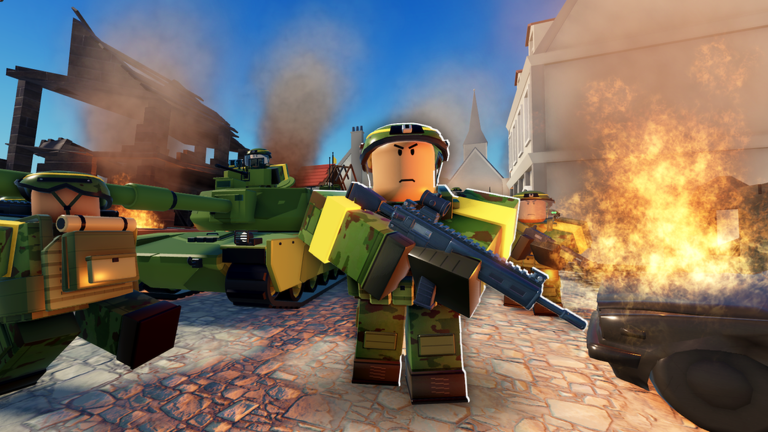
Strategic points are scattered across the map, and capturing them converts them into ongoing income sources. Up to eight players share the same server, so other commanders are competing for the same points.
- Income effect each captured point increases the cash you earn per second.
- Competition other players in the session are also expanding.
Extra features and what they actually do
Warn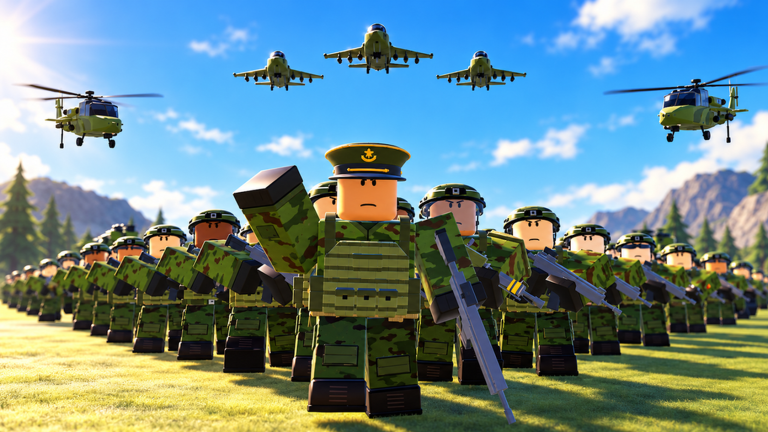
Several optional features can be purchased, but their effects are narrower than their names suggest. Knowing what each one covers helps you avoid spending on something that does not solve your actual problem.
Large-scale battles
TipsAfter enough upgrades and captures, you can commit your full army to bigger fights. The goal is to crush enemy forces and take strategic objectives.
- Use the COMMAND menu to direct your forces to a target destination.
- Destroying enemy units clears the way for capturing the objectives behind them.
Glossary
Glossary- Base
- Your central hub where you construct and upgrade buildings to earn money and unlock troops.
- Objective
- A strategic point on the map that generates income for whoever controls it.
- ARMY menu
- The interface where you manage and deploy your troops.
- COMMAND menu
- The interface where you set a destination and issue movement orders to deployed troops.
- Helipad
- The facility required to operate helicopters and gunships — separate from the soldier tent.
- Manual pump
- An oil-producing installation you operate yourself to earn money, distinct from the Auto Pump upgrade.
- Loadout
- A saved combination of equipment; three slots are available by default, expandable to six with Extra Loadout.
Common questions
FAQHow many players can be in one server?
Up to eight players can share the same session, all competing to expand their territory at the same time.
How do I unlock helicopters?
You need to build a helipad first. Helicopter units require their own dedicated facility, separate from the soldier tent.
What is the difference between Bigger Army and Rapid Deployment?
Bigger Army increases the total number of soldiers and vehicles you can have on the field at once. Rapid Deployment makes fallen soldiers and destroyed vehicles return to action faster, but does not add any extra units.
How many loadout slots do I get?
You start with three saved loadout slots. Purchasing the Extra Loadout feature doubles that to six slots.
Game updates can change what is on this page. If you spot something, get in touch and let us know.
