
Overworld Guide: First steps when you load in
About
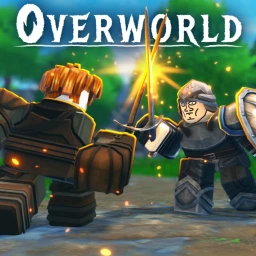
OverviewOverworld is an open-world RPG on Roblox where you level up eleven different skills, craft gear, explore dungeons, and fight bosses.
What is on this page
Contents
First steps when you load in
Step
Overworld is only available on PC and console — it does not run on mobile.
- Open inventory find it from the main game screen.
- Click the settings menu it is inside the inventory.
- Choose your control scheme pick PC or console to match your setup.
How skills work and why mastery matters
Summary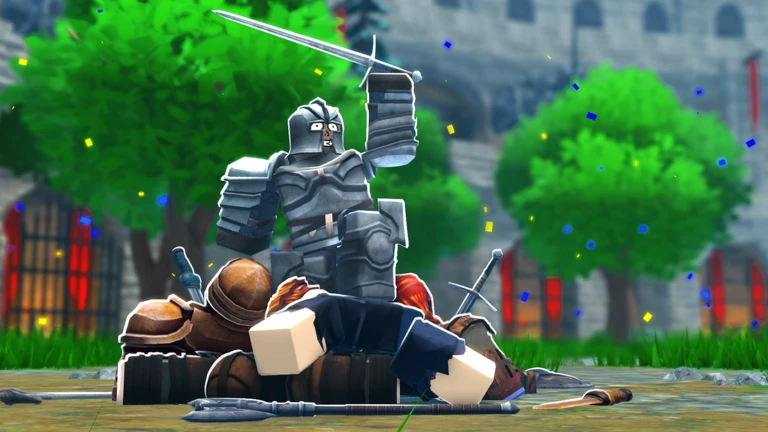
There are eleven skills in total, and each one levels up independently. Completing quests and exploring dungeons both earn you experience toward those skills. Leveling all eleven to their maximum is called achieving mastery.
- Skills eleven in total, each leveled separately.
- Quest experience completing quests raises your skill levels.
- Dungeon experience exploring dungeons also earns skill experience.
- Mastery the state you reach when every skill is fully leveled.
Three ways to get better gear
Check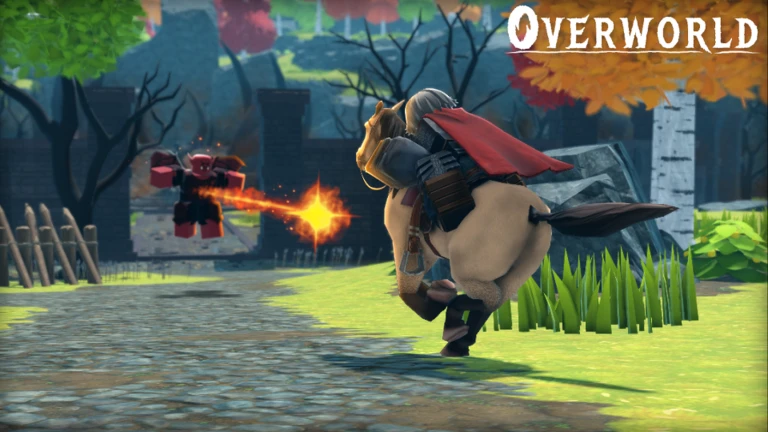
Gathering resources from across the world and crafting them into gear, killing dungeon bosses for rare drops, and completing quests for rewards are the three ways to obtain equipment.
- Gather resources from the world and craft them into weapons and armor.
- Kill dungeon bosses they drop rare items.
- Finish quests to receive tools, weapons, and spells as rewards.
PvP versus PvE
Table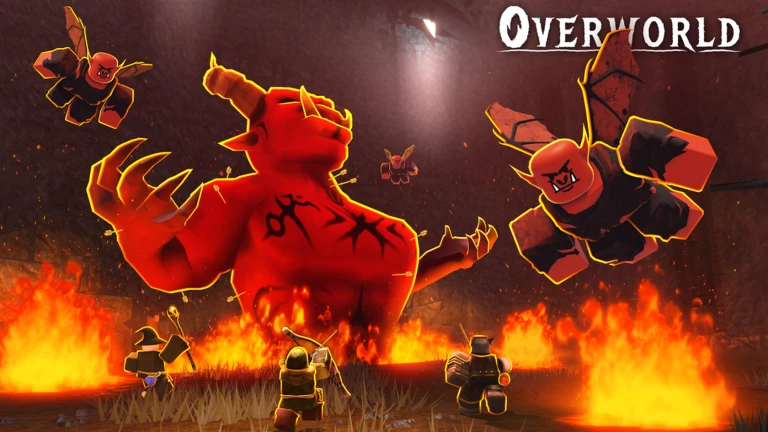
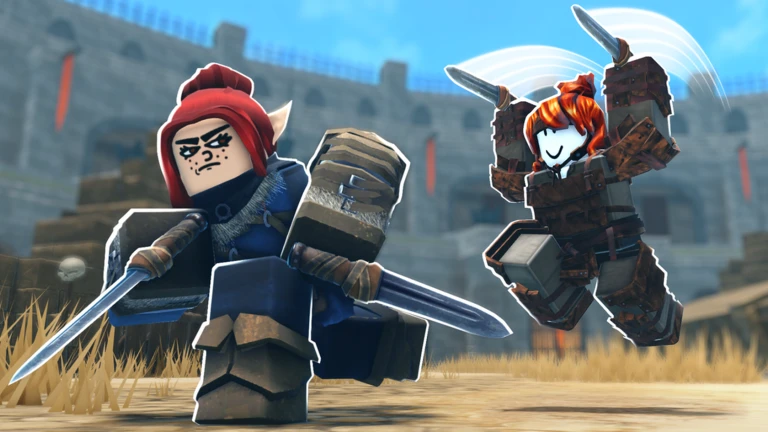
Both modes are available in the game.
| PvP | you fight other players, but your gear is at risk. |
| PvE | you form a party and fight bosses or dungeon monsters together. |
Dungeon exploration
Tips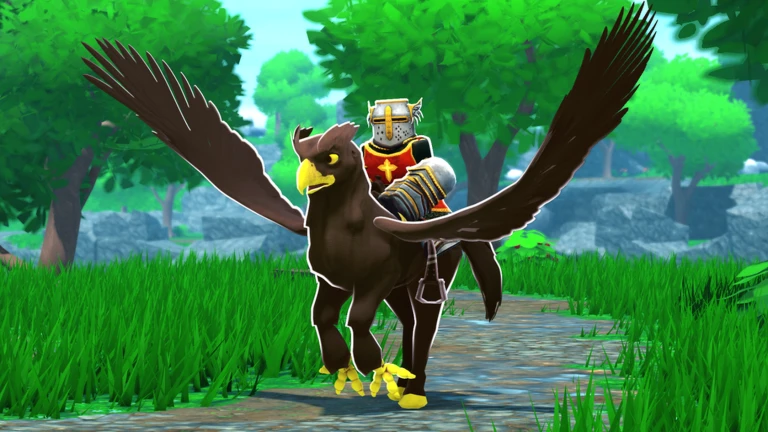
Because dungeons are randomly generated, repeated runs offer different experiences.
- Bring a party — you can group up with friends to explore dungeons together.
- Run the same dungeon more than once — the random layout means each visit plays differently.
One rule you cannot ignore
WarnThe game enforces a strict no-cheating policy.
Glossary
Glossary- Mastery
- The achievement you earn by leveling all eleven skills to their maximum.
- Dungeon
- A randomly generated area filled with monsters and bosses that drop resources and rare items.
- PvE
- Player versus Environment — cooperative combat against bosses and dungeon monsters rather than other players.
- PvP
- Player versus Player — combat against other players in which your gear can be at risk.
- Drop
- An item left behind by an enemy when you defeat it.
- Party
- A group of players who team up to tackle dungeons or bosses together in PvE.
Common questions
FAQWhich devices can I play Overworld on?
Overworld runs on PC and console only. Mobile is not supported.
How do I level up my skills?
You earn skill experience by completing quests and by exploring dungeons.
Can I play with friends?
Yes — form a party in PvE mode and you can tackle dungeons and boss fights together.
Is my gear safe in PvP?
No. In PvP your gear is at risk.
Game updates can change what is on this page. If you spot something, get in touch and let us know.
