
Logo Color Bridge Guide: Basic controls

About
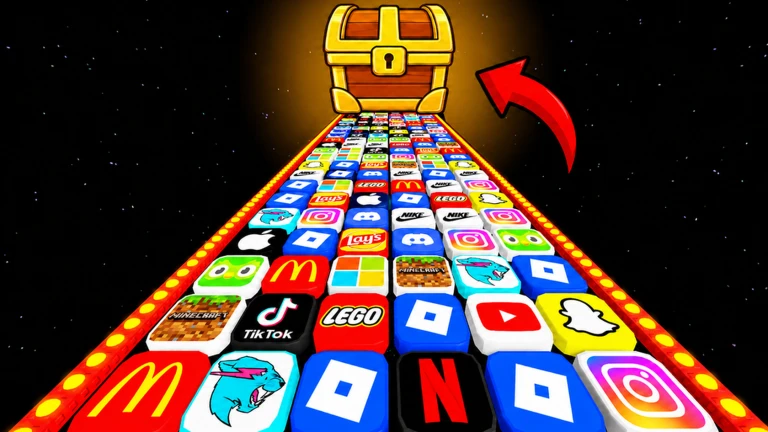
OverviewLogo Color Bridge is a Roblox obstacle game where you run and jump across a long stretch of colorful bridges, seeing how far you can get. The bridges start wide and forgiving, then get narrower and trickier as you go. This guide covers the controls, how to handle difficult bridges, and how to push your personal record further.
What is on this page
Contents
Basic controls
Step
When you load in, a long run of colorful bridges stretches out ahead of you. Move with the arrow keys or WASD, and press Space to jump. Drag the mouse to look around and check what is coming up ahead. If the game stops responding to your keys, click the center of the screen to give focus back to Roblox.
- Move use the arrow keys or WASD to walk forward, backward, and side to side.
- Jump press Space to leave the ground and clear gaps between bridges.
- Look around drag the mouse to rotate your view and see the bridge shape ahead.
- Reclaim focus click the center of the screen if your keys stop working.
MetaNew Player Survey

The next survey is being prepared.
How the difficulty ramps up
Table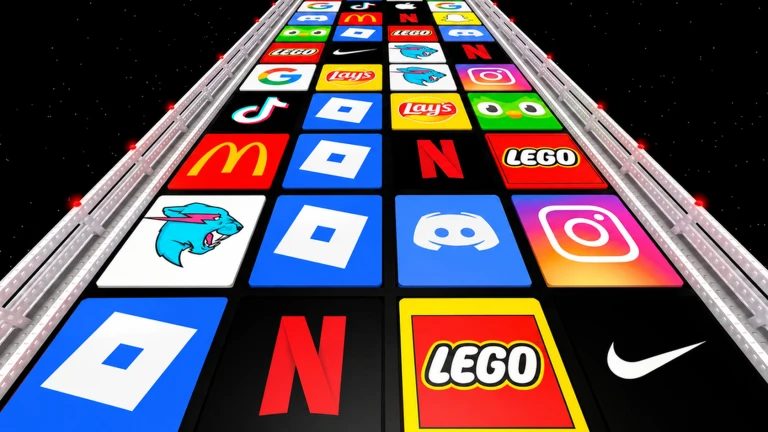
As you progress, the bridges narrow and the gaps grow longer. There is no score or timer pushing you, so you can study each new section before committing to a move.
| Early bridges | wide platforms, low risk of falling. |
| Later bridges | narrower surface, longer jumps. |
| Pace | no time limit. |
| Restart cost | falling sends you back to the last safe point. |
Staying on the bridge
Tips
Most falls happen in the same three ways: walking too close to the edge, jumping without enough run-up, and not watching where you land.
- Walk down the middle of every bridge — a tiny sideways drift at the edge becomes a fall.
- Before a long gap, build up speed with a run-up so the jump actually reaches.
- Watch your feet as you land, not the next bridge — confirm you are on solid ground first.
- Pause at each new bridge type and study its shape before stepping onto it.
Getting unstuck on a hard bridge
CheckWhen you fall from the same bridge several times in a row, work through this list before deciding a section is impossible.
- Have you tried different run-up lengths? Test no run-up, a short sprint, and a full sprint separately.
- Are you aiming for the center of the landing bridge, not just anywhere on it?
- Is your camera at a useful angle? Move the mouse until you can see the gap and the landing zone at the same time.
- For sections with several jumps back to back, are you conscious of the rhythm between each one?
- Has Roblox been running a long time? Restarting the client can fix control issues that creep in over time.
Pushing your record further
Tips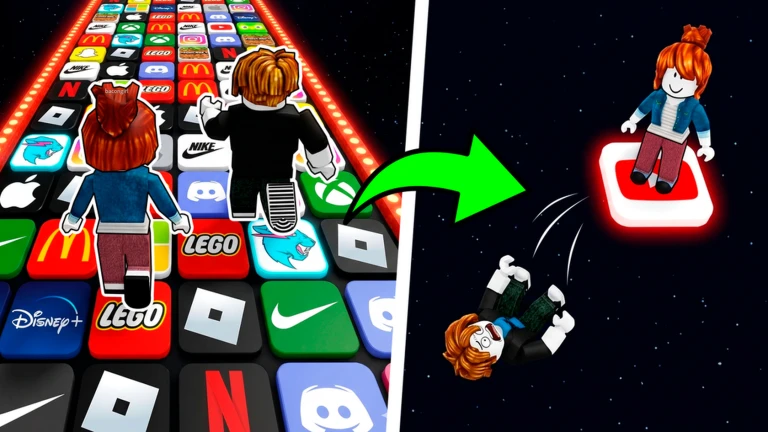
The goal of Logo Color Bridge is simply to go as far as you can. Once you have a working approach to a hard bridge, repeat it enough times that it becomes automatic.
- Sprint through the sections you know well and save your focus for the bridge that is stopping you.
- After failing the same bridge ten or more times, a clear pattern in what works and what does not starts to emerge.
- When you clear a hard bridge successfully, replay the moment mentally — what did you do differently?
- Practice the approach to a difficult jump from a few steps before the edge, not from the very start every time.
- Play with a friend and compare how far each of you gets.
Game facts at a glance
SummaryA few quick facts about the game.
- Goal reach as far along the bridges as possible, then beat that distance on your next run.
- Cost every bridge is available without spending anything.
- Restart rule falling returns you to the last safe point.
- Difficulty curve bridges start easy and become narrower and more demanding the further you travel.
- Play style designed for solo sessions, though competing on distance with friends adds a challenge.
Community strategy ideas
CommunityThese ideas and tips come from people playing the game. Share your discoveries too!
No strategy ideas yet. Share a tip you discovered.
Share a strategy idea
Logo Color Bridge
Glossary
Glossary- Run-up
- The short sprint you take before a jump to build enough speed to clear a long gap.
- Respawn
- What happens when you fall — your character reappears at the last safe point on the bridge.
- Camera angle
- The direction your view is pointing, controlled by dragging the mouse; a good angle lets you see both the gap and where you will land.
- Focus
- Roblox's term for which part of the screen is listening to your keyboard; clicking the center of the game window gives it back if keys stop responding.
- Section
- One distinct stretch or type of bridge within the full run.
Common questions
FAQWhat happens when I fall off a bridge?
Your character is sent back to the last safe point on the run.
Do I need to spend Robux to reach later bridges?
No. Every bridge in the game is accessible without spending anything. You can play through the full run for free.
Is there a defined finish line?
The challenge the game sets is simply how far you can get, not reaching a fixed endpoint. Your personal record is whatever distance you have managed so far, and each run is a chance to go further.
Game updates can change what is on this page. If you spot something, get in touch and let us know.
