
Deadly Indian Truck Driving Guide: Controls to learn before you drive
About
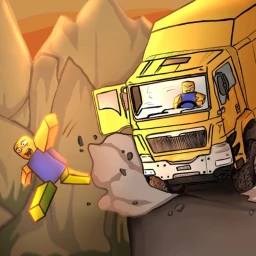
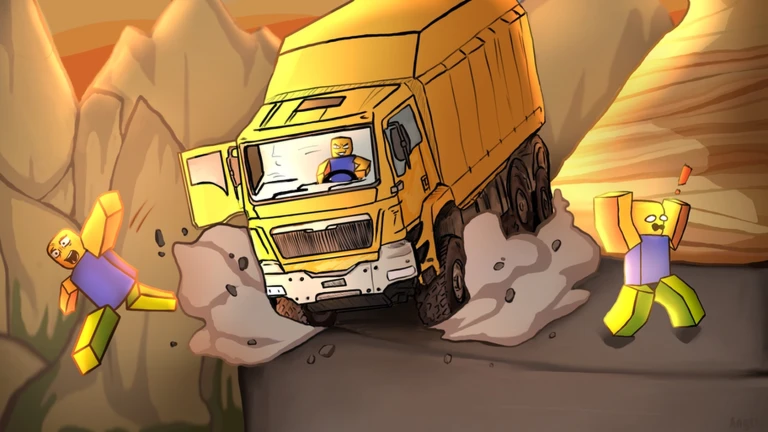
OverviewDeadly Indian Truck Driving puts you behind the wheel of a delivery truck on treacherous Indian mountain roads. The goal is simple: survive as long as possible while falling boulders, bad weather, and earthquakes try to stop you. This guide covers controls, how to handle each type of hazard, and how to push further with every run.
What is on this page
Contents
Player notes and tips
Found a useful trick? Share it with everyone! Notes with screenshots are welcome!
Write a guide note
Deadly Indian Truck Driving
Controls to learn before you drive
CheckMovement uses the arrow keys or WASD. Three extra keys handle the situations where basic steering is not enough.
- Arrow keys or WASD steer the truck forward, backward, left, and right
- P emergency brake, stronger than standard braking and useful for sudden obstacles
- L toggles the headlights on and off for low-visibility stretches
- H sounds the horn, useful as a signal around other traffic
MetaNew Player Survey

The next survey is being prepared.
Getting started: truck selection and first run
Step
When you load in you receive the A Journey Awaits badge automatically. From there you choose a delivery truck and head onto the mountain road. If you join the SilverScales Studio Roblox group — free to join, no purchase required — you unlock a bonus truck without spending anything.
- Join the group
visit the SilverScales Studio community page on Roblox and join for free to claim the Gamepass Truck before your first run
- Choose your truck
select from the available delivery trucks
Hazards and how to handle each one
Tips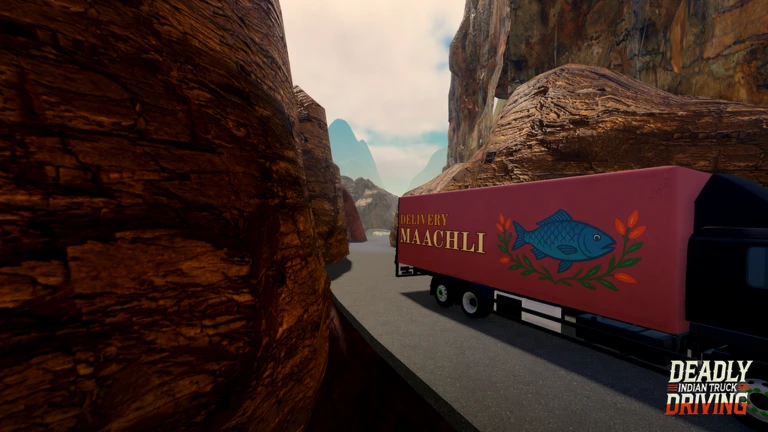
The mountain road throws three main problems at you: falling boulders, bad weather, and earthquakes. They grow more frequent and start appearing together as you travel further.
- When you spot a falling boulder, hit the emergency brake (P)
- Turn the headlights on (L) the moment visibility drops in rain or storms
- During an earthquake the road itself shakes, so make small steering corrections instead of large ones to avoid overcorrecting off the edge
Checkpoints and what reaching them means
Summary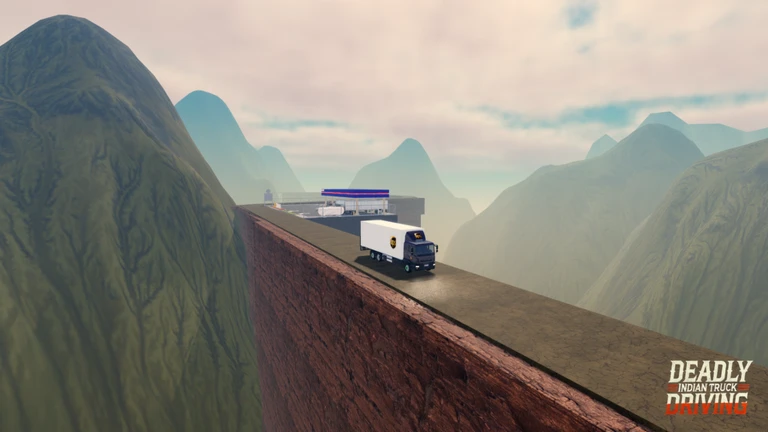
Each checkpoint you hit earns you a badge. Checkpoint 3 sits at the halfway mark, and the difficulty keeps climbing until Checkpoint 5, which the game itself describes as mastering the mountain.
- Checkpoint 1
the adventure has begun; the road is still manageable here
- Checkpoint 2
early hazards are consistent now; resilience matters more than speed
- Checkpoint 3
the halfway point; skills and patience are both being tested
- Checkpoint 4
the road is genuinely difficult and only careful drivers reach this far
- Checkpoint 5
full completion; every hazard type has been cleared
Glossary
Glossary- Emergency Brake
- Activated with P, this stops the truck faster than standard braking and is the best tool for sudden obstacles.
- Headlights
- Toggled with L, they improve visibility during storms and other low-light sections of the mountain road.
- Horn
- Sounded with H, it works as a signal around other vehicles or traffic in the game world.
- Gamepass Truck
- A free delivery truck unlocked by joining the SilverScales Studio Roblox group at no cost.
- Checkpoint
- One of five progress markers along the mountain road, each awarding a badge when you pass through it.
Common questions
FAQDo I need to spend Robux to reach the later checkpoints?
No. Every checkpoint is reachable with the free starting trucks. Joining the SilverScales Studio group also adds a truck at no cost, which gives you more options without any purchase.
How do earthquakes differ from the other hazards?
Unlike boulders or weather, earthquakes shake the road itself, which makes the truck harder to control even on a clear path. Small, frequent steering corrections work better than big inputs during a quake.
Game updates can change what is on this page. If you spot something, get in touch and let us know.
