
Moving House Simulator Guide: How a moving job works
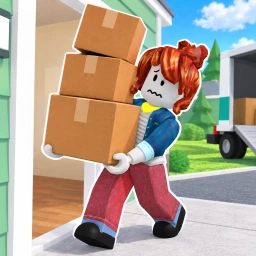
About
OverviewMoving House Simulator puts you in charge of a moving company, handling everything from packing boxes to driving the truck and unpacking at the new home. You earn XP and Mover Dollars after every job, which you use to level up your company and unlock new maps. This guide walks you through your first job, how progression works, and how to get the most out of each move.
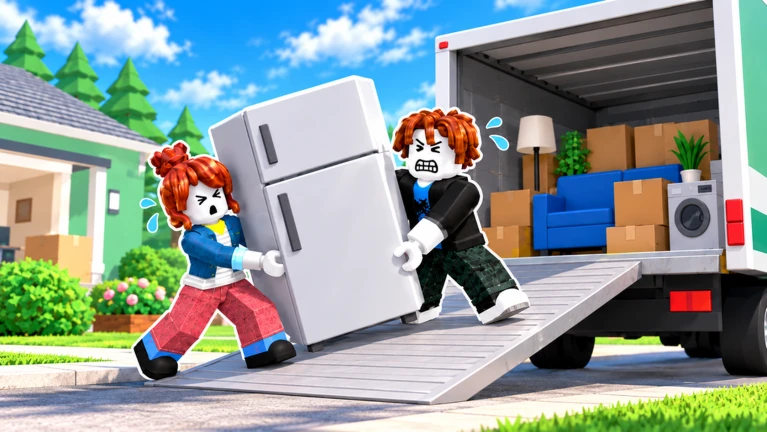
What is on this page
Contents
Player notes and tips
Found a useful trick? Share it with everyone! Notes with screenshots are welcome!
Write a guide note
🏠 [UPDATE] Moving House Simulator!
How a moving job works
Step
Each job is a complete cycle from an empty box to a fully unpacked home.
- Pack
Sort items such as toys, clothes, kitchenware, electronics, decor, and tools into the correct boxes.
- Load
Carry furniture and packed boxes out to the truck.
- Travel
Drive the truck to the new home.
- Unpack
Place everything in the right spot to finish the job and collect your XP and Mover Dollars.
MetaNew Player Survey

The next survey is being prepared.
Three maps and how to reach them
Table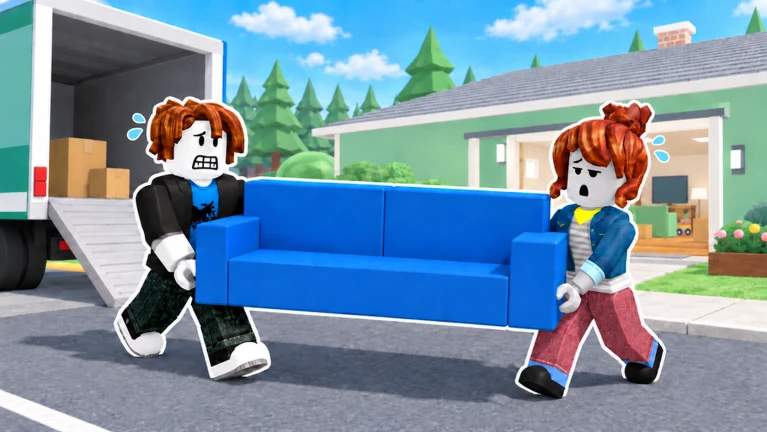
Maps unlock in order as your company level rises. Finish one to open the next.
| Map | Badge you earn |
|---|---|
| First Home | Map 1 - First Home |
| Beach House | Map 2 - Beach House |
| Family Home | Map 3 - Family Home |
What XP and Mover Dollars do
TableFinishing any job rewards you with both XP and Mover Dollars at the same time.
| XP | Builds your company level, which unlocks the next map. |
| Mover Dollars | Spent in the shop on van skins and garage decorations. |
| First van skin purchase | Triggers the First Van Skin badge the moment you buy it. |
| Garage decorations | Another way to spend Mover Dollars and personalise your base. |
Glossary
Glossary- Mover Dollars
- The in-game currency you earn by completing jobs, spent on van skins and garage decorations.
- XP
- Experience points earned from every job that raise your company level and unlock new maps.
- Company Level
- A progress rank that rises with XP and gates access to later maps.
- Daily Jobs
- Special jobs that reset each day.
- Van Skin
- A cosmetic item bought with Mover Dollars that changes the look of your truck.
Common questions
FAQCan I play alone or do I need a group?
You can take on jobs solo at any time. If you want company, up to twelve players can share one session and split the work between them.
How do I unlock new maps?
Complete jobs to earn XP, which raises your company level. Each new level threshold opens the next map in the sequence.
How do I get the First Van Skin badge?
Earn enough Mover Dollars by finishing jobs, then spend them on any van skin in the shop. The badge arrives the moment the purchase goes through.
Game updates can change what is on this page. If you spot something, get in touch and let us know.
