
Tsunami Tower Guide: Choosing the right course to start
About
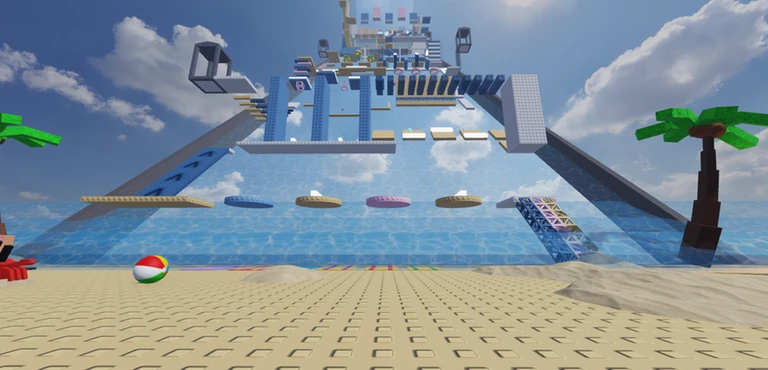
OverviewTsunami Tower is an ocean-themed parkour obstacle course on Roblox where up to 30 players can climb and jump their way through courses of different difficulties.
What is on this page
Contents
Player notes and tips
Found a useful trick? Share it with everyone! Notes with screenshots are welcome!
Write a guide note
Tsunami Tower 🌊
Choosing the right course to start
Step
When you log in, you arrive at the main tower and can choose your course from there. There are easy and hard versions of both the tower and the obby. Pick the one that matches where your skills are right now.
- Check the difficulty easy tower and easy obby are available if you are new or still finding your footing.
- Locate the goal know where the finish is on your chosen course before you start moving.
- Clear an easy course first, then move to the hard version of the same type.
MetaNew Player Survey

The next survey is being prepared.
Movement and checkpoint use
Tips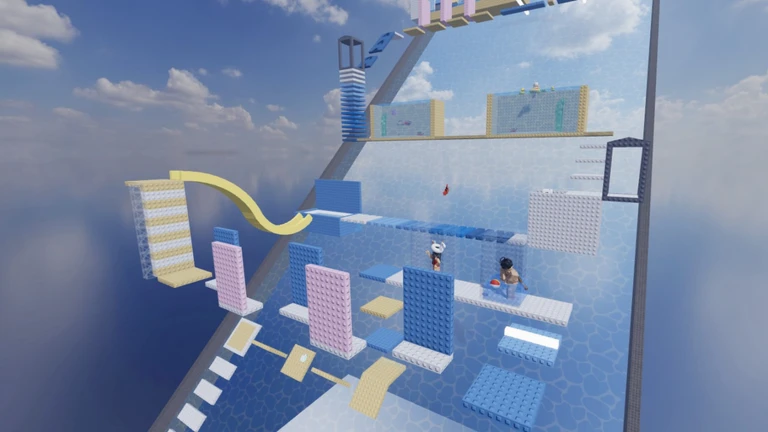
Tsunami Tower is built around parkour, so you will be combining jumps, crouches, and quick movement to get past obstacles. Checkpoints scattered through each course save your progress, so a fall sends you back only to the last one you reached rather than all the way to the start.
- Time your jumps to the height of each obstacle and aim for the landing point before you leave the ground.
- Touch every checkpoint you pass.
- Repeating a tricky section until you recognise its pattern helps you get through it.
Free features worth knowing about
Check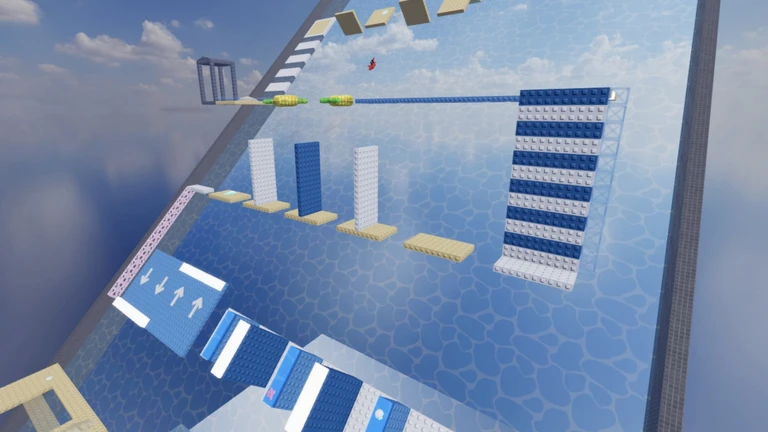
The game gives away a few features at no cost.
- Free headless avatar option is available without payment.
- Free Korblox avatar option is available without payment.
- Private servers are free, so you can run your own room for friends without buying one.
- All courses easy and hard — are open to every player at no cost.
Glossary
Glossary- Obby
- Short for obstacle course — a Roblox game mode where you jump and move through a series of obstacles to reach a finish line.
- Checkpoint
- A spot on the course that saves your progress so that when you fall, you restart from there instead of from the beginning.
- Parkour
- A movement style that chains jumps, crouches, and other actions together to clear obstacles quickly.
- Private server
- A dedicated room only you or invited friends can join, free in this game.
Common questions
FAQDo I need to pay for anything to see all the content?
No. Both the easy and hard courses are free for everyone. The headless and Korblox avatar customisations are also free, and so is the private server.
I keep failing the same section. What should I do?
If it is on a hard course, drop back to the easy version of that course type, get comfortable with the controls, and then return to the hard one.
What is the point of a private server in this game?
A private server lets you play alone or with specific friends without sharing space with strangers. Private servers are free here.
Game updates can change what is on this page. If you spot something, get in touch and let us know.
